173
Handy Features
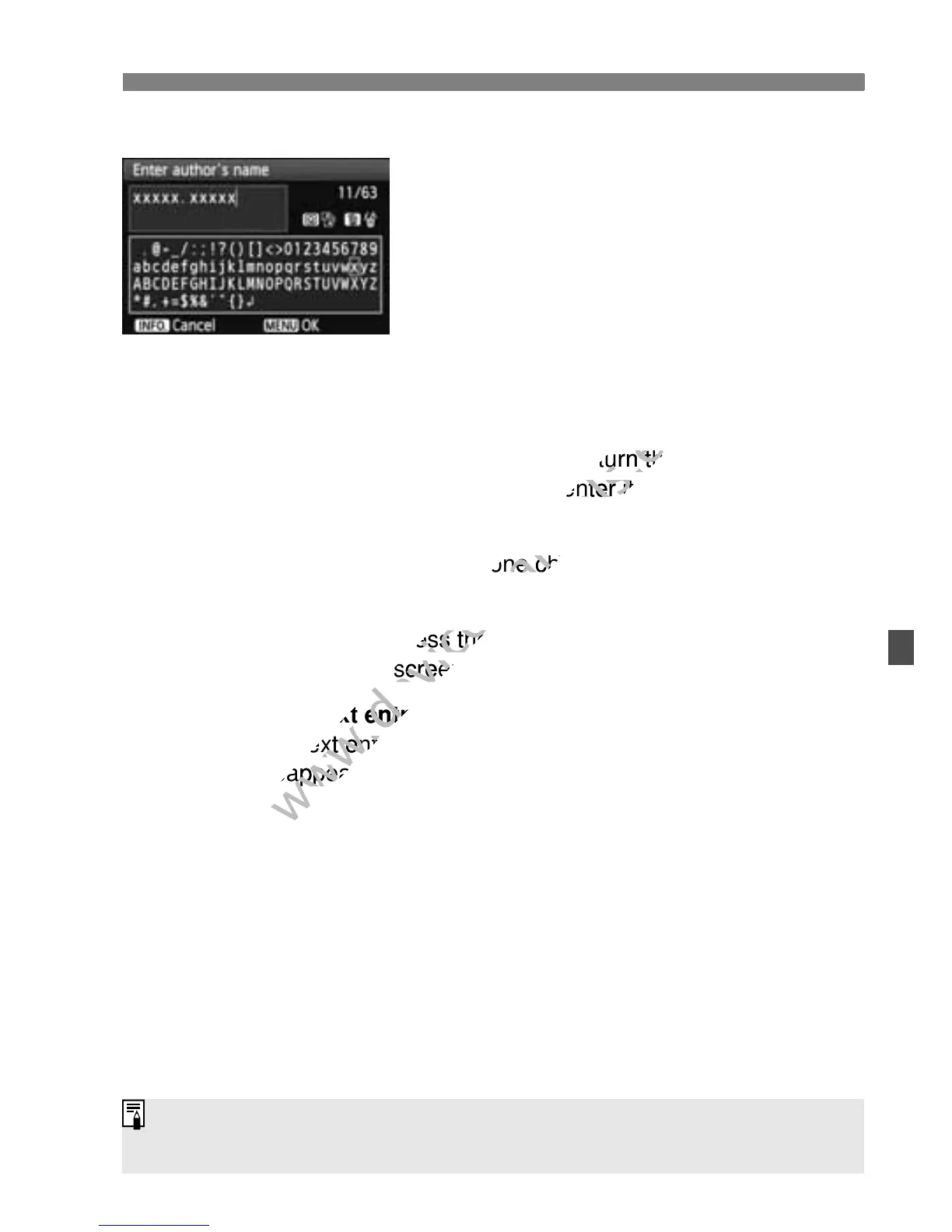
Text Entry Procedure
Changing the entry area:
Press the <Q> button to toggle
between the top and bottom entry
areas.
Moving the cursor:
Press the <U> key to move the
cursor.
Entering text:
In the bottom area, press the <S> key or turn the <6> dial to
select a character, then press <0> to enter it.
Deleting a character:
Press the <L> button to delete one character.
Exiting:
After entering the text, press the <M> button to finalize the text
entry and return to the screen in step 2.
Canceling the text entry:
To cancel the text entry, press the <C> button and the screen in
step 2 will reappear.
You can also set or check the copyright information with EOS Utility
(provided software, p.302).
After entering the text, press the <
www.devicemanuals.eu
After entering the text, press the <
To cancel the text entry, press the <
www.devicemanuals.eu
To cancel the text entry, press the <



 To Next Page