211
k Enjoying Movies
(See the PDF file instruction manual for ZoomBrowser EX/ImageBrowser, p.305)
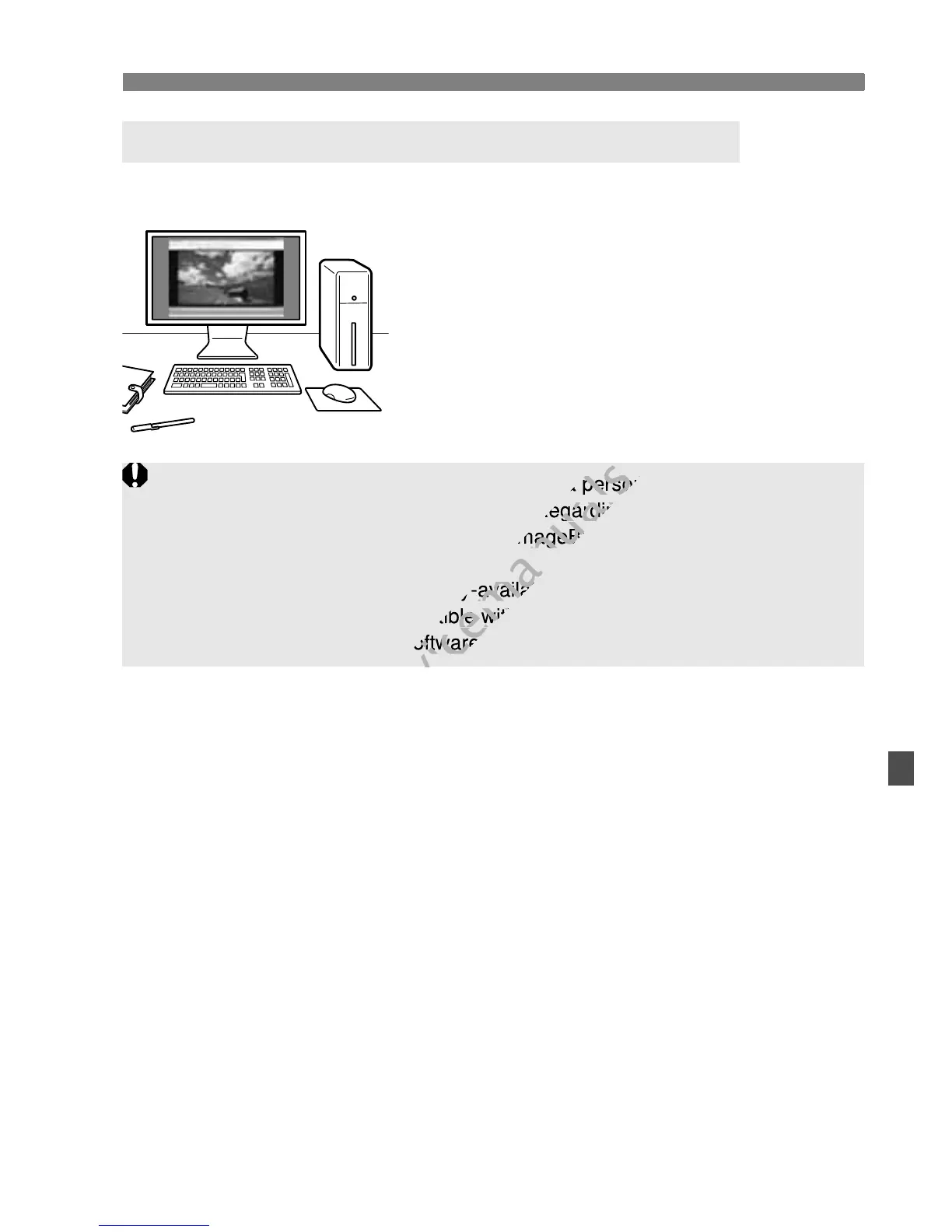
The movie files recorded in the card can
be transferred to a personal computer
and played or edited with ZoomBrowser
EX/ImageBrowser (provided software,
p.302).
You can also extract a single frame from
a movie and save it as a still photo.
Playback and Editing with a Personal Computer
To have the movie playback smoothly on a personal computer, use a
high-performance personal computer. Regarding the computer hardware
requirements for ZoomBrowser EX/ImageBrowser, see the PDF file
instruction manual.
If you want to use commercially-available software to playback or edit the
movies, be sure it is compatible with MOV files. For details on
commercially-available software, inquire the software maker.
a movie and save it as a still photo.
www.devicemanuals.eu
a movie and save it as a still photo.
ly on a personal computer, use a
www.devicemanuals.eu
ly on a personal computer, use a
high-performance personal computer. Regarding the computer hardware
www.devicemanuals.eu
high-performance personal computer. Regarding the computer hardware
requirements for ZoomBrowser EX/ImageBrowser, see the PDF file
www.devicemanuals.eu
requirements for ZoomBrowser EX/ImageBrowser, see the PDF file
If you want to use commercially-available software to playback or edit the
www.devicemanuals.eu
If you want to use commercially-available software to playback or edit the
movies, be sure it is compatible with MOV files. For details on
www.devicemanuals.eu
movies, be sure it is compatible with MOV files. For details on
commercially-available software, inquire the software maker.
www.devicemanuals.eu
commercially-available software, inquire the software maker.



 To Next Page