132
Changing the Autofocus Mode
3
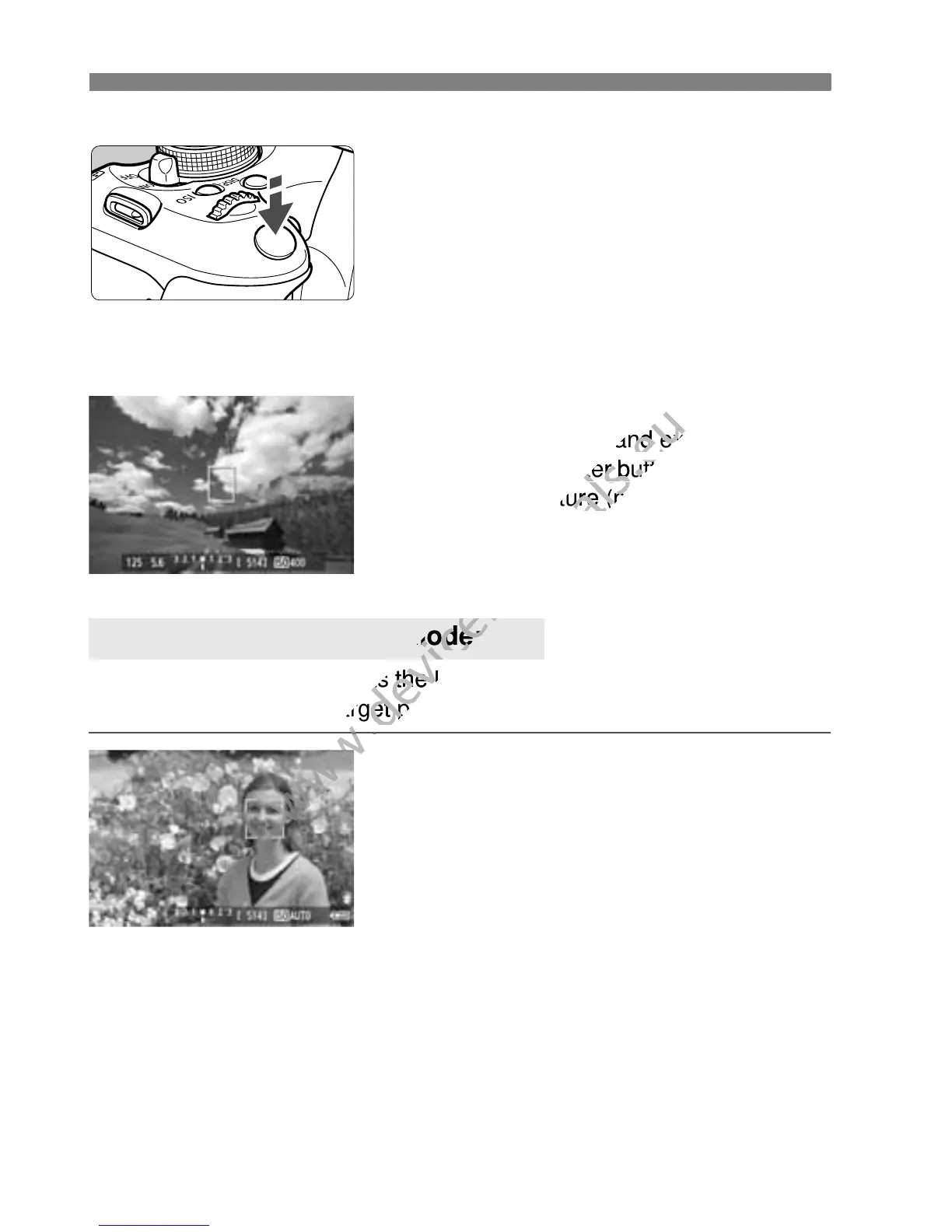
Focus the subject.
Aim the AF point over the subject and
press the shutter button halfway.
X When focus is achieved, the AF point
will turn green and the beeper will
sound.
X If focus is not achieved, the AF point
will turn orange.
4
Take the picture.
Check the focus and exposure, then
press the shutter button completely to
take the picture (p.124).
With the same AF method as the Live mode, human faces are detected
and focused. Have the target person face the camera.
1
Display the Live View image.
Press the <A> button.
X The Live View image will appear on
the LCD monitor.
When a face is detected, the <p>
frame will appear over the face to be
focused.
If multiple faces are detected, <q>
will be displayed. Press the <U>
key to move the <q> frame over
the desired target face.
u (Face detection) Live Mode: c
Check the focus and exposure, then
www.devicemanuals.eu
Check the focus and exposure, then
With the same AF method as the Live mode, human faces are detected
www.devicemanuals.eu
With the same AF method as the Live mode, human faces are detected



 To Next Page