164
Movie Shooting Cautions
Recording and Image Quality
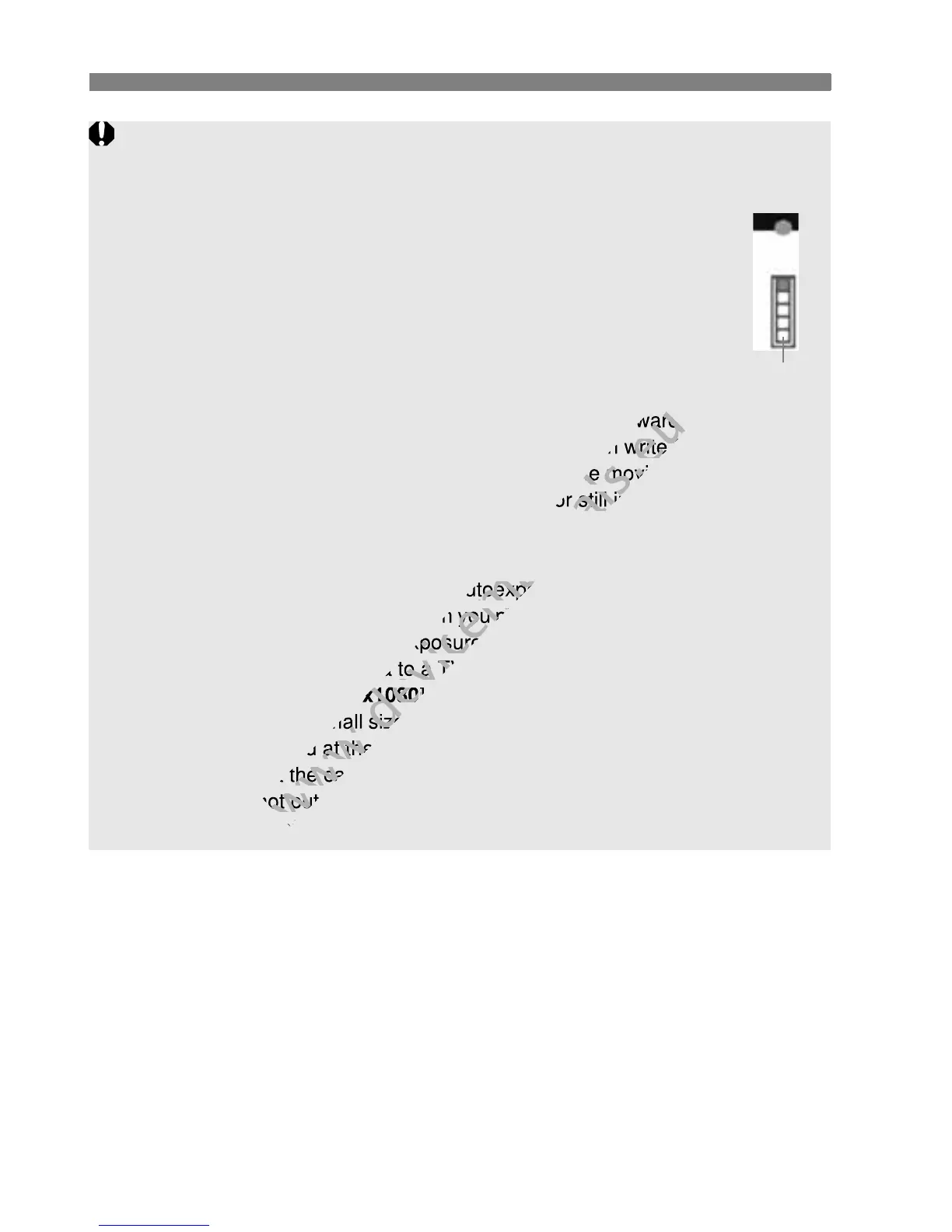
If you use a card having a slow writing speed, a five-level
indicator might appear on the right of the screen during
movie shooting. It indicates how much data has not yet been
written to the card (remaining capacity of the internal buffer
memory). The slower the card, the faster the indicator will
climb upward. If the indicator becomes full, movie shooting
will stop automatically.
If the card has a fast writing speed, the indicator will either
not appear or the level (if displayed) will hardly go upward.
First, shoot a few test movies to see if the card can write fast enough.
If you take still photos during movie shooting, the movie shooting might
stop. Setting a low image-recording quality for still images might resolve
this problem.
Playback and TV connection
If the brightness changes during autoexposure movie shooting, that part
might look momentarily still when you playback the movie. In such cases,
shoot movies with manual exposure.
If you connect the camera to a TV set with an HDMI cable (p.218) and
shoot a movie in [1920x1080] or [1280x720], the movie being shot will
be displayed at a small size on the TV. However, the actual movie will be
properly recorded at the movie recording size that was set.
If you connect the camera to a TV set (p.218, 221) and shoot a movie,
the TV will not output any sound during the shooting. However, the
sound will be properly recorded.
Indicator
If the card has a fast writing speed, the indicator will either
www.devicemanuals.eu
If the card has a fast writing speed, the indicator will either
not appear or the level (if displayed) will hardly go upward.
www.devicemanuals.eu
not appear or the level (if displayed) will hardly go upward.
see if the card can write fast enough.
www.devicemanuals.eu
see if the card can write fast enough.
If you take still photos during movie shooting, the movie shooting might
www.devicemanuals.eu
If you take still photos during movie shooting, the movie shooting might
stop. Setting a low image-recording quality for still images might resolve
www.devicemanuals.eu
stop. Setting a low image-recording quality for still images might resolve
If the brightness changes during autoexposure movie shooting, that part
www.devicemanuals.eu
If the brightness changes during autoexposure movie shooting, that part
might look momentarily still when you playback the movie. In such cases,
www.devicemanuals.eu
might look momentarily still when you playback the movie. In such cases,
shoot movies with manual exposure.
www.devicemanuals.eu
shoot movies with manual exposure.
If you connect the camera to a TV set with an HDMI cable (p.218) and
www.devicemanuals.eu
If you connect the camera to a TV set with an HDMI cable (p.218) and
1920x1080
www.devicemanuals.eu
1920x1080
] or [
www.devicemanuals.eu
] or [
be displayed at a small size on the TV. However, the actual movie will be
www.devicemanuals.eu
be displayed at a small size on the TV. However, the actual movie will be
properly recorded at the movie recording size that was set.
www.devicemanuals.eu
properly recorded at the movie recording size that was set.
If you connect the camera to a TV set (p.218, 221) and shoot a movie,
www.devicemanuals.eu
If you connect the camera to a TV set (p.218, 221) and shoot a movie,
the TV will not output any sound during the shooting. However, the
www.devicemanuals.eu
the TV will not output any sound during the shooting. However, the
sound will be properly recorded.
www.devicemanuals.eu
sound will be properly recorded.



 To Next Page