171
Handy Features
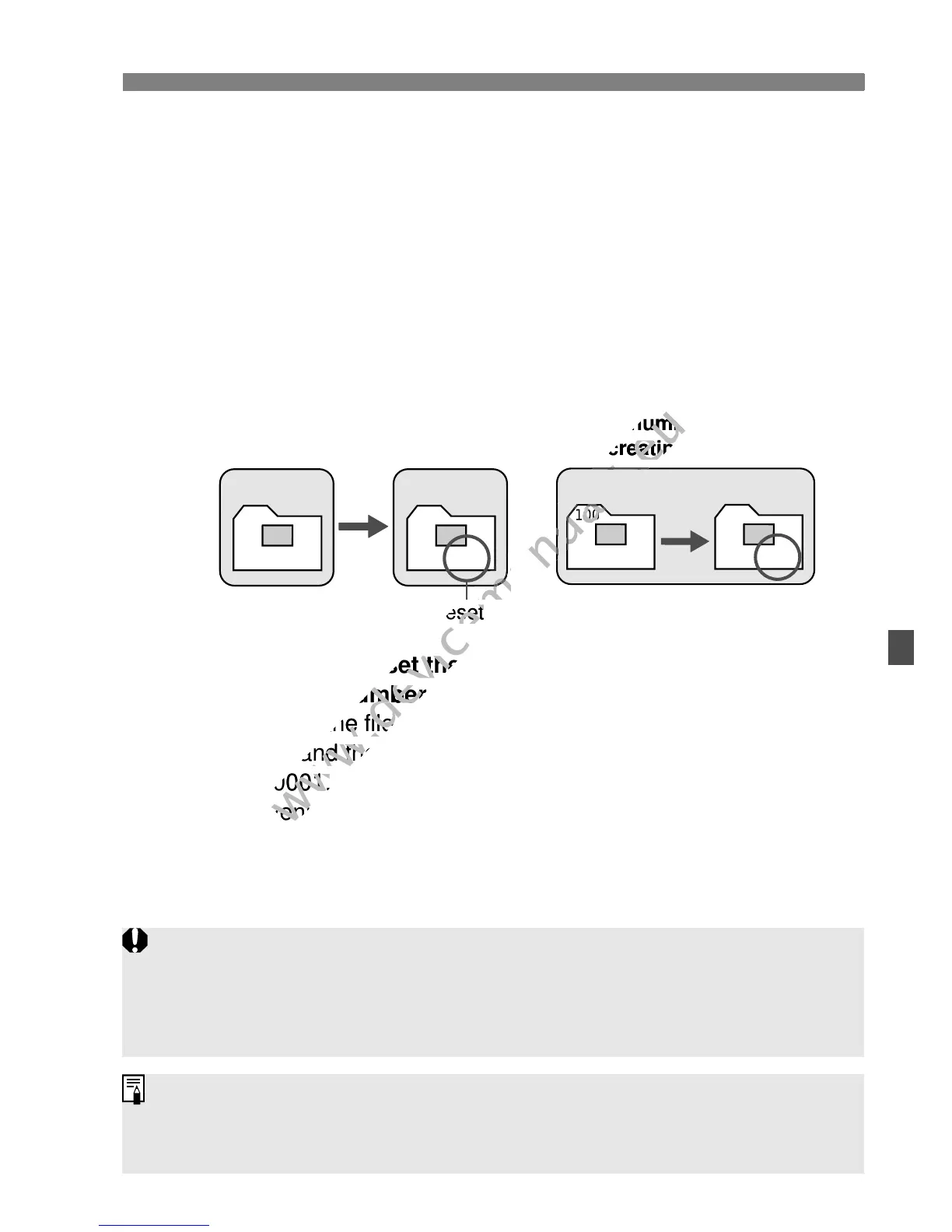
[Auto reset]: The file numbering is reset to 0001 whenever you
replace the card or create a folder.
Whenever the card is replaced or a new folder created, the file
numbering starts from 0001. This is convenient if you want to
organize images according to cards or folders.
If the replacement card or existing folder already contains images
recorded previously, the file numbering of the new images might
continue from the file numbering of the existing images in the card or
folder. If you want to save images with the file numbering starting
from 0001, use a newly formatted card each time.
[Manual reset]: To reset the file numbering to 0001 manually or
to start from file number 0001 in a new folder.
When you reset the file numbering manually, a new folder is created
automatically and the file numbering of images saved to that folder
starts from 0001.
This is convenient if you want to use different folders for the images
taken yesterday and the ones taken today, for example.
After the manual reset, the file numbering returns to continuous or
auto reset. (There will be no Manual reset confirmation screen.)
XXX-0051
Card-1
100-0001
Card-2
File numbering after
replacing the card
File numbering is reset
100
XXX-0051
101
XXX-0001
Card-1
File numbering after
creating a folder
If the file number in folder No. 999 reaches 9999, shooting will not be
possible even if the card still has storage capacity. The LCD monitor will
display a message telling you to replace the card. Replace it with a new
card.
For both JPEG and RAW images, the file name will start with “IMG_”. Movie
file names will start with “MVI_”. The extension will be “.JPG” for JPEG
images, “.CR2” for RAW images, and “. MOV” for movies.



 To Next Page