231
U Creative Filters
5
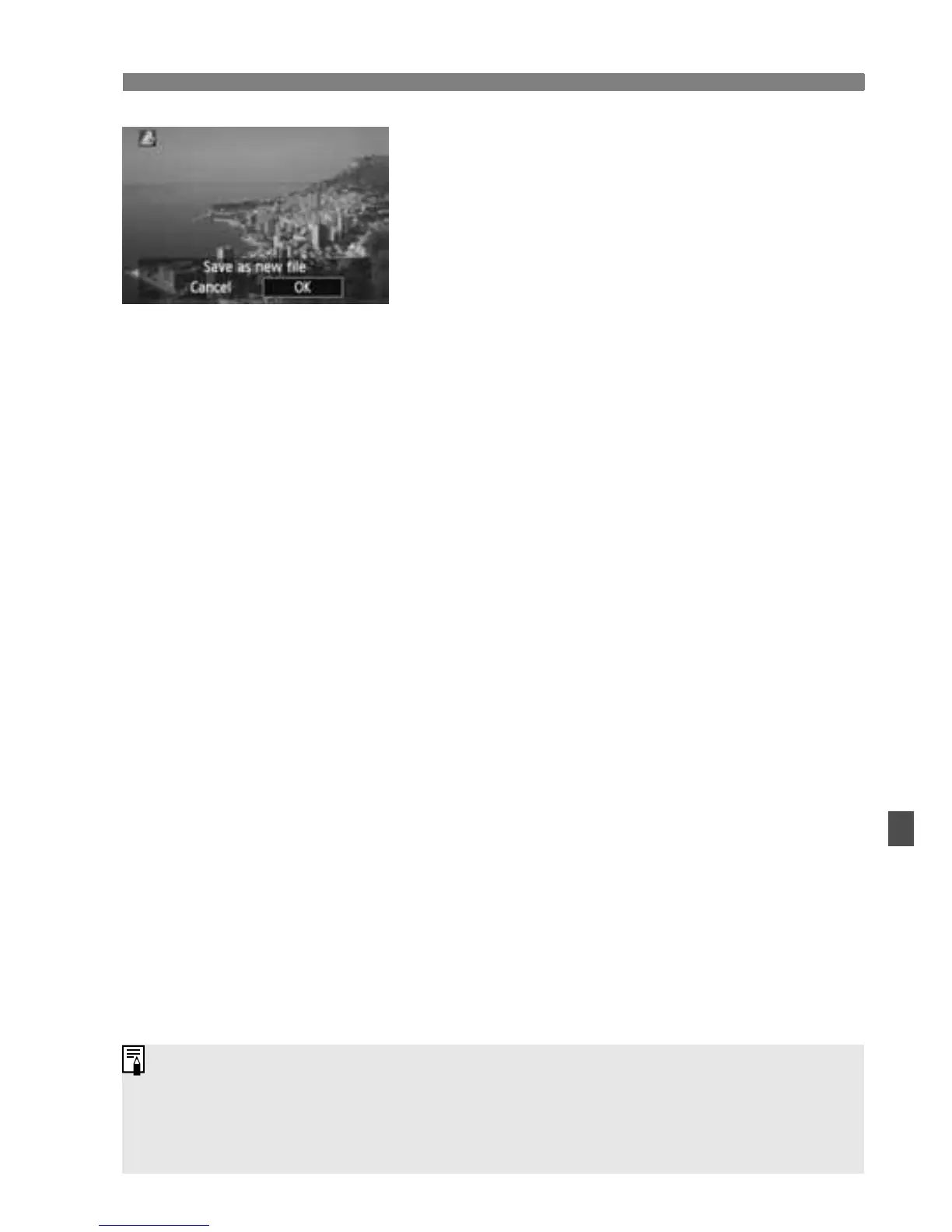
Save the image.
Select [OK] to save the image.
Note the destination folder and image
file number, then select [OK].
To apply a filter to another image,
repeat steps 2 to 5.
To exit and return to the menu, press
the <M> button.
With 1 or 1+73 images, the 1 image will be applied with the
Creative filter and saved as a JPEG image. If an aspect ratio has been set
for Live View shooting and a Creative filter is applied to the 1 image, the
image will be saved in the aspect ratio that was set.



 To Next Page