237
Preparing to Print
6
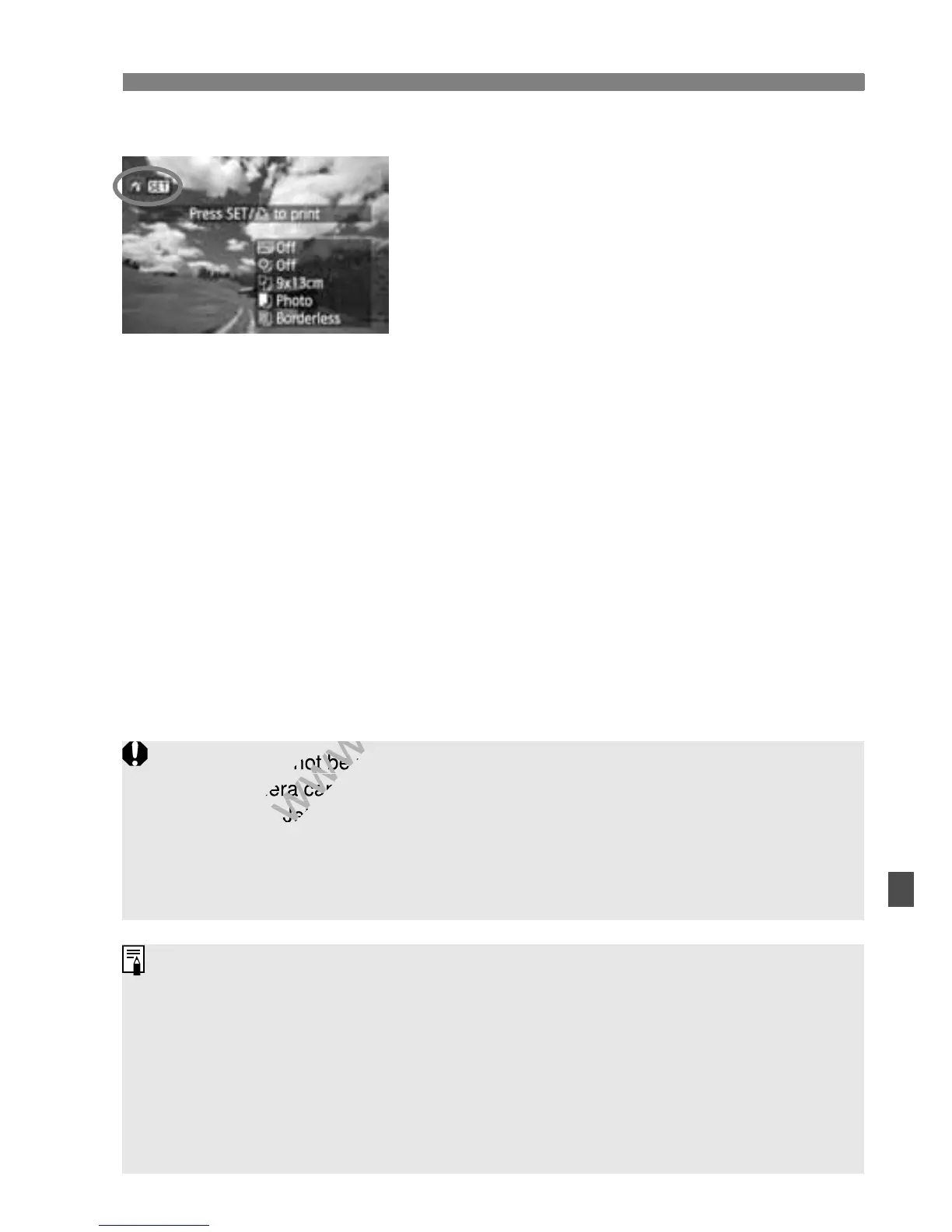
Playback the image.
Press the <x> button.
X The image will appear, and the <w>
icon will appear on the upper left to
indicate that the camera is connected
to a printer.
PictBridge
Movies cannot be printed.
The camera cannot be used with printers compatible only with CP Direct
or Bubble Jet Direct.
Do not use any interface cable other than the one provided.
If there is a long beeping sound in step 5, it indicates a problem with the
printer. Resolve the problem displayed by the error message (p.244).
You can also print RAW images taken with this camera.
If you use a battery pack to power the camera, make sure it is fully
charged. With a fully-charged battery, printing up to about 4 hours is
possible.
Before disconnecting the cable, first turn off the camera and printer. Hold
the plug (not the cord) to pull out the cable.
For direct printing, using AC Adapter Kit ACK-E8 (sold separately) to
power the camera is recommended.
The camera cannot be used with printers compatible only with CP Direct
www.devicemanuals.eu
The camera cannot be used with printers compatible only with CP Direct



 To Next Page