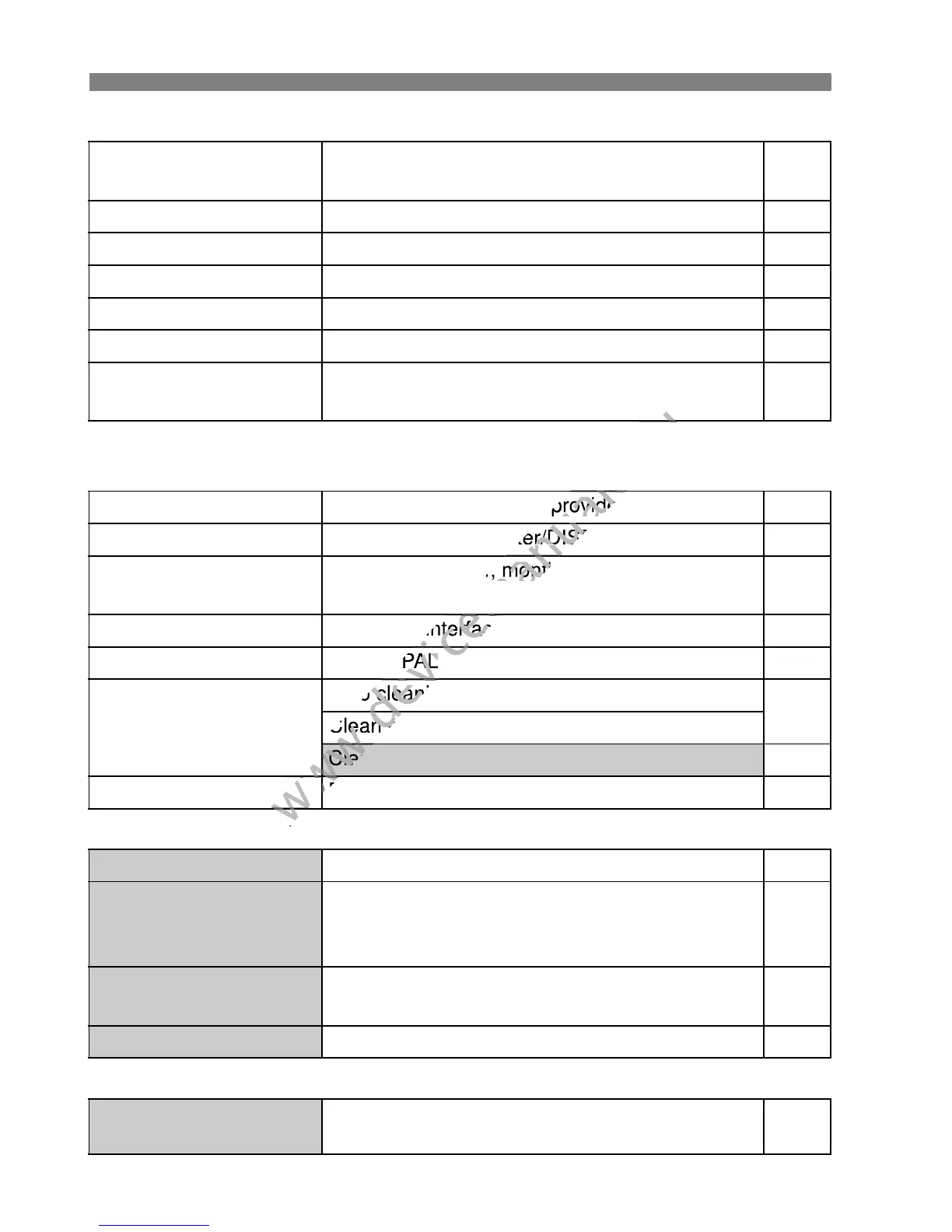
3 Menu Settings
272
5 Set-up 1 (Yellow) Page
* Displayed only when an Eye-Fi card is used.
6 Set-up 2 (Yellow)
7 Set-up 3 (Yellow)
9 My Menu (Green)
Auto power off
30 sec. / 1 min. / 2 min. / 4 min. / 8 min. /
15 min. / Off
167
Auto rotate
OnPD / OnD / Off 174
Format
Initialize and erase data on the card 45
File numbering
Continuous / Auto reset / Manual reset 170
Select folder
Create and select a folder 168
Screen color
Select the shooting settings screen color 179
Eye-Fi settings*
Eye-Fi transmission: Disable / Enable
Connection information
265
LCD brightness
Seven brightness levels provided 167
LCD off/on button
Shutter button / Shutter/DISP / Remains on 179
Date/Time
Set the date (year, month, day) and time (hour,
min., sec.)
34
LanguageK
Select the interface language 35
Video system
NTSC / PAL 221
Sensor cleaning
Auto cleaning: Enable / Disable
184
Clean now
Clean manually 187
Feature guide
Enable / Disable 48
Custom Functions (C.Fn)
Customize camera functions as desired 250
Copyright information
Display copyright information / Enter author’s
name / Enter copyright details / Delete
copyright information
172
Clear settings
Clear all camera settings / Clear all Custom
Func. (C.Fn)
176
Firmware Ver.
For updating the firmware -
My Menu settings
Register frequently-used menu items and
Custom Functions
258
Set the date (year, month, day) and time (hour,
www.devicemanuals.eu
Set the date (year, month, day) and time (hour,



 To Next Page