EasyManua.ls Logo

Canon EOS 600D - Page 275

Canon EOS 600D
328 pages
Print Icon
To Next Page IconTo Next Page
To Previous Page IconTo Previous Page
Loading...
275
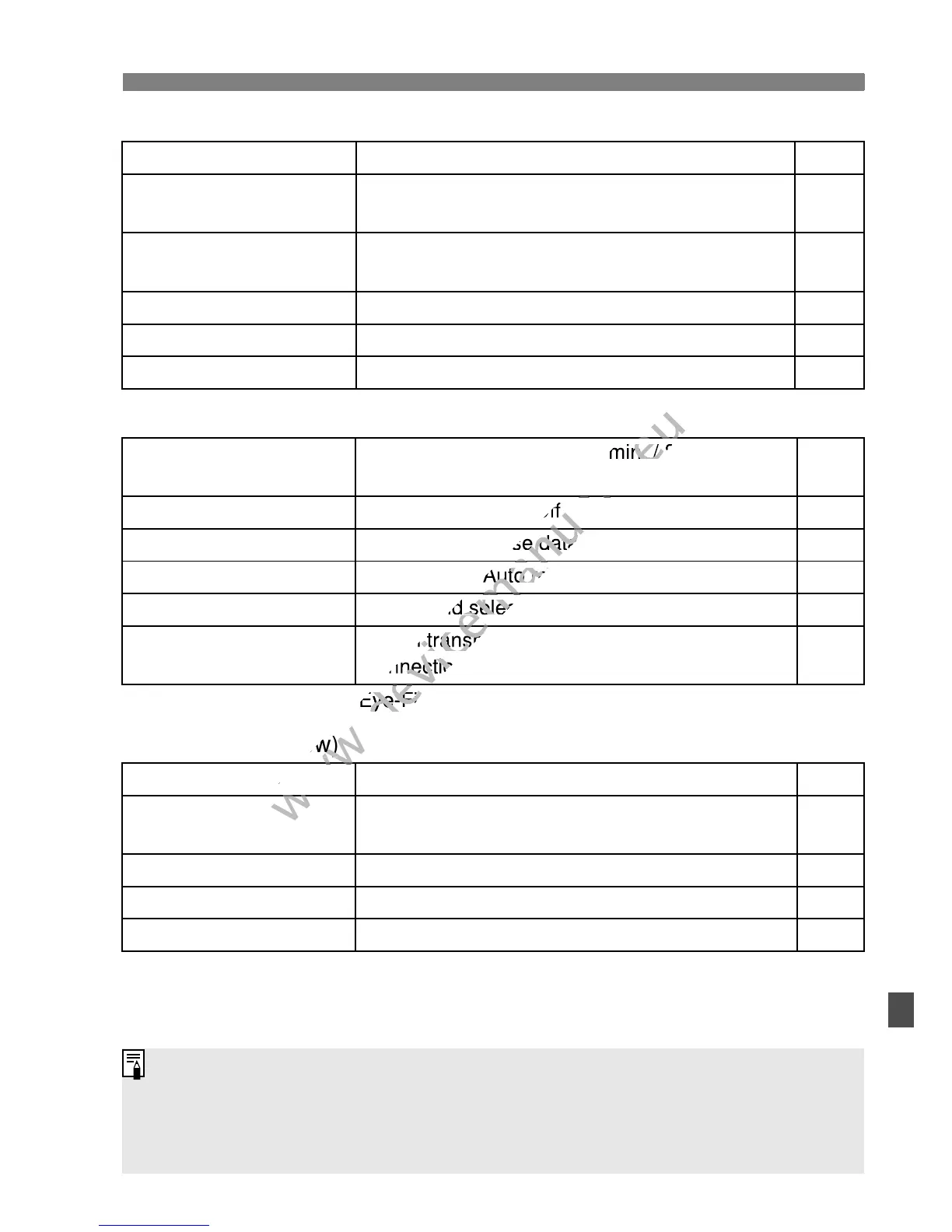
3 Menu Settings
4 Playback 2 (Blue) Page
5 Set-up 1 (Yellow)
* Displayed only when an Eye-Fi card is used.
6 Set-up 2 (Yellow)
Histogram Brightness / RGB 228
Image jump w/6
1 image / 10 images / 100 images / Date /
Folder / Movies / Stills / Rating
203
Slide show
Playback description / Display time / Repeat /
Transition effect / Background music
215
Rating
[OFF] / l / m / n / o / p 206
Bass boost
Disable / Enable 213
Control over HDMI
Disable / Enable 219
Auto power off
30 sec. / 1 min. / 2 min. / 4 min. / 8 min. /
15 min. / Off
167
Auto rotate
OnPD / OnD / Off 174
Format
Initialize and erase data on the card 45
File numbering
Continuous / Auto reset / Manual reset 170
Select folder
Create and select a folder 168
Eye-Fi settings*
Eye-Fi transmission: Disable / Enable
Connection information
265
LCD brightness
Seven brightness levels provided 167
Date/Time
Set the date (year, month, day) and time (hour,
min., sec.)
34
LanguageK
Select the interface language 35
Video system
NTSC / PAL 221
Feature guide
Enable / Disable 48
The menu tabs and options displayed will differ for viewfinder shooting,
Live View shooting, and movie shooting.
The [n] Movie 1, [o] Movie 2, and [Z] Movie 3 screens (tabs)
are displayed only in the movie shooting mode.

www.devicemanuals.eu
30 sec. / 1 min. / 2 min. / 4 min. / 8 min. /
www.devicemanuals.eu
30 sec. / 1 min. / 2 min. / 4 min. / 8 min. /
www.devicemanuals.eu
/ Off
www.devicemanuals.eu
/ Off
www.devicemanuals.eu
Initialize and erase data on the card
www.devicemanuals.eu
Initialize and erase data on the card
www.devicemanuals.eu
Continuous / Auto reset / Manual reset
www.devicemanuals.eu
Continuous / Auto reset / Manual reset
www.devicemanuals.eu
Create and select a folder
www.devicemanuals.eu
Create and select a folder
www.devicemanuals.eu
Eye-Fi transmission: Disable / Enable
www.devicemanuals.eu
Eye-Fi transmission: Disable / Enable
Connection information
www.devicemanuals.eu
Connection information
www.devicemanuals.eu
* Displayed only when an Eye-Fi card is used.
www.devicemanuals.eu
* Displayed only when an Eye-Fi card is used.
(Yellow)
www.devicemanuals.eu
(Yellow)
www.devicemanuals.eu
LCD brightness
www.devicemanuals.eu
LCD brightness
www.devicemanuals.eu

Table of Contents

Other manuals for Canon EOS 600D

Related product manuals