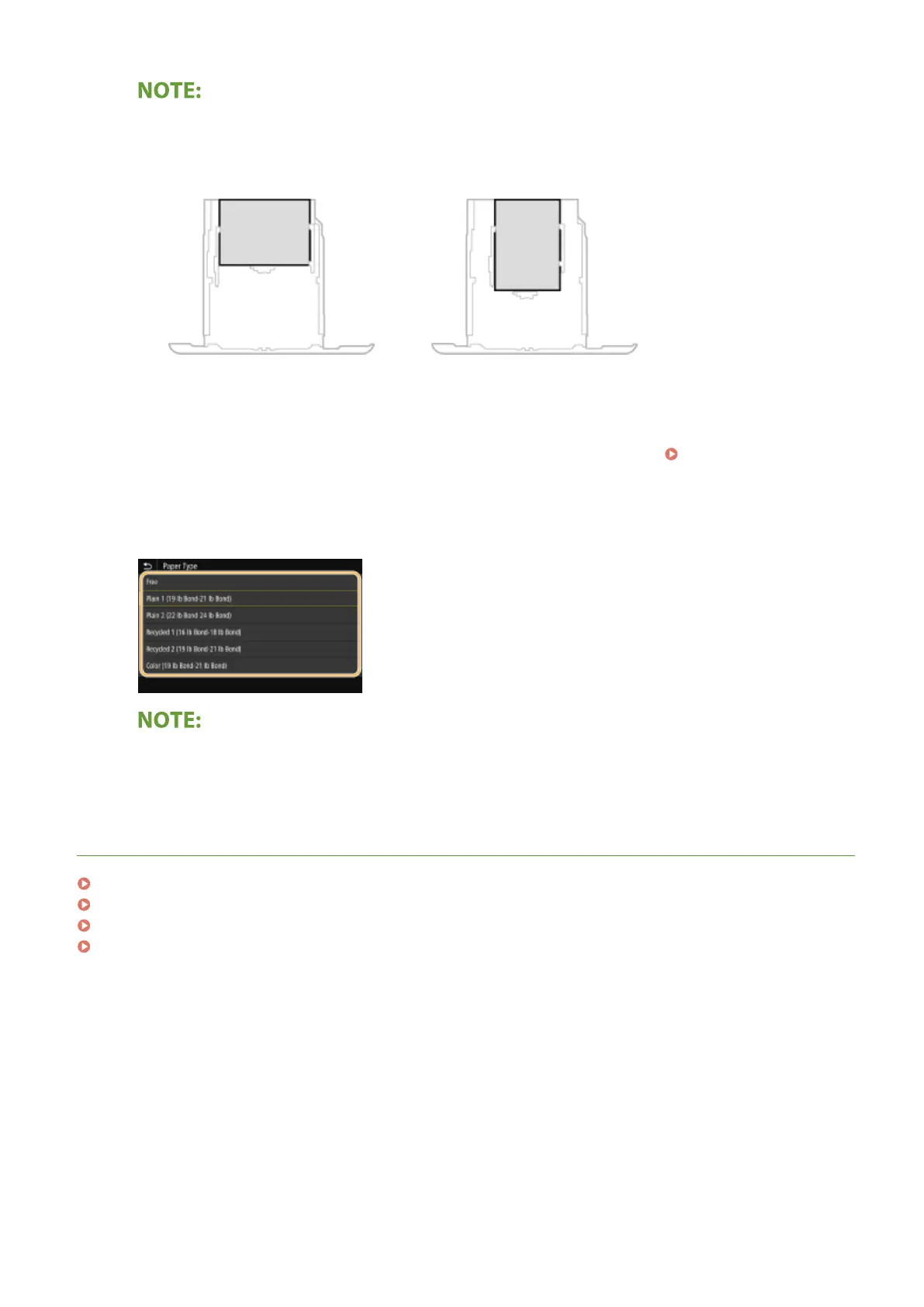
When loading A5 size paper
● In the landscape orientation, select <A5>. In the portrait orientation, select <A5R>.
Landscape orientation
Portrait orientation
About <Free>
● If you frequently need to change the paper to be loaded, set to <Free>; this will reduce the number of
steps required to change the setting each time. You can also display an error message when the setting in
the printer driver is signicantly different from the size of the loaded paper. <Action When Free Paper
Size Mismatch>(P. 351)
4
Select the paper type.
About <Free>
● The machine operates based on the paper type setting in the printer driver. When the paper type is [Auto],
the machine operates the same way as when the paper type is [Plain 1].
LINKS
Loading Paper in the Paper Drawer(P. 126)
Limiting the Paper Sizes Displayed(P. 155)
Available Paper(P. 521)
<Notify to Check Paper Settings>(P. 413)
Basic Operations
146













 To Next Page