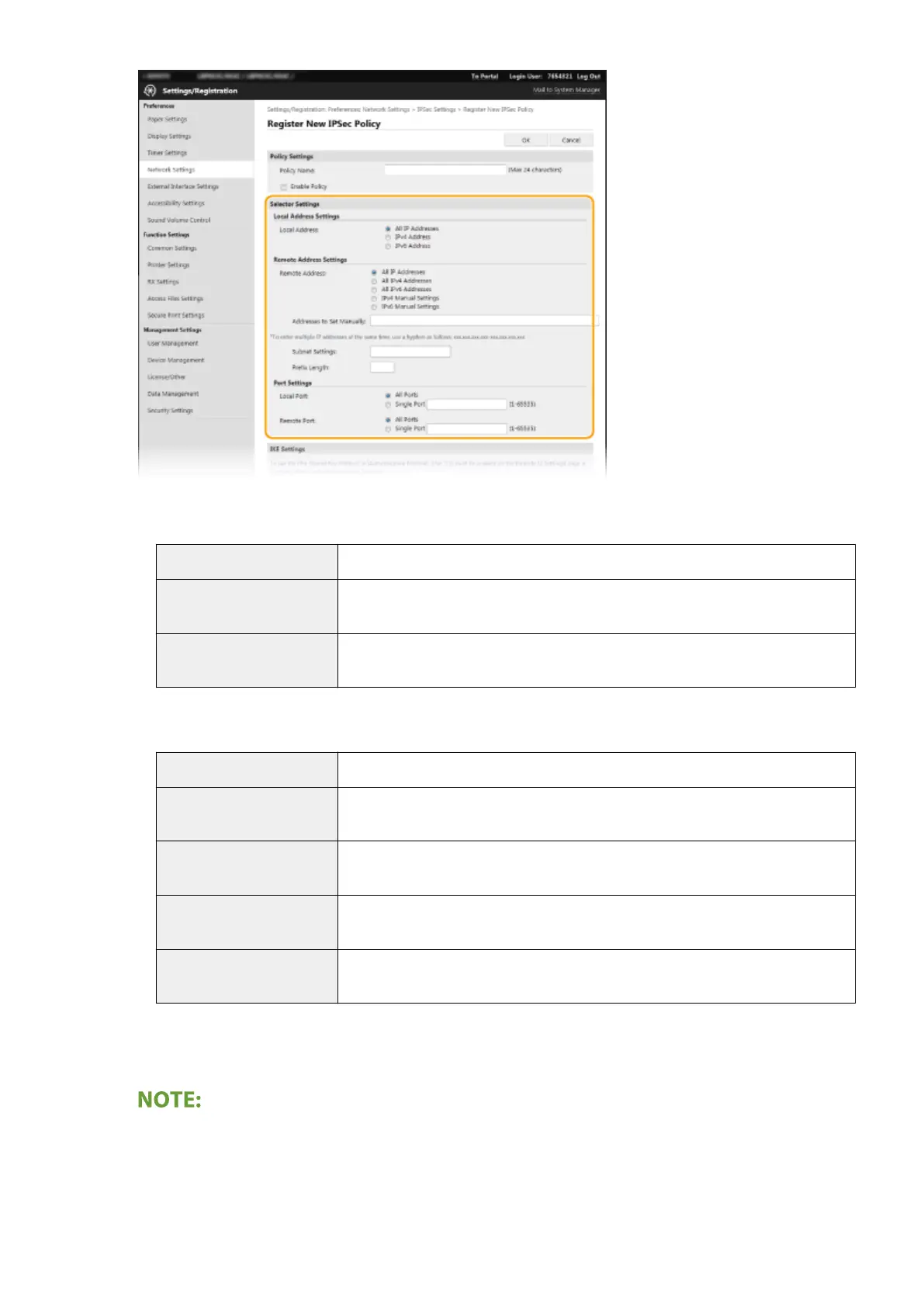
[Local Address]
Click the radio button for the type of IP address of the machine to apply the policy.
[All IP Addresses]
Select to use IPSec for all IP packets.
[IPv4 Address] Select to use IPSec for all IP packets that are sent to or from the IPv4 address of the
machine.
[IPv6 Address] Select to use IPSec for all IP packets that are sent to or from an IPv6 address of the
machine.
[Remote Address]
Click the radio button for the type of IP address of the other devices to apply the policy.
[All IP Addresses]
Select to use IPSec for all IP packets.
[All IPv4 Addresses] Select to use IPSec for all IP packets that are sent to or from IPv4 addresses of the
other devices.
[All IPv6 Addresses] Select to use IPSec for all IP packets that are sent to or from IPv6 addresses of the
other devices.
[IPv4 Manual Settings] Select to specify a single IPv4 address or a range of IPv4 addresses to apply IPSec.
Enter the IPv4 address (or the range) in the [Addresses to Set Manually] text box.
[IPv6 Manual Settings] Select to specify a single IPv6 address or a range of IPv6 addresses to apply IPSec.
Enter the IPv6 address (or the range) in the [Addresses to Set Manually] text box.
[Addresses to Set Manually]
If [IPv4 Manual Settings] or [IPv6 Manual Settings] is selected for [Remote Address], enter the IP address to
apply the policy. You can also enter a range of addresses by inserting a hyphen between the addresses.
Entering IP addresses
Managing the Machine
259













 To Next Page