<IPv4 Address Filter>
Enable or disable settings for ltering packets sent to or received from devices with specied IPv4 addresses.
Specifying IP Addresses for Firewall Settings(P. 237)
<Outbound Filter>
<Off>
<On>
<Inbound Filter>
<Off>
<On>
Touch panel model
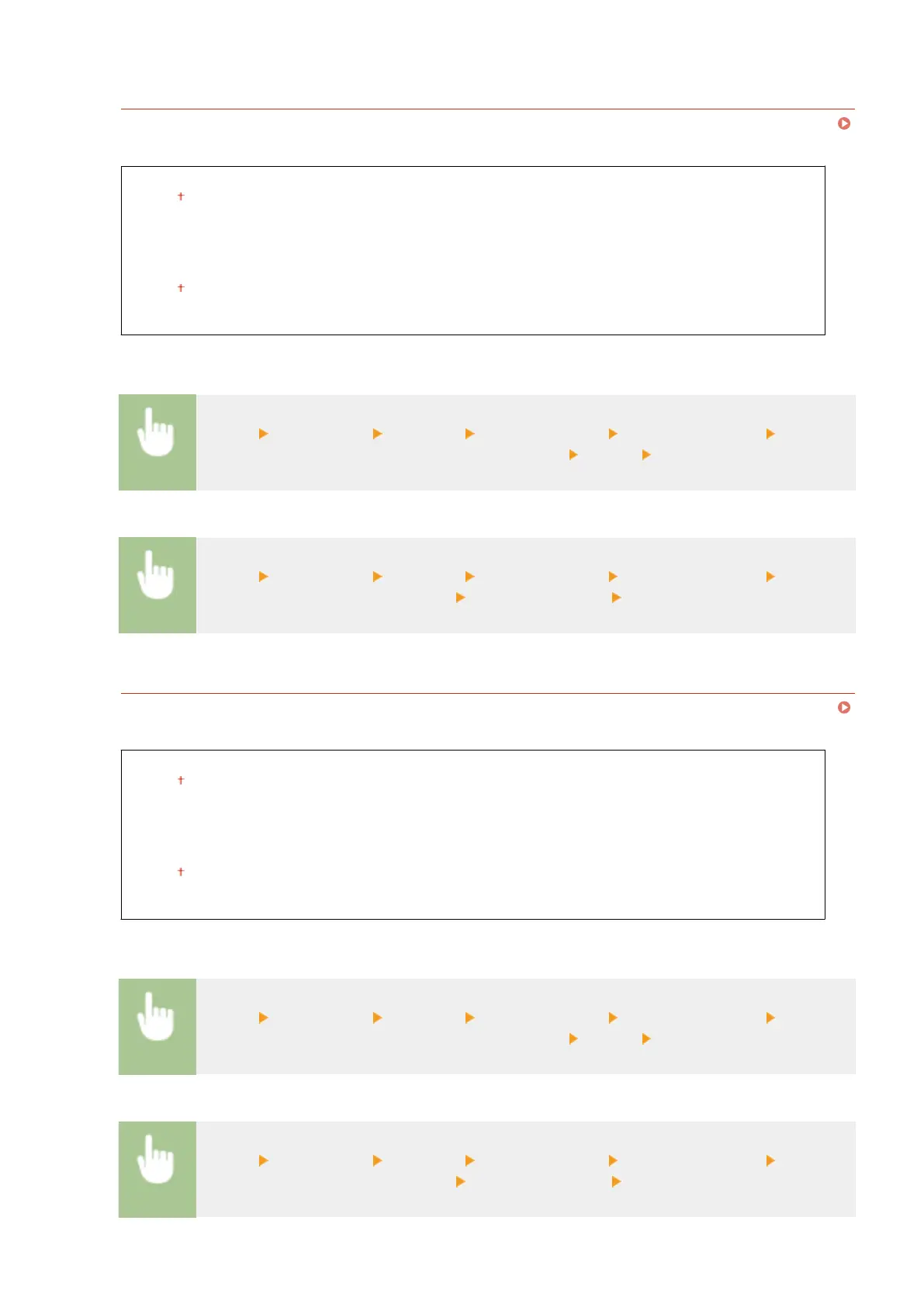
<Menu> <Preferences> <Network> <Firewall Settings> <IPv4 Address Filter> Select
<Off> or <On> in <Outbound Filter> or <Inbound Filter> <Apply> Restart the machine
Black and white LCD model
<Menu> <Preferences> <Network> <Firewall Settings> <IPv4 Address Filter> Select
<Outbound Filter> or <Inbound Filter> Select <Off> or <On> Restart the machine
<IPv6 Address Filter>
Enable or disable settings for ltering packets sent to or received from devices with specied IPv6 addresses.
Specifying IP Addresses for Firewall Settings(P. 237)
<Outbound Filter>
<Off>
<On>
<Inbound Filter>
<Off>
<On>
Touch panel model
<Menu> <Preferences> <Network> <Firewall Settings> <IPv6 Address Filter> Select
<Off> or <On> in <Outbound Filter> or <Inbound Filter> <Apply> Restart the machine
Black and white LCD model
<Menu> <Preferences> <Network> <Firewall Settings> <IPv6 Address Filter> Select
<Outbound Filter> or <Inbound Filter> Select <Off> or <On> Restart the machine
Setting Menu List
322







 To Next Page