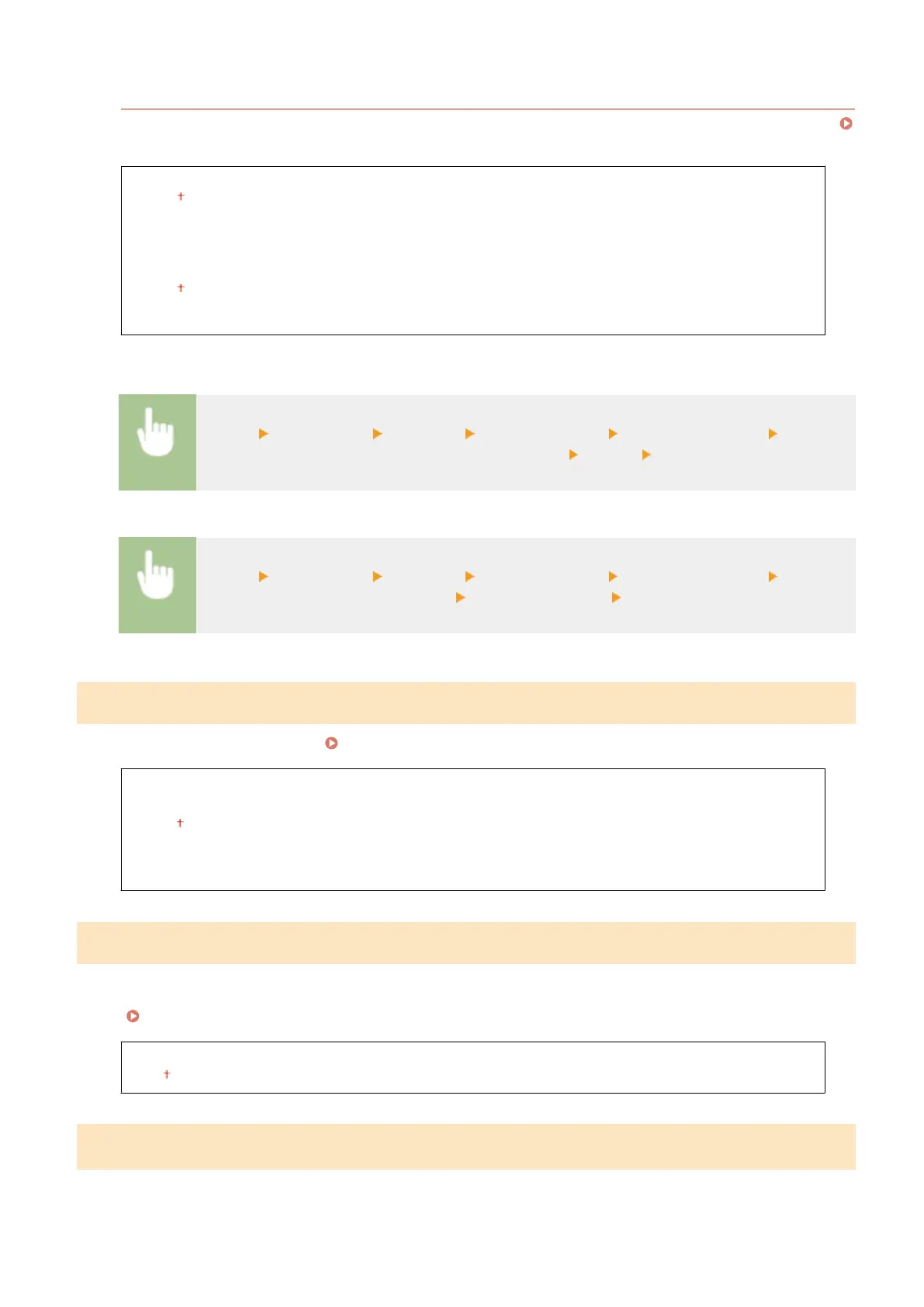
<MAC Address Filter>
Enable or disable settings for ltering packets sent to or received from devices with specied MAC addresses.
Specifying MAC Addresses for Firewall Settings(P. 240)
<Outbound Filter>
<Off>
<On>
<Inbound Filter>
<Off>
<On>
Touch panel model
<Menu> <Preferences> <Network> <Firewall Settings> <MAC Address Filter> Select
<Off> or <On> in <Outbound Filter> or <Inbound Filter> <Apply> Restart the machine
Black and white LCD model
<Menu> <Preferences> <Network> <Firewall Settings> <MAC Address Filter> Select
<Outbound Filter> or <Inbound Filter> Select <Off> or <On> Restart the machine
<Google Cloud Print Settings>
Enable or disable Google Cloud Print.
Registering the Machine with Google Cloud Print(P. 217)
<Use Google Cloud Print>/<Enable Google Cloud Print>
<Off>
<On>
<Google Cloud Print Regist. Status>/<Google Cloud Print Registration Status>
*1
<Device Settings Management>/<Device Settings Management On/Off>
Specify whether to use imageWARE Enterprise Management Console plug-ins to manage machine data such as
settings. For detailed information on imageWARE Enterprise Management Console, contact your nearest Canon
dealer. Conguring Settings for Communication between the Machine and Plug-ins(P. 80)
<Off>
<On>
<Monitoring Service>
*1*2
Enable communication with a remote monitoring server. Execution of this item enables information about the
machine to be periodically sent to the remote monitoring server connected to the machine.
Setting Menu List
323













 To Next Page