Enter the IP address of the NTP or the SNTP server. If DNS is available on the network, you can enter a host
name (or FQDN) of alphanumeric characters instead (example: ntp.example.com).
[Polling Interval]
Specify the interval between one synchronization and the next.
6
Click [OK].
7
Restart the machine.
● Turn OFF the machine, wait for at least 10 seconds, and turn it back ON.
Testing communication with the NTP/SNTP server
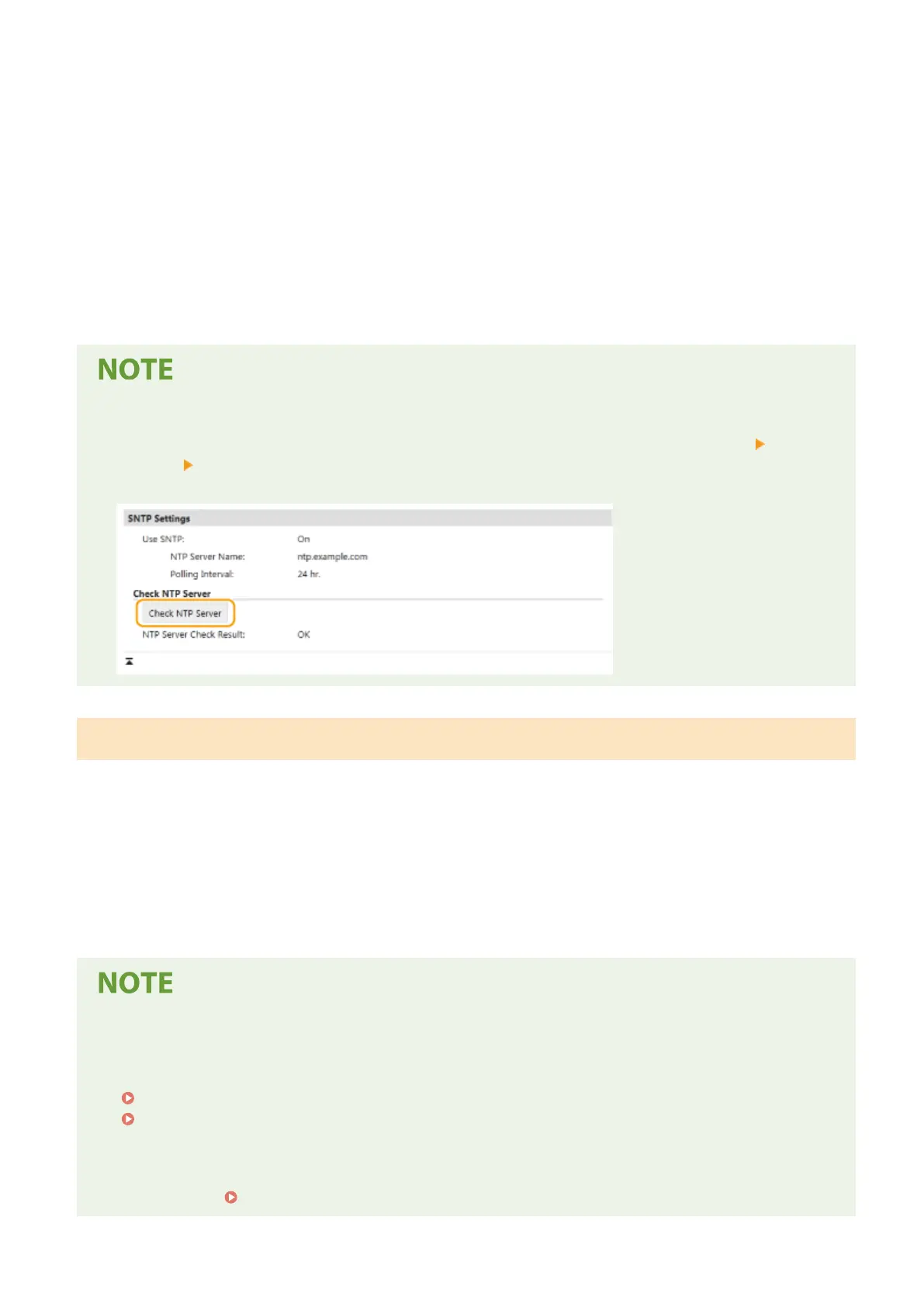
● You can view communication status with the registered server by clicking [Settings/Registration] [Network
Settings] [Check NTP Server] in [SNTP Settings]. If a proper connection has been established, the result is
displayed as shown below. Note that this operation does not adjust the system clock.
Monitoring the Machine from the Device Management Systems
You can facilitate the collection and management of various information about networked devices by implementing
device management software, such as imageWARE Enterprise Management Console
*
, into the network. Information
such as device settings, and error logs is retrieved and distributed via the server computer. If the machine is
connected to such a network, imageWARE Enterprise Management Console searches the network for the machine by
using protocols such as Service Location Protocol (SLP) to gather information from the machine, such as power supply
status information. SLP settings can be specied via the Remote UI. This section also describes the procedure to
congure settings for communication between the machine and plug-ins for imageWARE Enterprise Management
Console.
*
For more information about imageWARE Enterprise Management Console, contact your local authorized Canon dealer.
To use imageWARE Enterprise Management Console plug-ins
● You need to enable the settings of the dedicated port and the SNMP settings. As for the SNMP settings, set
[MIB Access Permission] to [Read/Write] for both SNMPv1 and SNMPv3.
<Use Dedicated Port>/<Dedicated Port Set.>(P. 320)
Monitoring and Controlling the Machine with SNMP(P. 73)
Remote UI Operations
● For more information about the basic operations to be performed when setting the machine from the
Remote UI, see Setting Up Menu Options from Remote UI(P. 283) .
Setting Up
78













 To Next Page