◼ Conguring SLP Communication with Device Management Software
1
Start the Remote UI and log in to System Manager Mode. Starting Remote
UI(P. 275)
2
Click [Settings/Registration] on the Portal page. Remote UI Screen(P. 276)
3
Click [Network Settings].
4
Specify SLP settings.
Specifying multicast device discovery
1
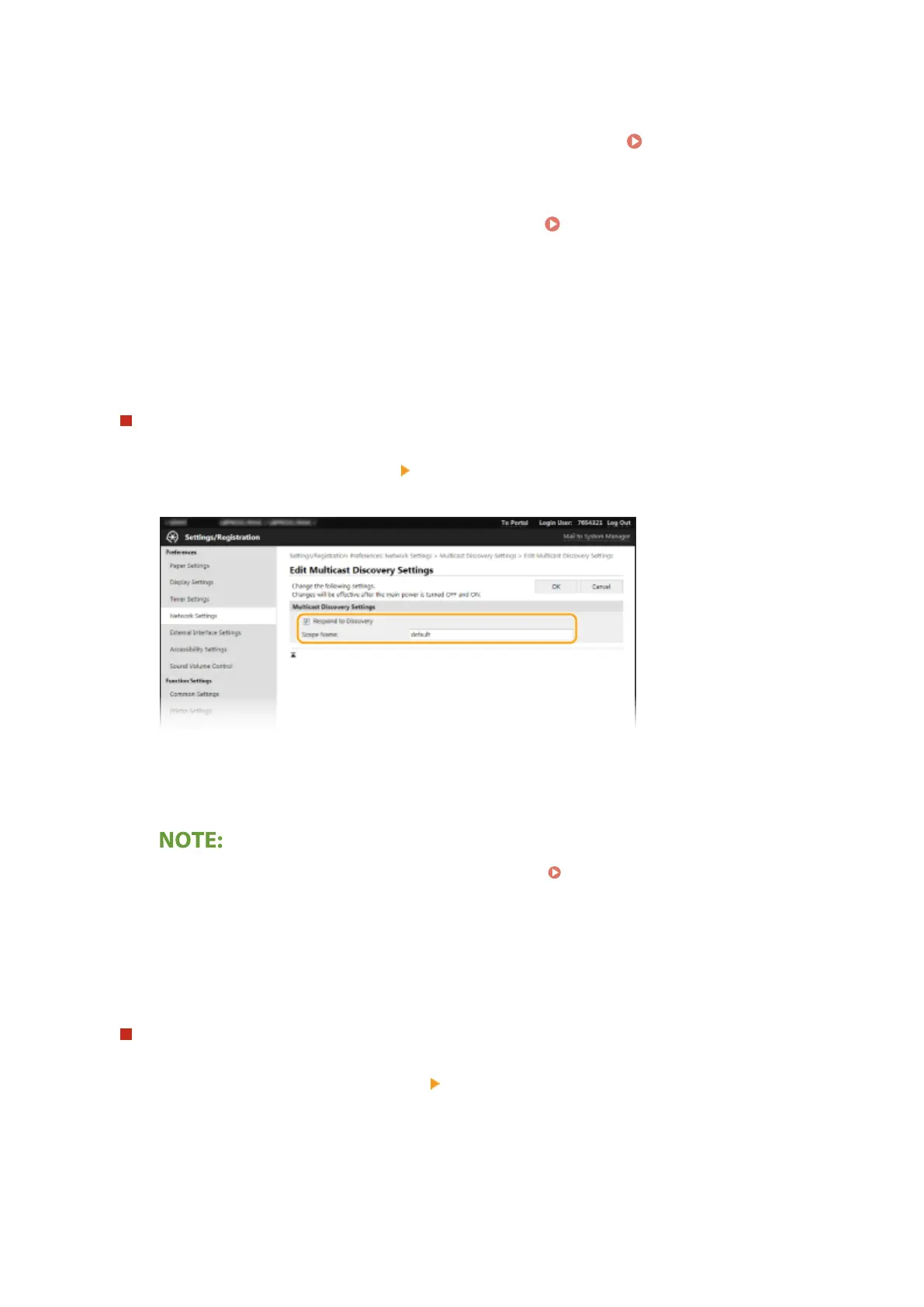
Select [Multicast Discovery Settings] [Edit].
2
Select the [Respond to Discovery] check box and specify the required settings.
[Respond to Discovery]
Select the check box to set the machine to respond to device management software multicast discovery
packets and enable monitoring by device management software.
● To change the port number for multicast discovery, see Changing Port Numbers(P. 243) .
[Scope Name]
To include the machine into a specic scope, enter alphanumeric characters for the scope name.
3
Click [OK].
Notifying a device management software of the power status of the machine
1
Select [Sleep Mode Notication Settings] [Edit].
2
Select the [Notify] check box and specify the required settings.
Setting Up
79













 To Next Page