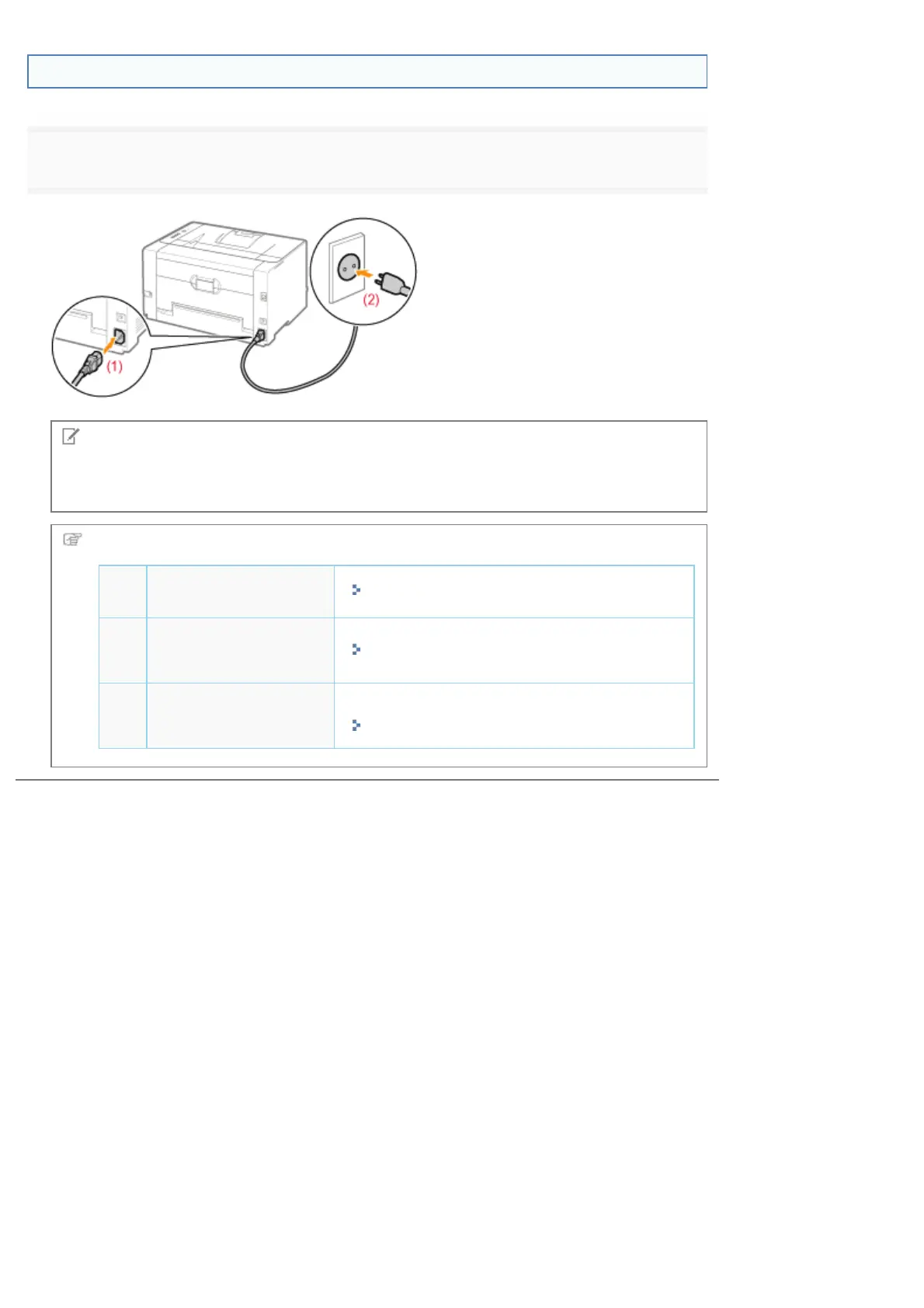
Connecting the Power Cord
1
Connect the power cord.
NOTE
The form of the supplied power cord
The form of the supplied power cord may differ from the one in the above illustration.
Next, perform the following procedures.
1
Load paper.
"Loading Paper"
2
Install the printer
driver.
"Installing the Printer Driver"
3
Check the printing
operation.
Check the operations by Configuration Page Print.
"Printing Configuration Page Print"
㻝㻜㻤㻌㻛㻌㻟㻠㻟













 To Next Page