019A-04L
1
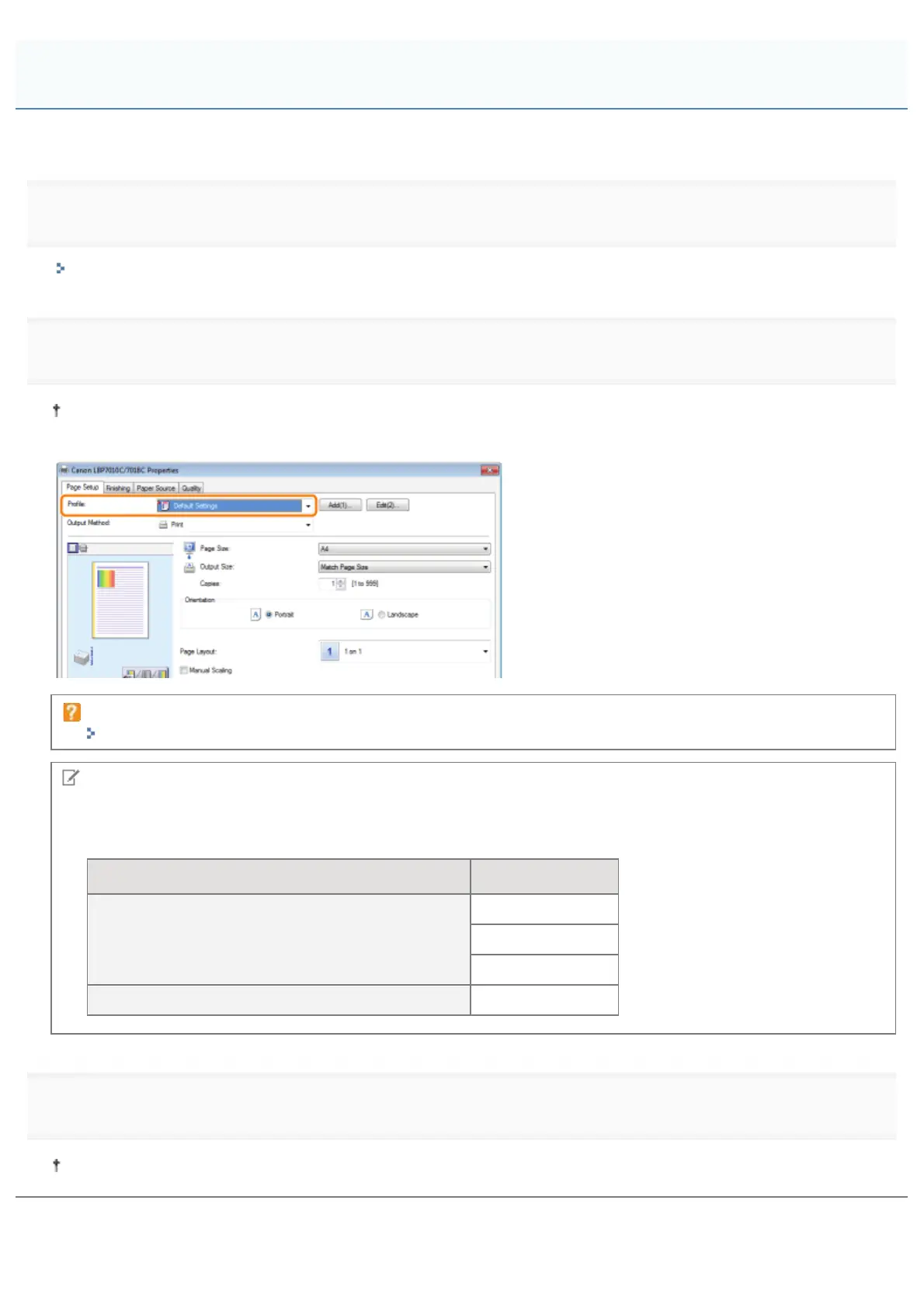
Display the setting screen of the printer driver.
"Displaying the Setting Screen"
2
Select a "Profile."
If the printer name is changed, any added "Profiles" cannot be used. To use the added "Profile", change the printer
name to its previous one.
If you cannot select a "Profile"
""Profiles" Cannot Be Selected or Edited"
NOTE
When selecting [Default Settings]
Reset all the settings to the default values other than the following options.
Sheet/Dialog Box Option
[Quality] sheet - [Advanced Settings] dialog box
[Color Halftones]
[B & W Halftones]
[Use Pure Black]
[Quality] - [Color Settings] - [Color Adjustment] sheet [Sample Type]
3
Click [OK].
For details on the basic printing procedure, see "Basic Printing Procedure."
Selecting a "Profile"
㻞㻞㻢㻌㻛㻌㻟㻠㻟













 To Next Page