019A-04U
Before configuring the print server, check the settings of your network environment.
"Checking the Settings of Your Network"
1
Open the printer folder.
"Basic Operations/Various Information for Windows"
2
Display the [Sharing] sheet.
Right-click the icon for this printer, and then select [Sharing] from the pop-up menu.
1. Right-click the icon for this printer, and then select [Printer properties] from the pop-up menu.
2. Display the [Sharing] sheet.
3
Perform the following procedure.
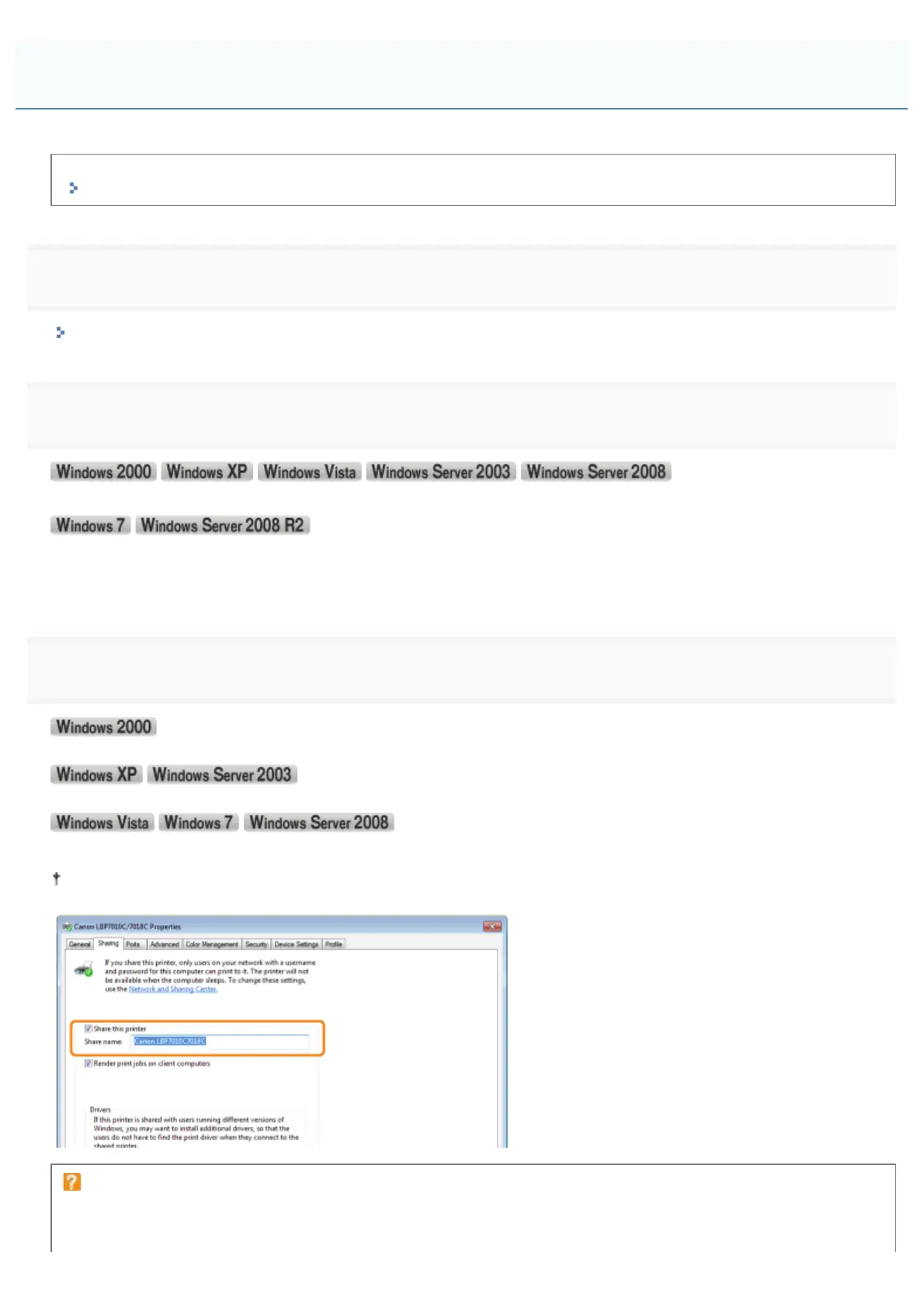
Select [Share as]. Change [Share name] as needed.
Select [Share this printer]. Change [Share name] as needed.
Select the [Share this printer] check box. Change [Share name] as needed.
Do not use spaces or special characters for the share name.
If [Change sharing options] appears
Click [Change sharing options].
Configuring the Print Server
㻞㻟㻜㻌㻛㻌㻟㻠㻟













 To Next Page