019A-01U
Adjusting Color (Calibration)
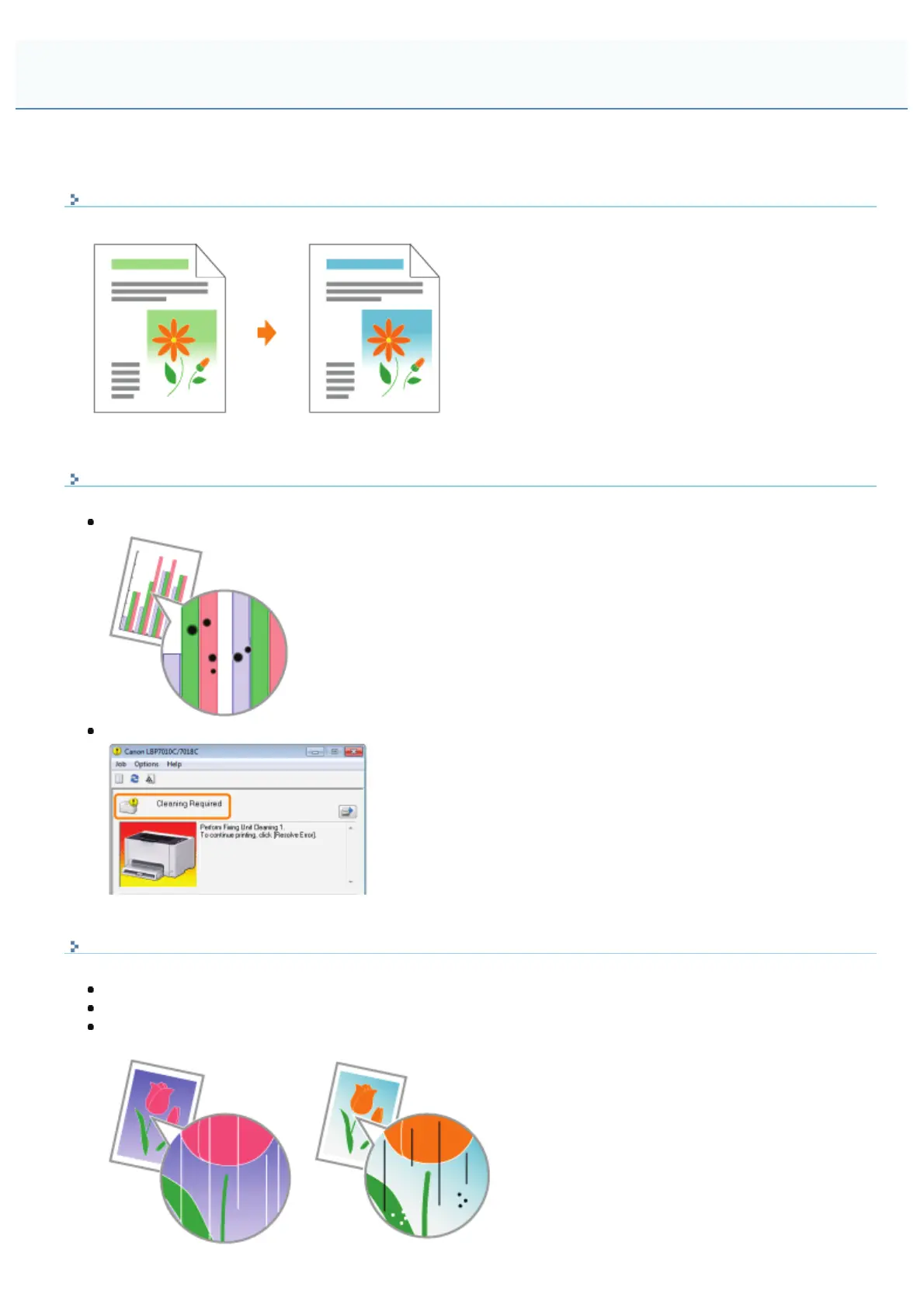
Perform calibration when the colors have changed and the data is not printed in the correct colors (specified colors).
Cleaning the Fixing Roller of the Printer
Clean the fixing roller of the printer when you notice the following symptoms.
The front or back of the printed paper has smudge marks.
The message <Cleaning Required> is displayed in the Printer Status Window.
Cleaning the Photosensitive Drum of the Printer
Clean the photosensitive drum of the printer when you notice the following symptoms.
Short white streaks (lines) appear at equal distance on the images (especially in a high-humidity environment).
Long black streaks (lines) appear on the images (especially in a low temperature environment).
Short black streaks (lines), smudge marks, or white points appear at equal distance on the images (especially in
a high temperature environment).
Cleaning and Maintaining the Printer
㻤㻞㻌㻛㻌㻟㻠㻟













 To Next Page