019A-03H
1
Open the printer folder.
"Basic Operations/Various Information for Windows"
2
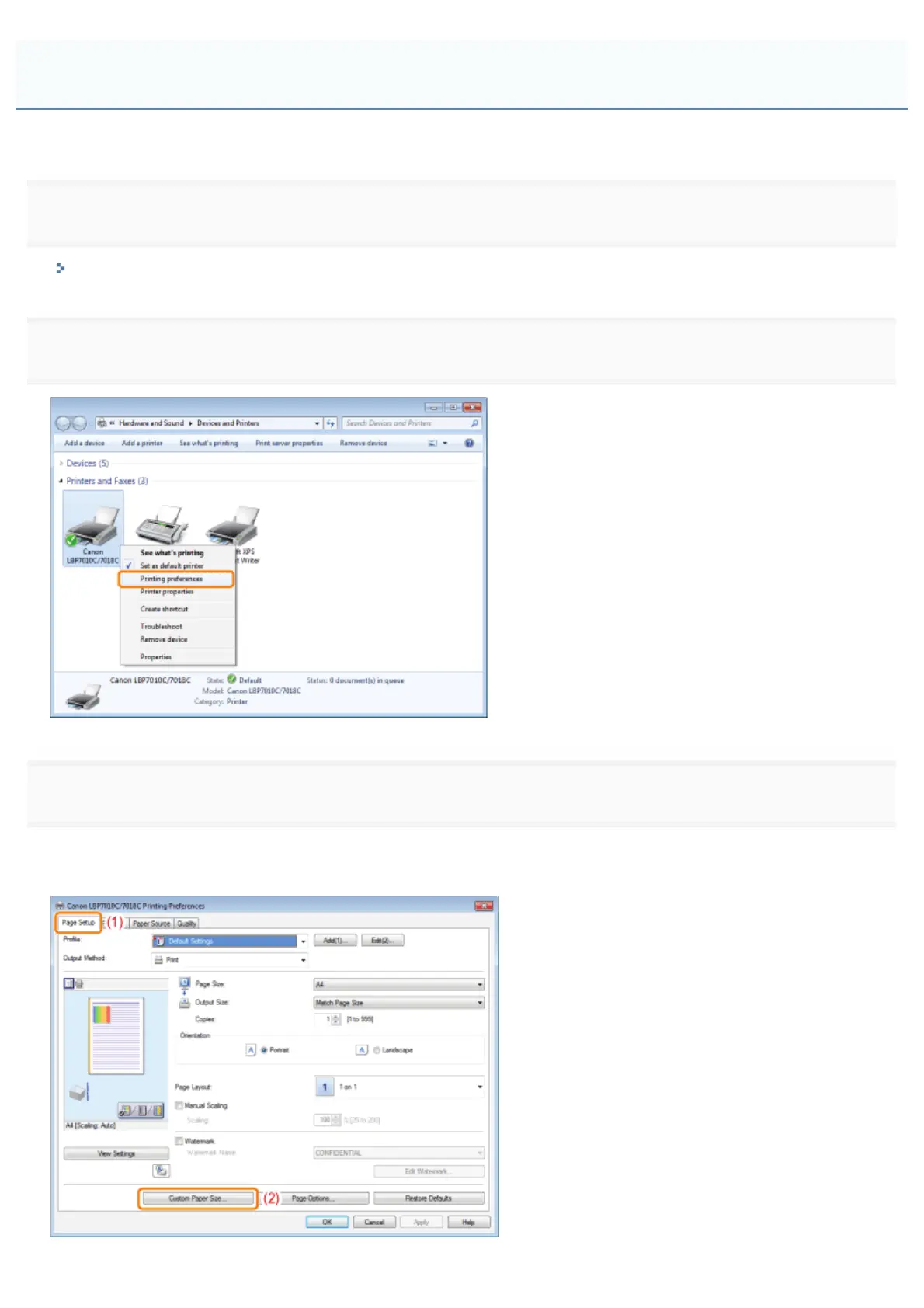
Right-click the icon for this printer, then select [Printing Preferences] from the pop-up menu.
3
Display the [Custom Paper Size Settings] dialog box.
(1) Display the [Page Setup] sheet.
(2) Click [Custom Paper Size].
Registering a Custom Paper Size
㻝㻣㻜㻌㻛㻌㻟㻠㻟













 To Next Page