019A-079
You can check the current drum cartridge status in the [Consumables Information] dialog box in the Printer Status
Window.
"Checking the Consumables Status"
Before replacing the drum cartridge, see "Attention (Drum Cartridge)."
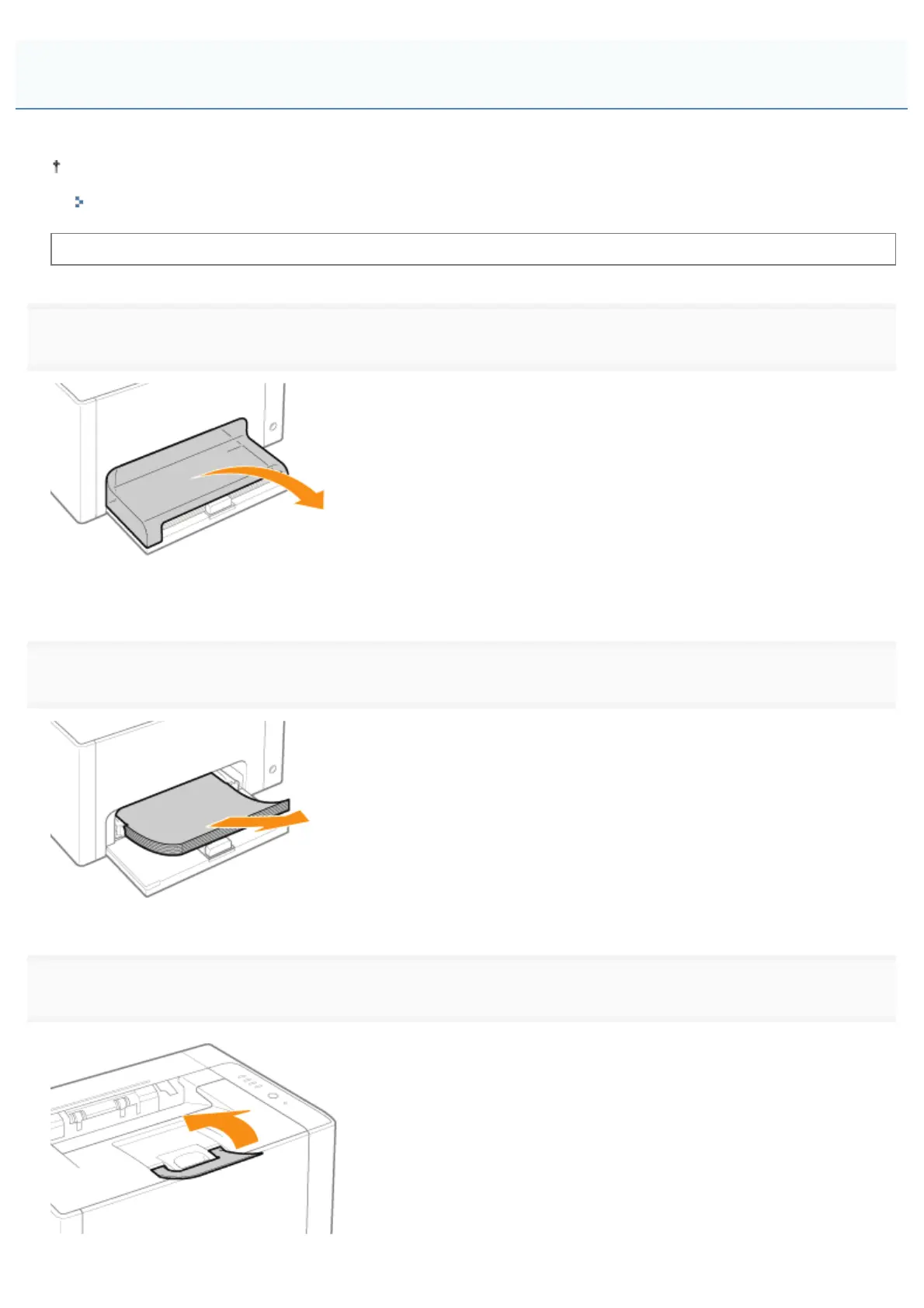
1
Remove the tray cover.
2
Remove the paper loaded in the multi-purpose tray.
3
Close the auxiliary tray.
Replacing the Drum Cartridge
㻣㻡㻌㻛㻌㻟㻠㻟













 To Next Page