019A-08F
You can maximize the use of the printer by familiarizing with software tasks and functions supplied with the printer.
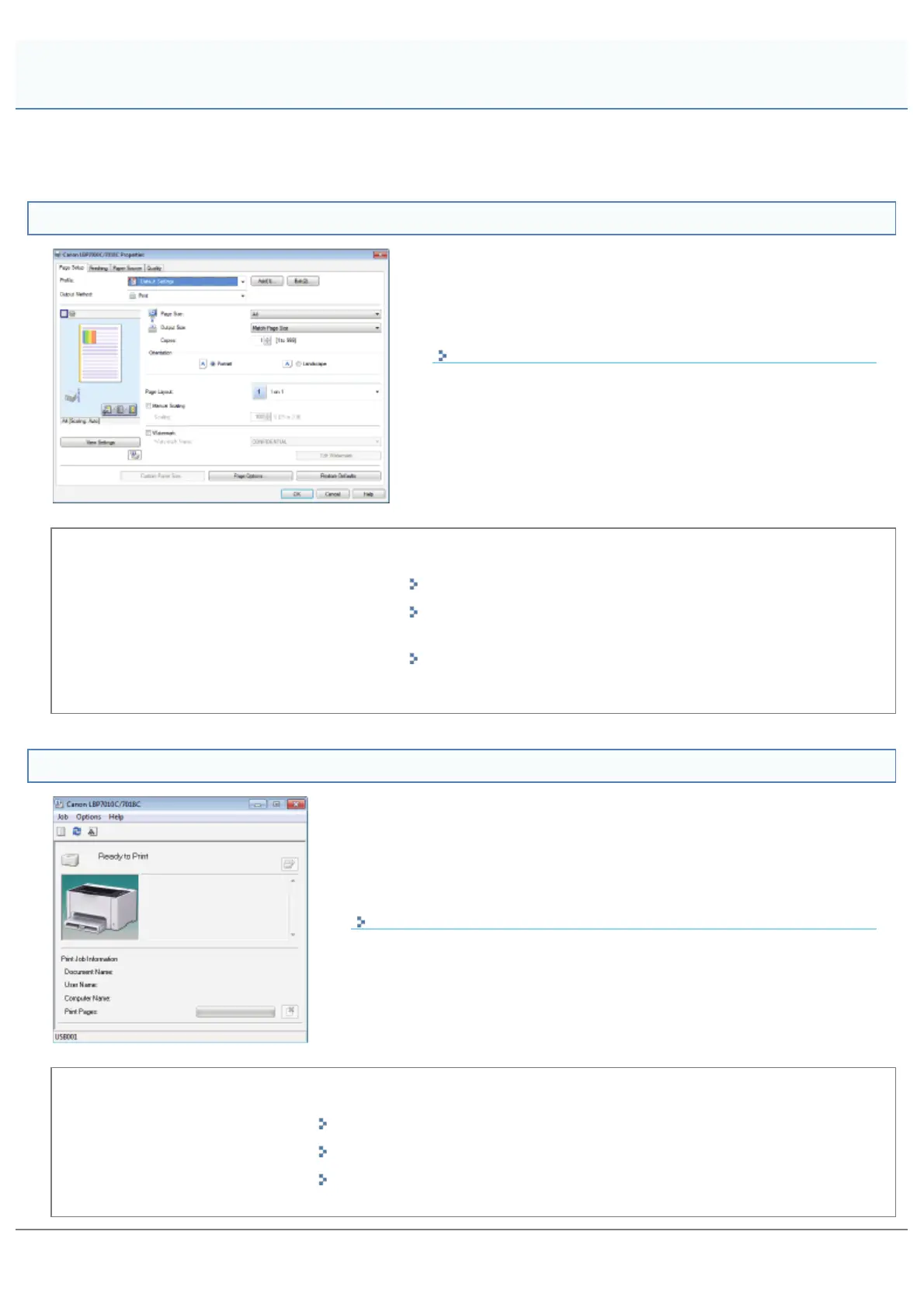
Printer Driver
The printer driver is software allows you to control the printer with
the printing instructions from the computer.
The printer driver is equipped with a useful printing function and you
can use it with freely combining the settings.
Displaying the Setting Screen
<Pick Up>
Saving Paper
Layout Printing (N-page Print)
Using Functions for Internal
Documents
Adding a Watermark to a Document to Be Printed
(Watermark Printing)
Being Particular About the Image
Quality or Colors
Adjusting the Image Quality or Colors
Printer Status Window
The Printer Status Window is software allows you to check the printer status,
specify the settings for the printer unit, and so on.
The Printer Status Window is convenient because it simply notifies the printer
status such as paper jams, life of the toner cartridges, and paper-out conditions
with messages, animations, and so on.
Printer Status Window
<Pick Up>
Canceling a Job
Canceling a Job Being Printed with One Click
Periodical Cleaning
Cleaning and Maintaining the Printer
Saving Power Consumption
Energy-saving Mode
Points to Make Full Use of the Printer
㻟㻟㻠㻌㻛㻌㻟㻠㻟













 To Next Page