019A-02U
NOTE
If you want to extend the printable area
Specify the following settings in the printer driver.
1. Click [Advanced Settings] in the [Finishing] sheet.
2. Set [Expand Print Region and Print] to [On].
Depending on the print data to be printed, the edge of paper may be missing partly during printing or may blot
during color printing.
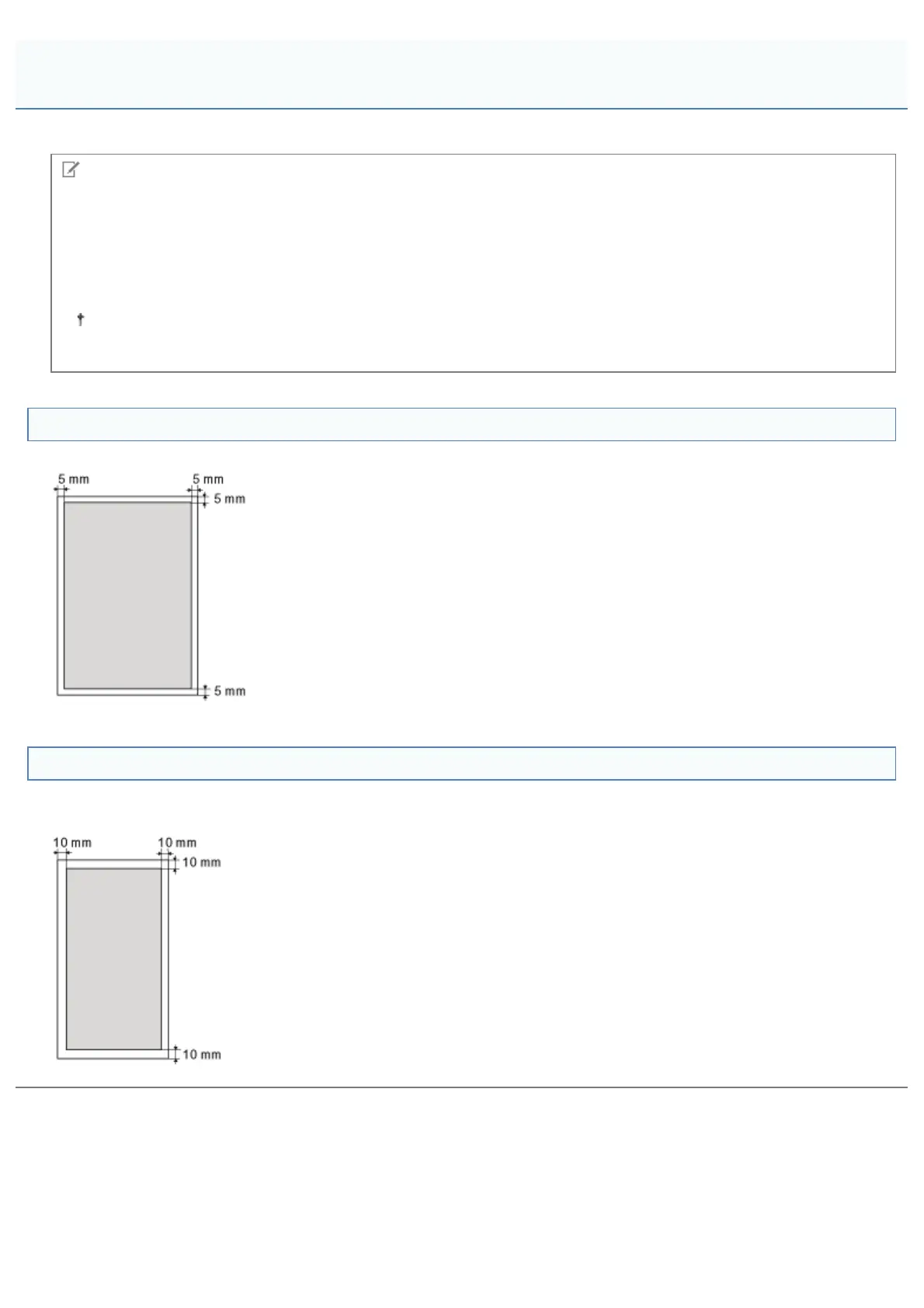
Plain Paper/Heavy Paper/Transparency/Label/Index Card/Coated Paper
You cannot print on any area within 5 mm of the edges of paper.
Envelope
This printer can print on the following area.
You may have to change the printable area before printing, depending on the application you use.
Printable Area
㻝㻠㻠㻌㻛㻌㻟㻠㻟













 To Next Page