019A-03A
Confirming usable transparencies
This printer can use the following sizes of transparencies.
Standard sizes A4, Letter
Transparencies can only be printed in black and white.
Loading transparencies
Load transparencies in the multi-purpose tray.
"Loading Paper"
<Precautions when loading transparencies>
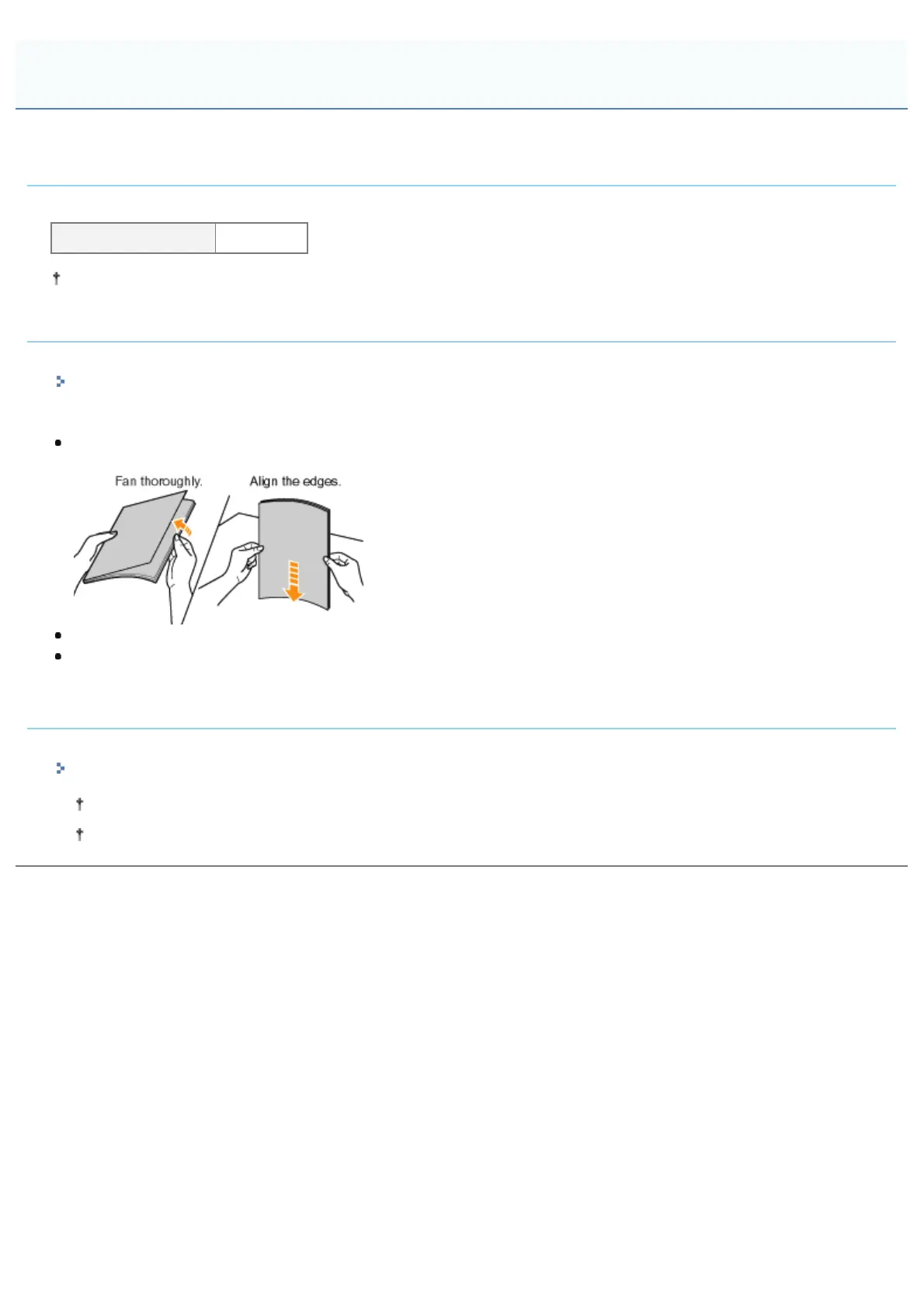
Thoroughly fan the transparencies, and then align the edges before loading them as they may stick to each other. If
they are not fanned enough, multiple sheets of paper may be fed at once, causing paper jams.
When fanning or aligning the transparencies, try to hold the edges to avoid touching the printing surface.
Take care not to mark or stain the printing surface of the transparencies with fingerprints, dust, or oil. This may result in
poor print quality.
Printing from an application
After loading transparencies, perform printing.
"Basic Printing Procedure"
The print speed drops when printing on transparencies.
Take out one sheet at a time each time a transparency is output.
Printing on Transparencies (Black and White Printing Only)
㻝㻢㻠㻌㻛㻌㻟㻠㻟













 To Next Page