019A-047
You can select the paper output method before printing.
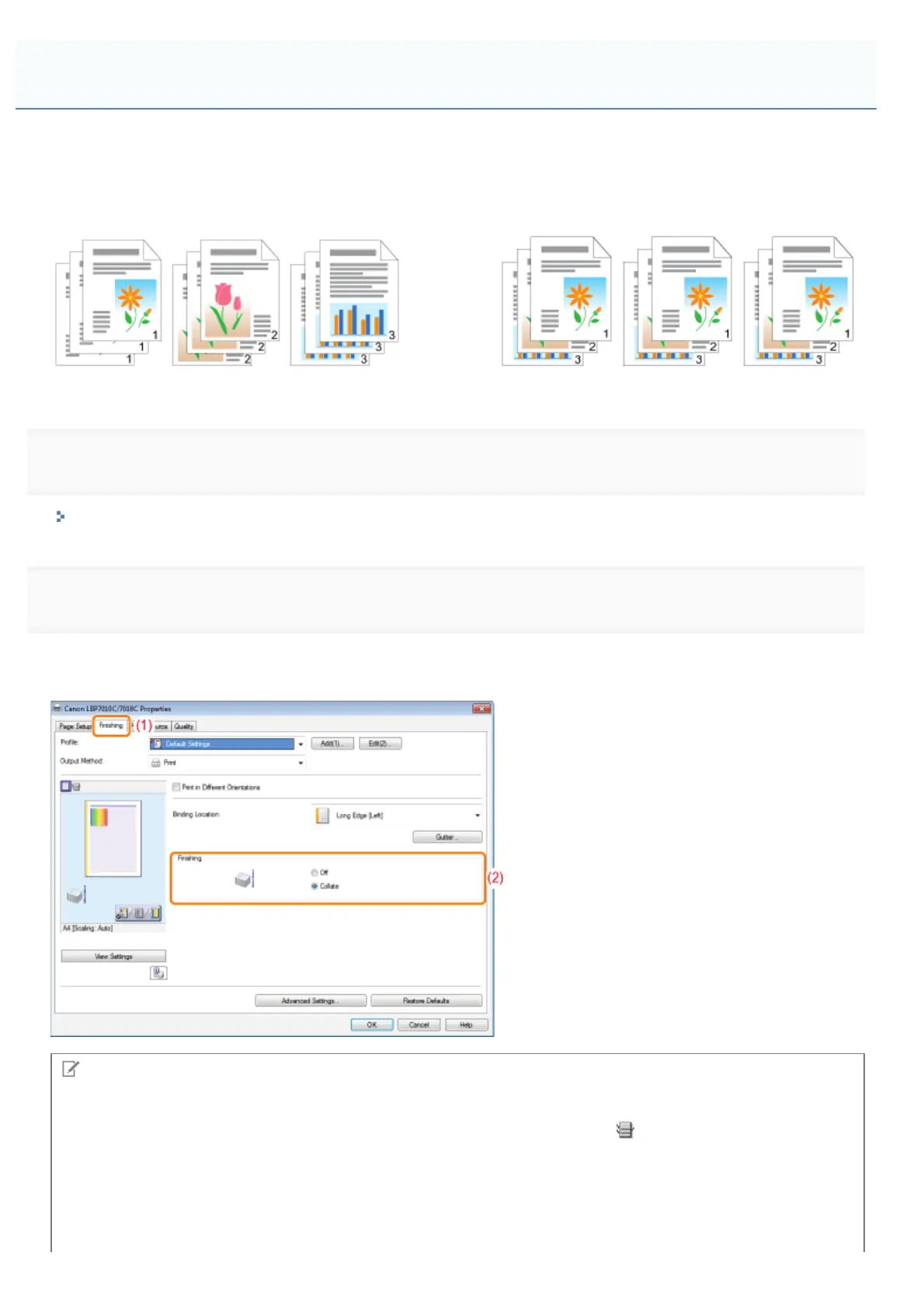
<If you do not specify the paper output method>
Printouts of a complete job are grouped.
<If you collate the printouts>
Printouts of a complete job are collated.
1
Display the setting screen of the printer driver.
"Displaying the Setting Screen"
2
Specify the setting for [Finishing].
(1) Display the [Finishing] sheet.
(2) Select a paper output method.
NOTE
Using Preview to specify the setting
You can also specify a paper output method by right-clicking on Preview when [
] is selected.
Selecting the Paper Output Method
㻞㻜㻜㻌㻛㻌㻟㻠㻟













 To Next Page