019A-06F
Perform one of the following solutions according to the cause.
<Cause 1> The setting for the toner density is not appropriate.
Solution
Adjust the toner density for printing to a darker setting.
"Adjusting the Toner Density"
<Cause 2> [Toner Save] is enabled.
Solution
Perform the following procedure in the printer driver.
1. Display the [Quality] sheet.
2. Click [Advanced Settings].
3. Set [Toner Save] to [Off].
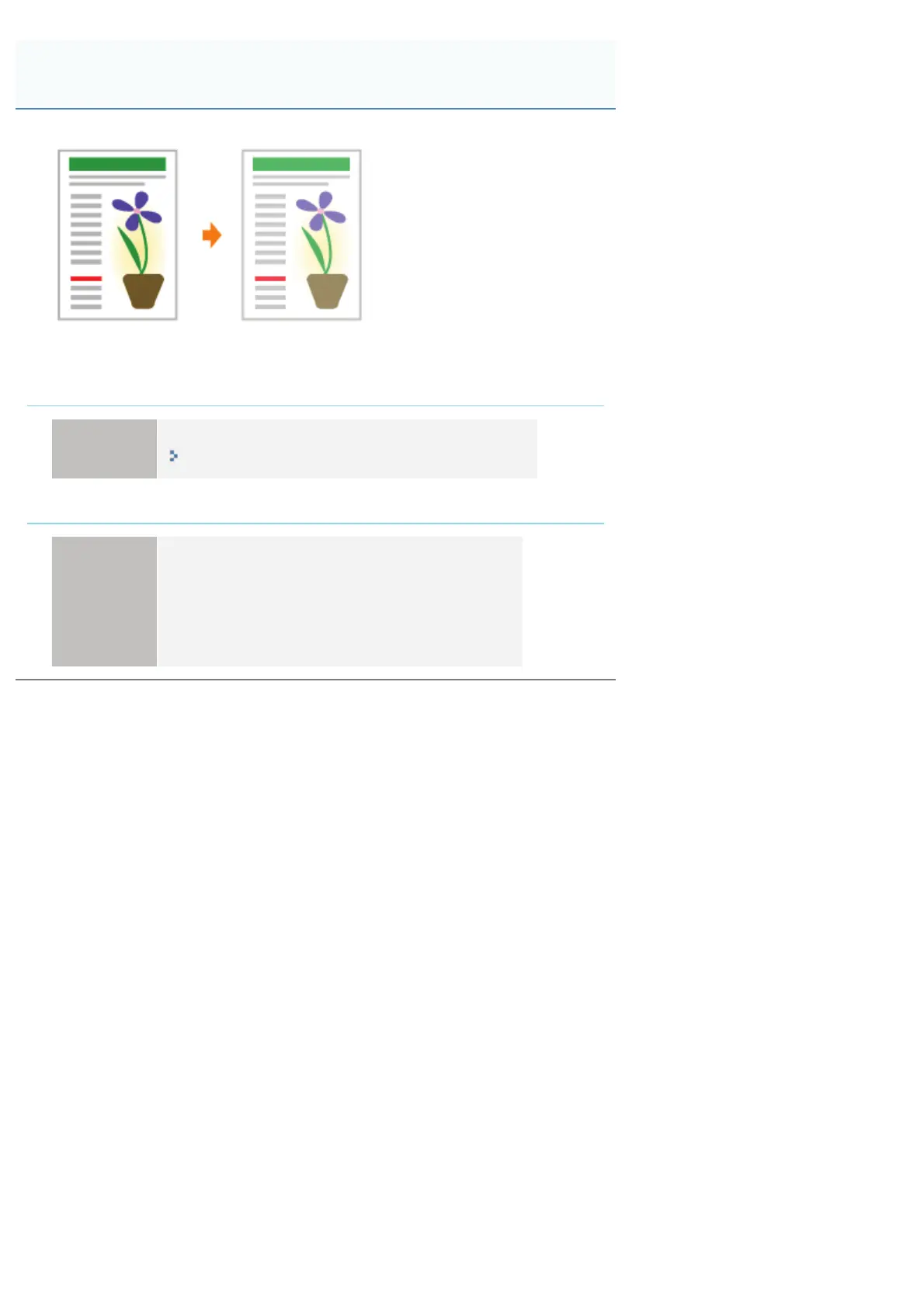
The Overall Print Result Is Faint
㻟㻝㻝㻌㻛㻌㻟㻠㻟













 To Next Page