019A-05W
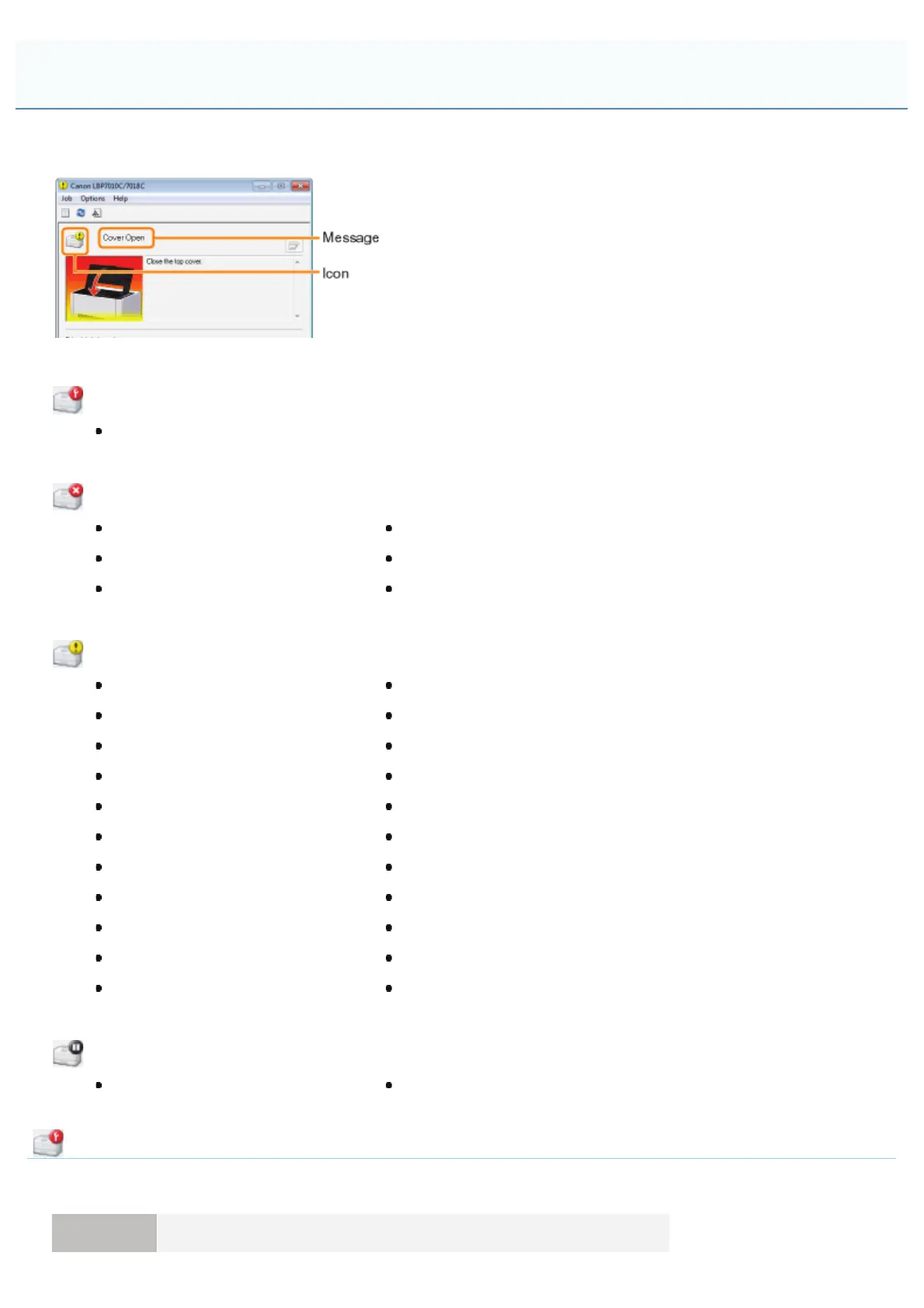
Perform solutions according to the displayed message.
The message type varies depending on the icon.
A service call is occurring.
" Service Error"
Communication cannot be performed with the printer.
" Incompatible Printer"" Network Board Error"
" Cannot Communicate with Server"" Cannot Communicate with Printer"
" Communication Error"" Incorrect Port"
The printer problems need to be corrected.
" Cannot Print"" Incorrect Toner Cartridge Position"
" Could Not Print"" Check the Toner Cartridges"
" Check the Printed Output"" Replace Toner Cartridges"
" Cover Open"" No Drum Cartridge"
" Paper Jam inside Printer"" Check the Drum Cartridge"
" Calibration Error"" Replace Drum Cartridge"
" Cleaning Required"" Updating Firmware"
" Waiting for Cleaning"" Printer Not Ready"
" Wrong Color Toner Cartridges"" Insufficient Memory"
" Insufficient Disk Space"" Out of Paper or Paper Could Not be Fed"
" No Toner Cartridge"" Check the Paper"
The printer pauses.
" Resume Printing"" Start Cleaning"
Service Error
<Cause> The printer is in an abnormal condition.
Solution Perform the procedure described in "When <Service Error> Is Displayed."
A Message Appears in the Printer Status Window
㻞㻤㻟㻌㻛㻌㻟㻠㻟













 To Next Page