019A-060
Perform one of the following solutions according to the cause.
<Cause 1> Damp paper is used.
Solution
Replace the paper with new paper in an unopened package.
"Precautions for Paper"
<Cause 2> Appropriate paper is not being used.
Solution
Replace the paper with that which can be used with this printer.
"Usable Paper"
<Cause 3> Depending on the paper type or the operating environment (especially in a high-
humidity environment), the paper may curl as either of the following.
Side View Front View
Solution 1
Perform the following procedure in the printer driver.
1. Display the [Paper Source] sheet.
2. Change the [Paper Type] setting as follows.
<Current Setting> <Changed Setting>
[Plain Paper] ĺ [Plain Paper L]
[Plain Paper H] ĺ [Plain Paper]
[Heavy Paper 1] ĺ [Plain Paper H]
[Heavy Paper 2] ĺ [Heavy Paper 1]
[Envelope H] ĺ [Envelope]
[Coated Paper 2] ĺ [Coated Paper 1]
[Coated Paper 3] ĺ [Coated Paper 2]
If you change the settings, the toner may not fix onto paper well, and the printing may come out
faint.
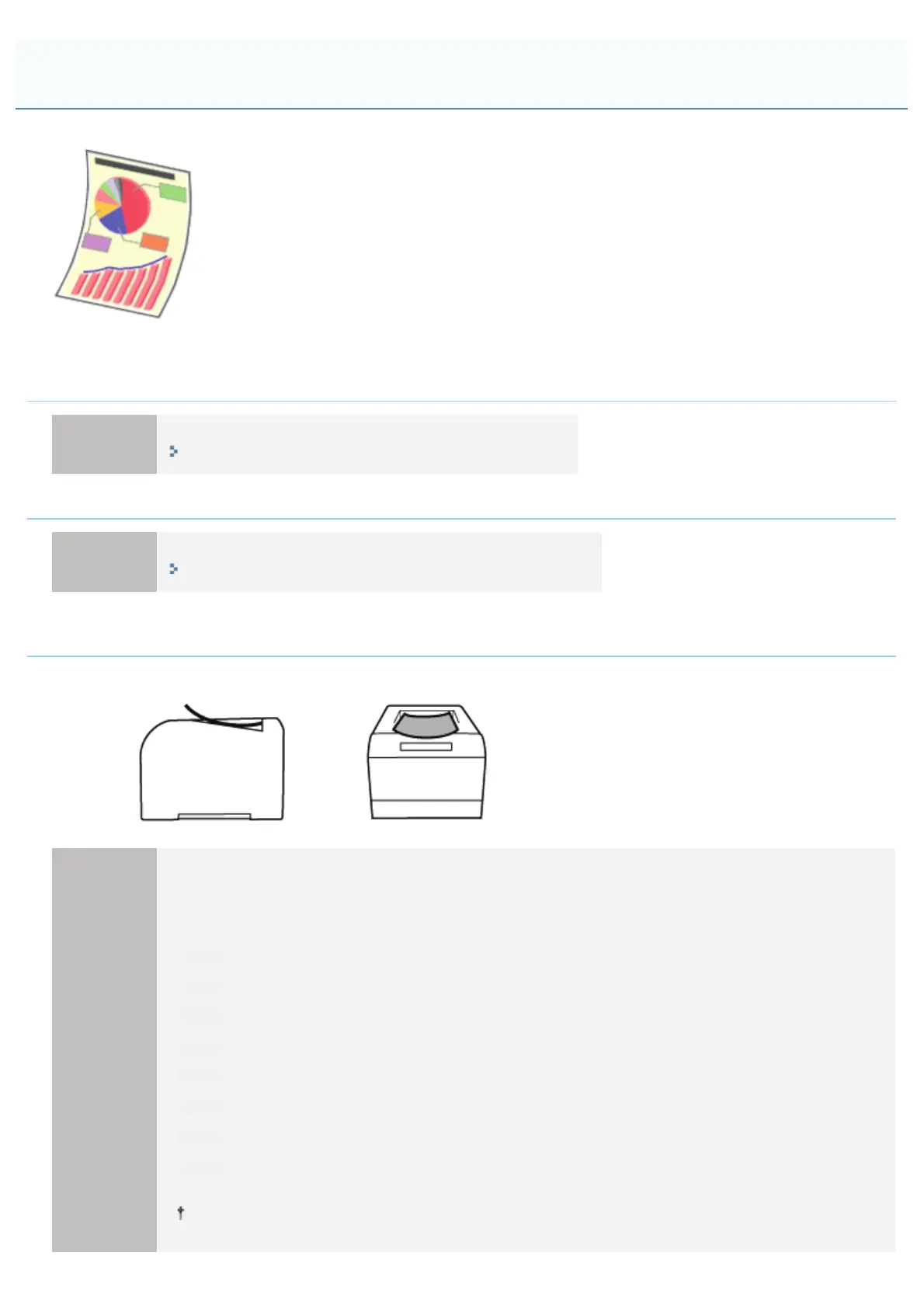
Paper Curls
㻞㻥㻠㻌㻛㻌㻟㻠㻟













 To Next Page