019A-01W
A4 plain paper is required to clean the fixing roller. Have A4 plain paper ready.
1
Load A4 plain paper in the multi-purpose tray.
"Loading Paper"
NOTE
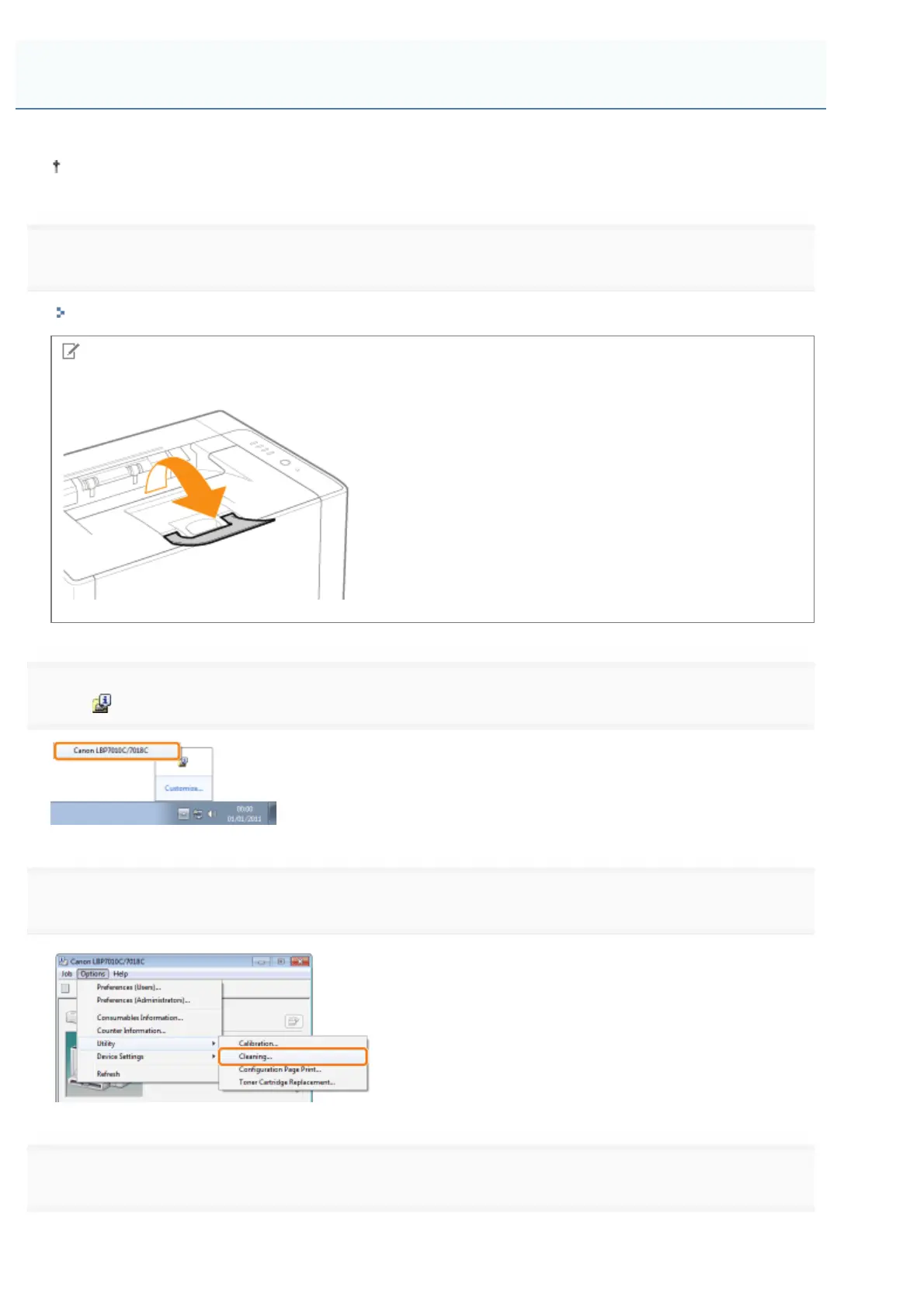
Open the auxiliary tray before cleaning.
2
Click [ ] in the Windows task tray, and then select the printer name.
3
4
Select [Cleaning Type].
(1) Select [Fixing Unit Cleaning 1].
Cleaning the Fixing Roller of the Printer
㻤㻤㻌㻛㻌㻟㻠㻟













 To Next Page