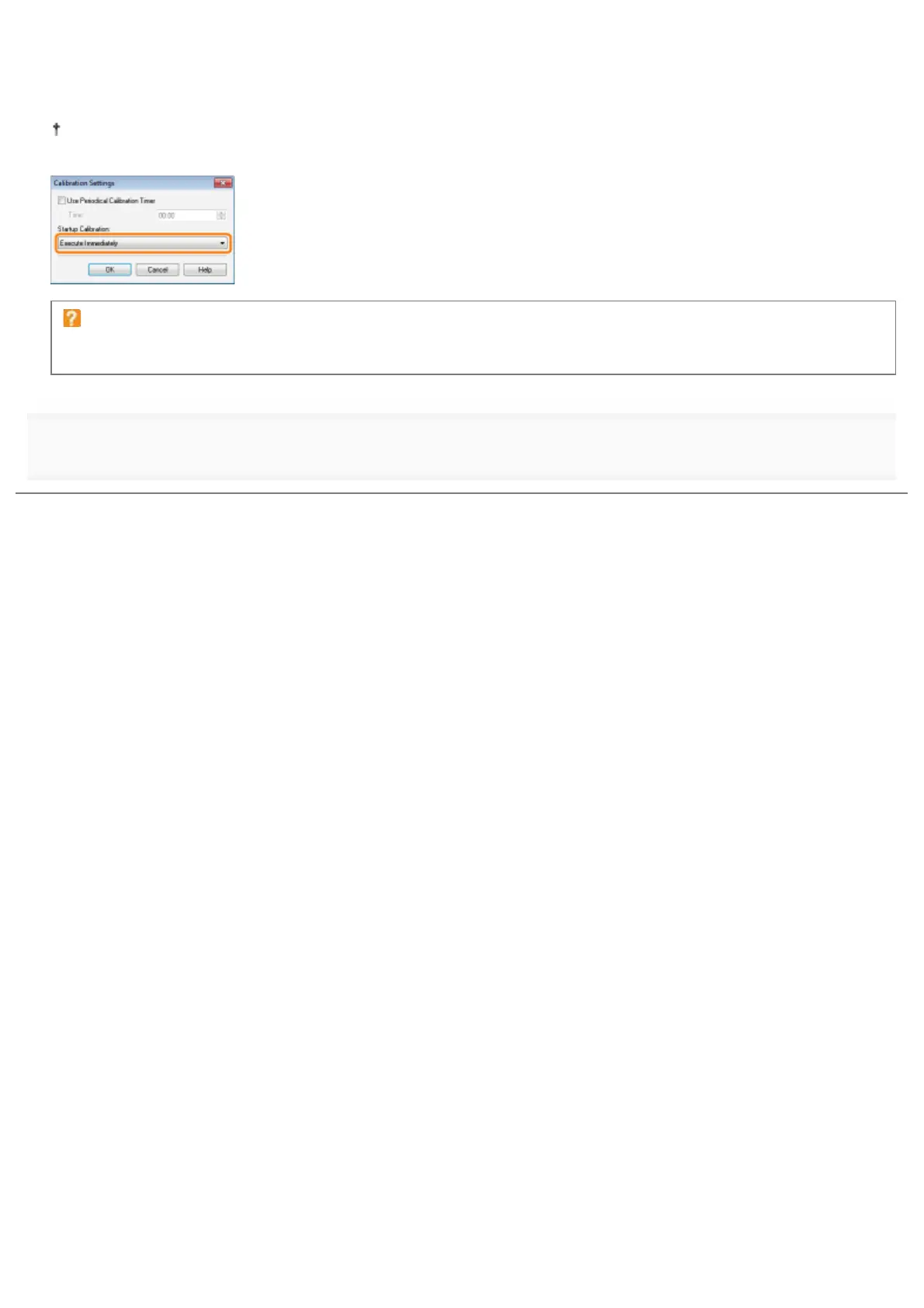
When you perform calibration immediately after the printer is turned ON
Select [Execute Immediately] in [Startup Calibration].
When calibration is performed immediately after the printer is turned ON, excessive time is required until the printer is
ready to print.
If calibration is not automatically performed
Calibration may not be performed immediately after the printer is turned ON depending on the inside state of the
printer even if you select [Execute Immediately].
4
Click [OK].
㻤㻣㻌㻛㻌㻟㻠㻟













 To Next Page