019A-05K
If [Spooling at Host] (whether the print data are processed in the computer) is set to [Disabled], you cannot change the
driver settings because some options are unavailable.
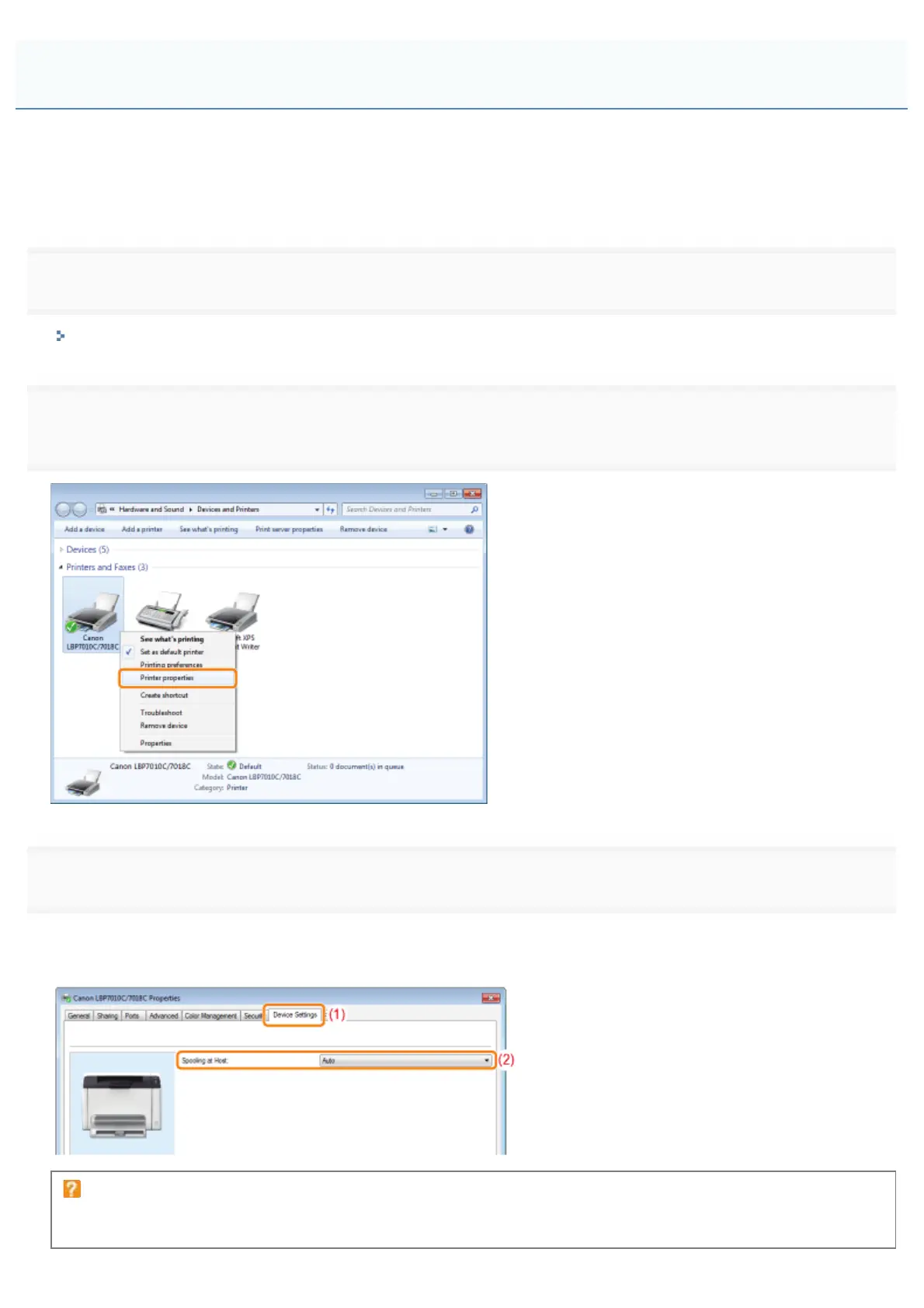
To change the settings, set [Spooling at Host] to [Auto] using the following procedure.
1
Open the printer folder.
"Basic Operations/Various Information for Windows"
2
Right-click the icon for this printer, and then select [Printer properties] or [Properties] from the pop-
up menu.
3
Change the setting for [Spooling at Host].
(1) Display the [Device Settings] sheet.
(2) Select [Auto] for [Spooling at Host].
If you cannot change the setting
You need administrative rights to change the setting.
Contact your system administrator.
The Printer Driver Settings Cannot Be Changed
㻞㻣㻞㻌㻛㻌㻟㻠㻟













 To Next Page