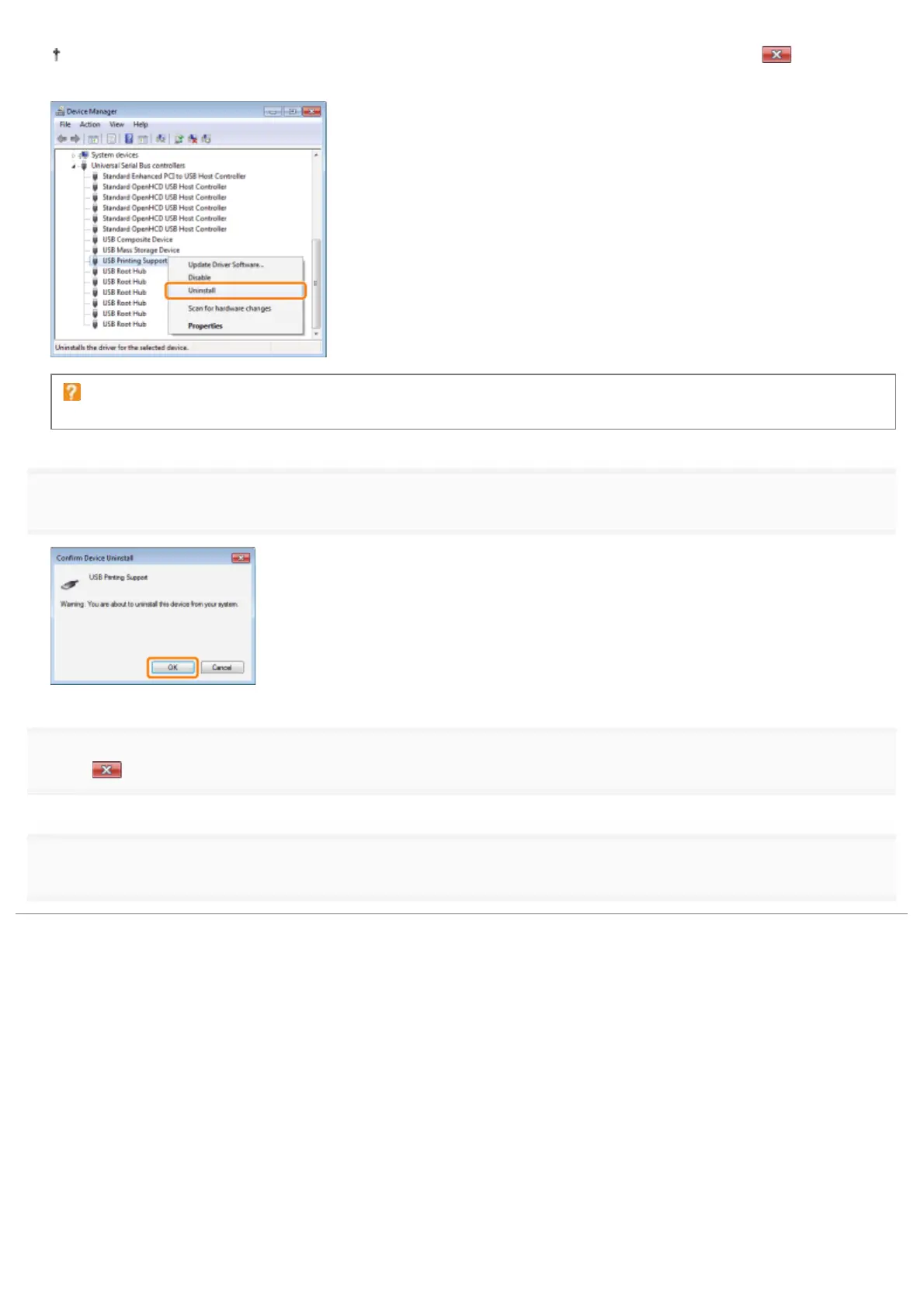
If the USB class driver is not installed properly, [USB Printing Support] is not displayed. Then, click [ ] to close the
[Device Manager] dialog box.
If the USB class driver is under [Other Devices]
Select the USB class driver which is displayed as [Unknown device], and then uninstall it.
7
Click [OK].
8
Click [ ] to close the [Device Manager] dialog box.
9
Disconnect the USB cable from the computer, then restart Windows.
㻞㻣㻝㻌㻛㻌㻟㻠㻟













 To Next Page