019A-007
The process of removing the e-Manual to restore the computer to the same state as before the e-Manual was installed is
referred to as uninstallation. To uninstall the e-Manual, perform the following procedure.
1
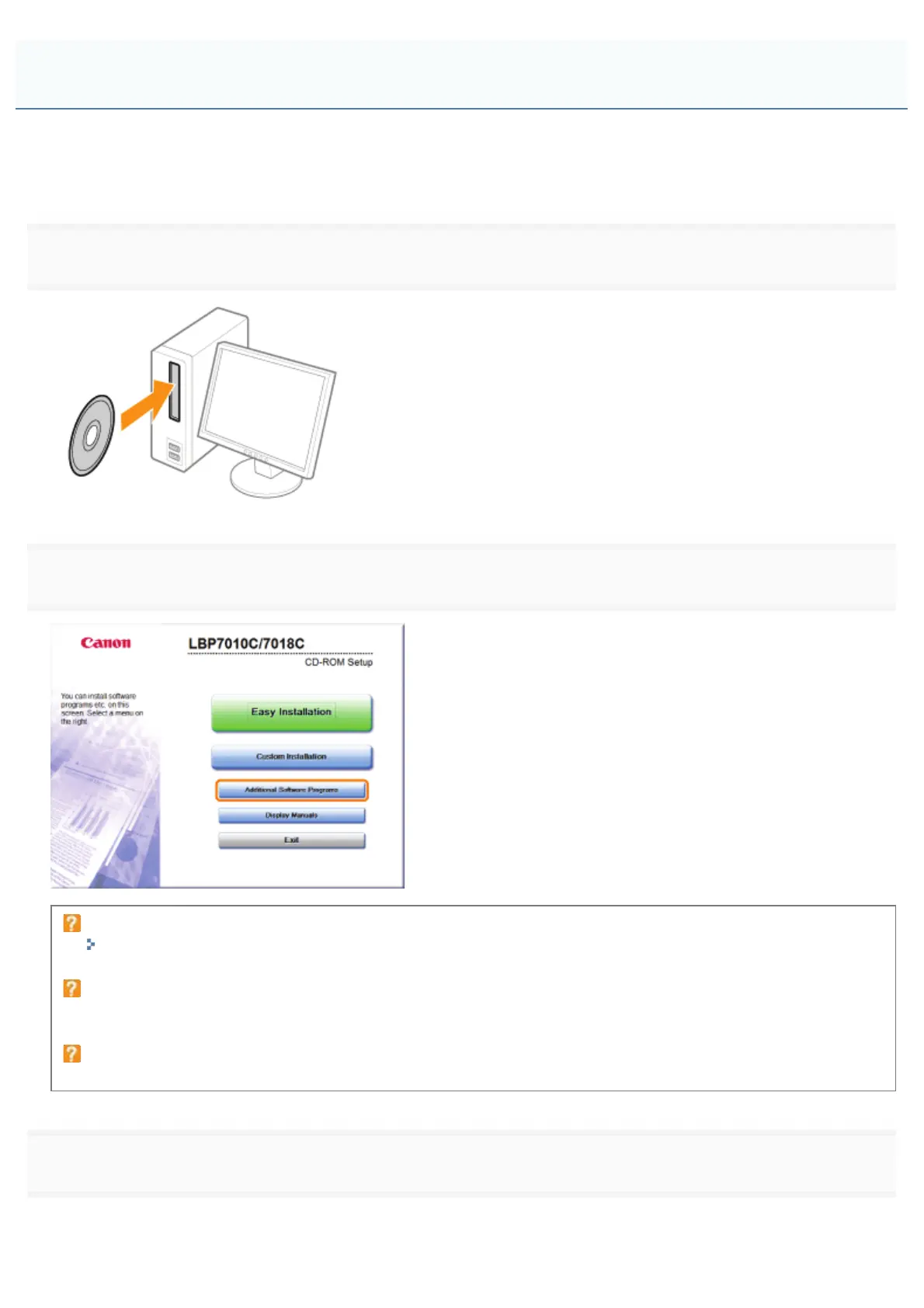
Insert the supplied CD-ROM "User Software" into the CD-ROM drive of your computer.
2
Click [Additional Software Programs].
If the above screen does not appear
"Basic Operations/Various Information for Windows"
If the [AutoPlay] dialog box appears
Click [Run AUTORUN.EXE].
If the [User Account Control] dialog box appears
Click [Yes] or [Continue].
3
Click [Start] in [Manual Uninstaller].
Uninstalling the e-Manual
㻝㻣㻌㻛㻌㻟㻠㻟













 To Next Page