NOTE
Displaying the e-Manual directly from the CD-ROM
You can also display the e-Manual directly from the CD-ROM without installing it in the computer you are using.
1. Insert the supplied CD-ROM "User Software" into the CD-ROM drive of your computer.
2. Click [Display Manuals].
3. Click [
] button next to [e-Manual].
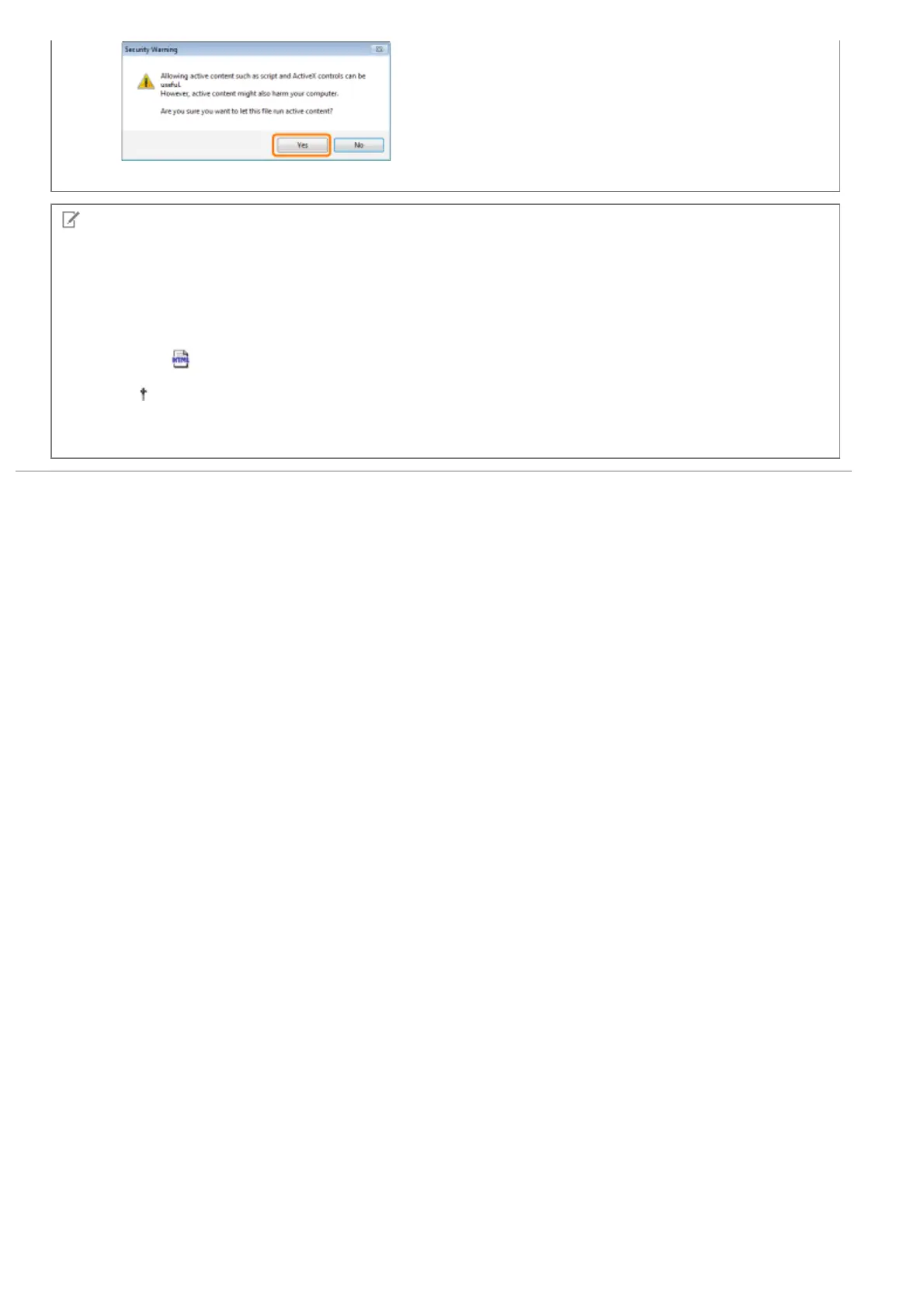
Depending on the operating system you are using, a security protection message is displayed.
Allow the contents to be displayed.
㻝㻢㻌㻛㻌㻟㻠㻟













 To Next Page