019A-042
You can print a border, the date, and page numbers on the document to be printed.
1
Display the setting screen of the printer driver.
"Displaying the Setting Screen"
2
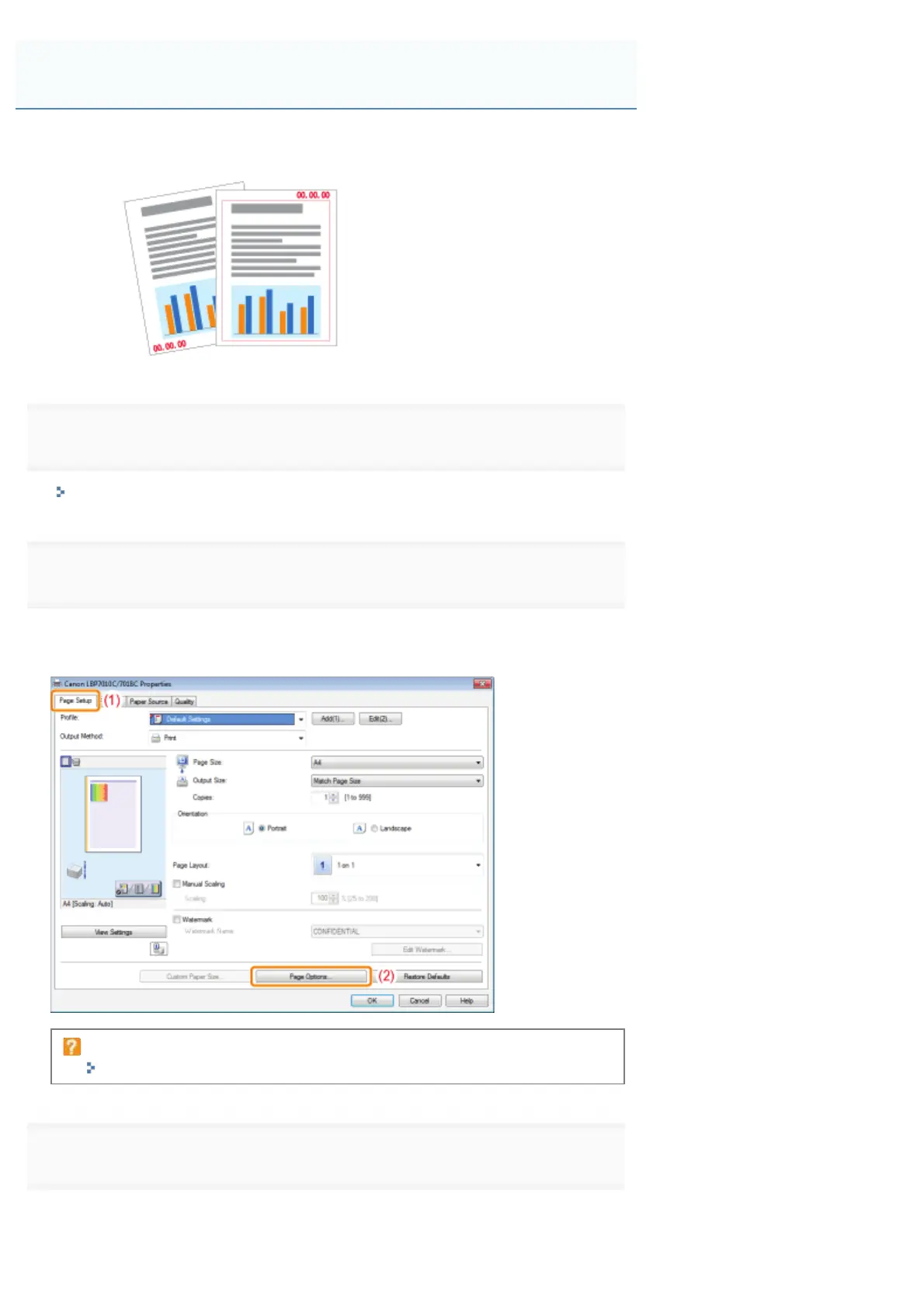
Display the [Page Options] dialog box.
(1) Display the [Page Setup] sheet.
(2) Click [Page Options].
If you cannot click [Page Options]
"The Printer Driver Settings Cannot Be Changed"
3
Specify the settings for borders, the printing date, and so on.
(1) Specify each setting.
Printing Borders, the Printing Date, and so on
㻝㻤㻣㻌㻛㻌㻟㻠㻟













 To Next Page