019A-05H
1
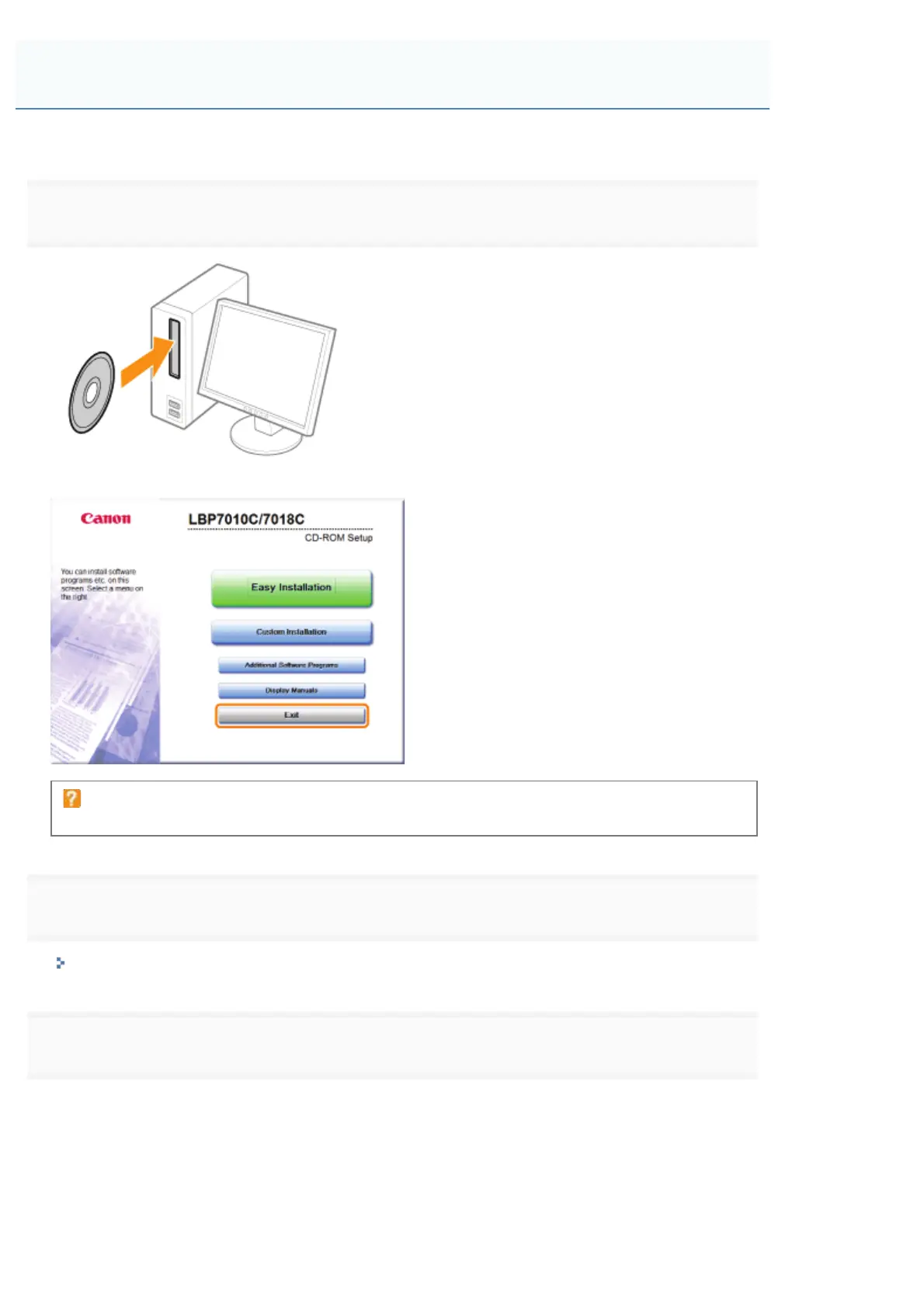
Insert the supplied CD-ROM "User Software" into the CD-ROM drive of your computer.
When the following screen appears, click [Exit].
If the [AutoPlay] dialog box appears
Select [Open folder to view files], and then proceed to Step 4.
2
Display [Computer] or [My Computer].
"Basic Operations/Various Information for Windows"
3
Right-click the CD-ROM icon, then select [Open] from the pop-up menu.
Starting the Uninstaller from the CD-ROM
㻞㻢㻢㻌㻛㻌㻟㻠㻟













 To Next Page