019A-026
Configuration Page Print shows the settings of the printer unit and other current printer information.
Configuration Page Print is designed to be printed on A4 paper. Be sure to use A4 paper.
1
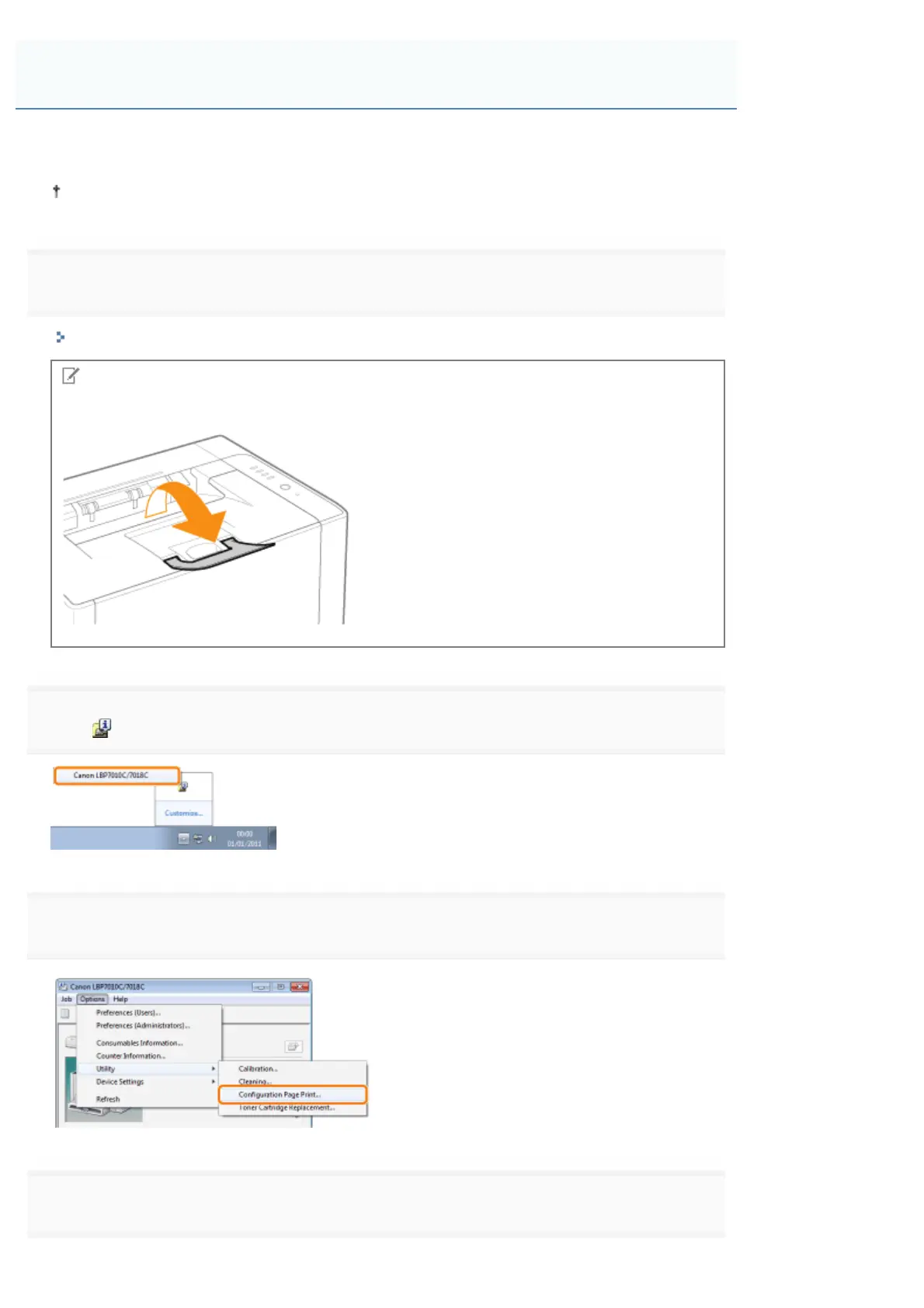
Load A4 paper in the multi-purpose tray.
"Loading Paper"
NOTE
Open the auxiliary tray before printing.
2
Click [ ] in the Windows task tray, and then select the printer name.
3
4
Click [OK] to print Configuration Page Print.
Printing Configuration Page Print
㻝㻜㻥㻌㻛㻌㻟㻠㻟













 To Next Page