019A-081
Perform the following procedure.
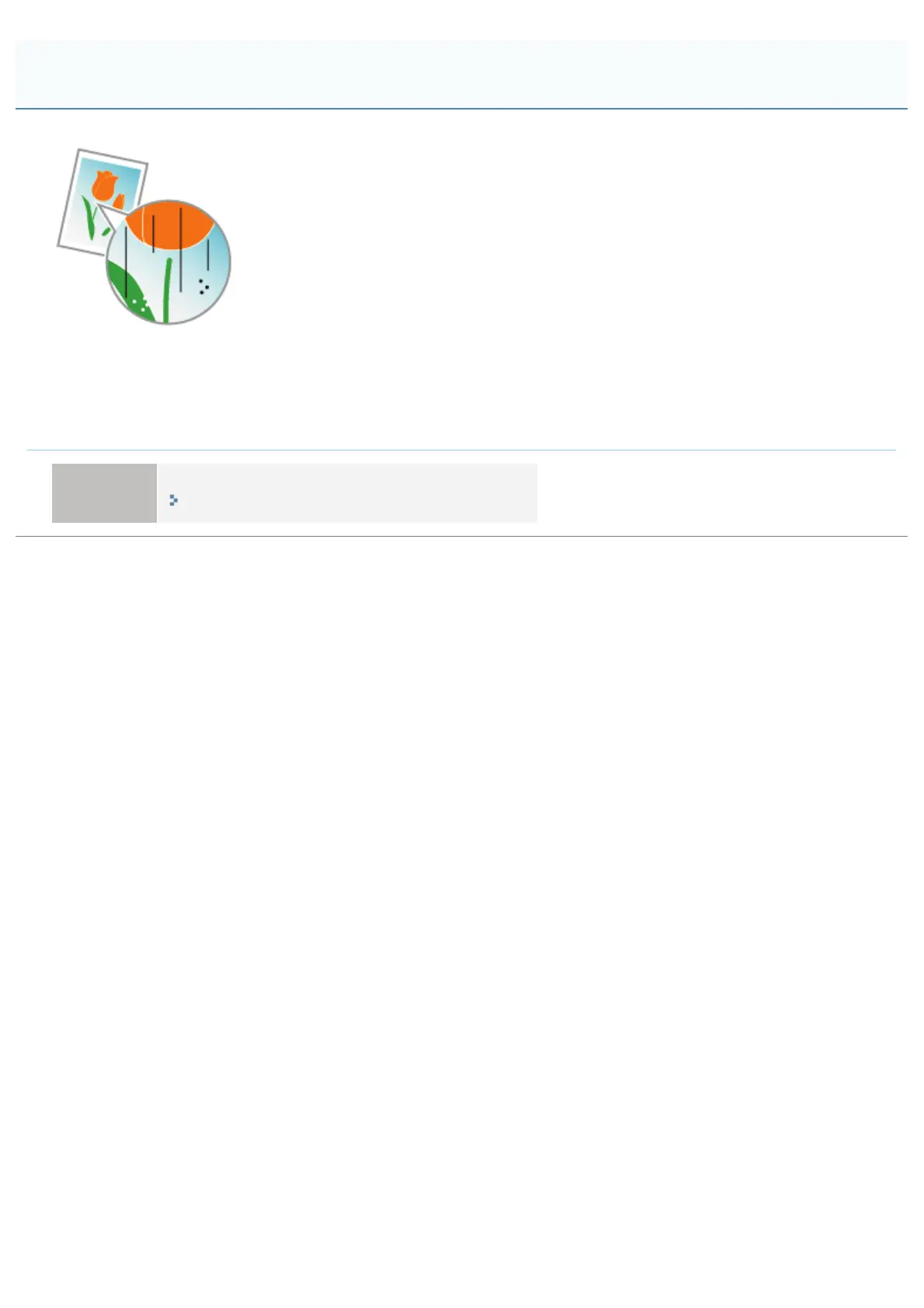
<Cause> Black streaks (lines), smudge marks, or white points may appear on the images
depending on the operating environment (especially in a high-humidity or low-temperature
environment).
Solution
Clean the photosensitive drum of the printer.
"Cleaning the Photosensitive Drum of the Printer"
Black Streaks (Lines), Smudge Marks, or White Points Appear
㻞㻥㻥㻌㻛㻌㻟㻠㻟













 To Next Page