019A-036
1
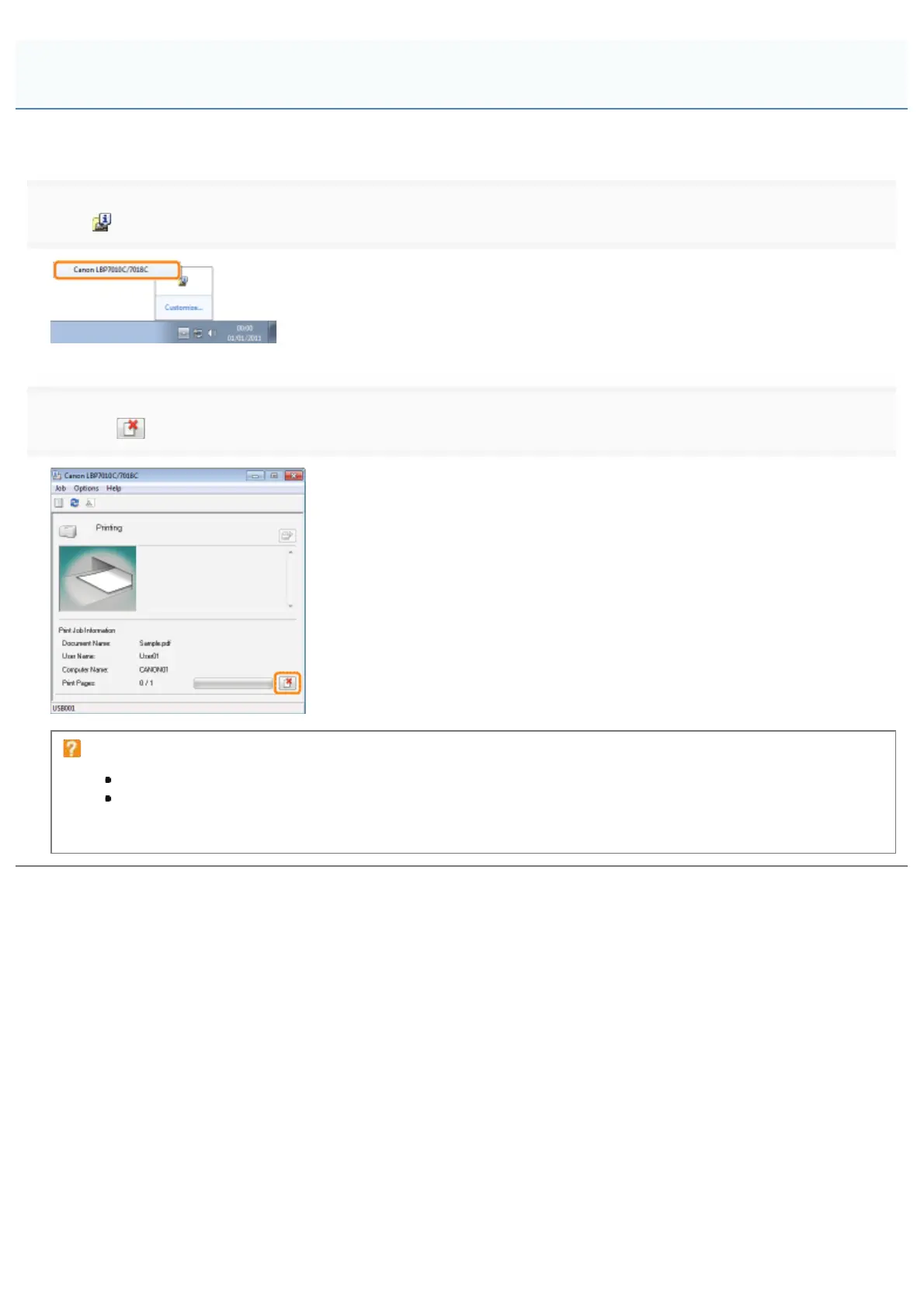
Click [ ] in the Windows task tray, and then select the printer name.
2
Clicking [ ] (Cancel Job) cancels the print job.
If you cannot cancel a job
You cannot cancel the job whose pages are in the process of printing.
You cannot cancel another user's job. (For the print server environment, you can cancel print jobs on the
print server.)
Canceling a Job Being Printed with One Click
㻝㻢㻜㻌㻛㻌㻟㻠㻟













 To Next Page