019A-04J
1
Open the printer folder.
"Basic Operations/Various Information for Windows"
2
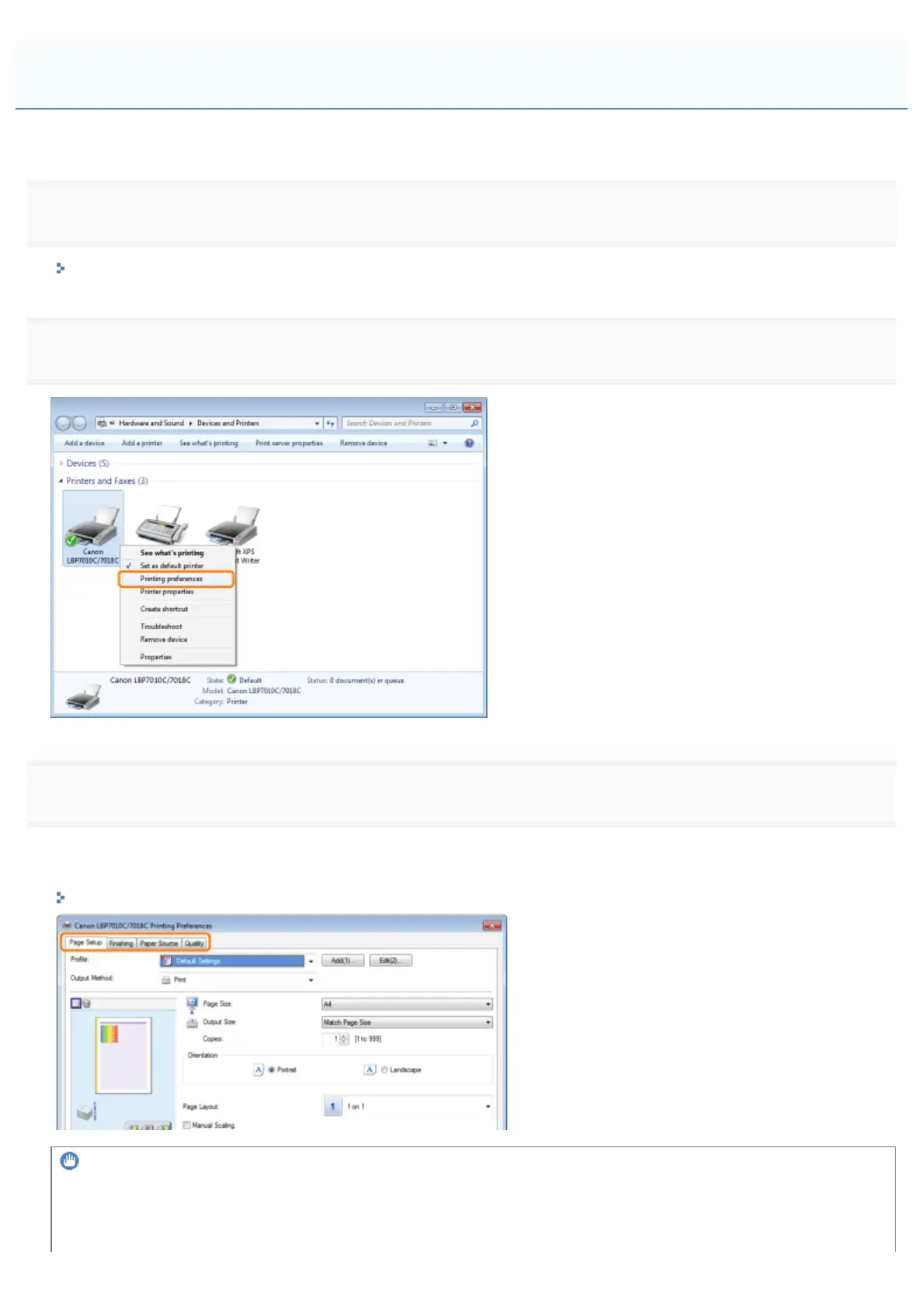
Right-click the icon for this printer, then select [Printing Preferences] from the pop-up menu.
3
Change the printing preferences in the [Page Setup], [Finishing], [Paper Source], and [Quality] sheets.
The settings changed here become the default values.
For more details on the settings, see Help.
"How to Use Help"
IMPORTANT
The setting options that are not being changed the default values
The default values in the settings for [Sample Type] in the [Quality] - [Color Settings] - [Color Adjustment] sheet are not
changed.
Changing the Default Values for Printing Preferences
㻞㻞㻜㻌㻛㻌㻟㻠㻟













 To Next Page