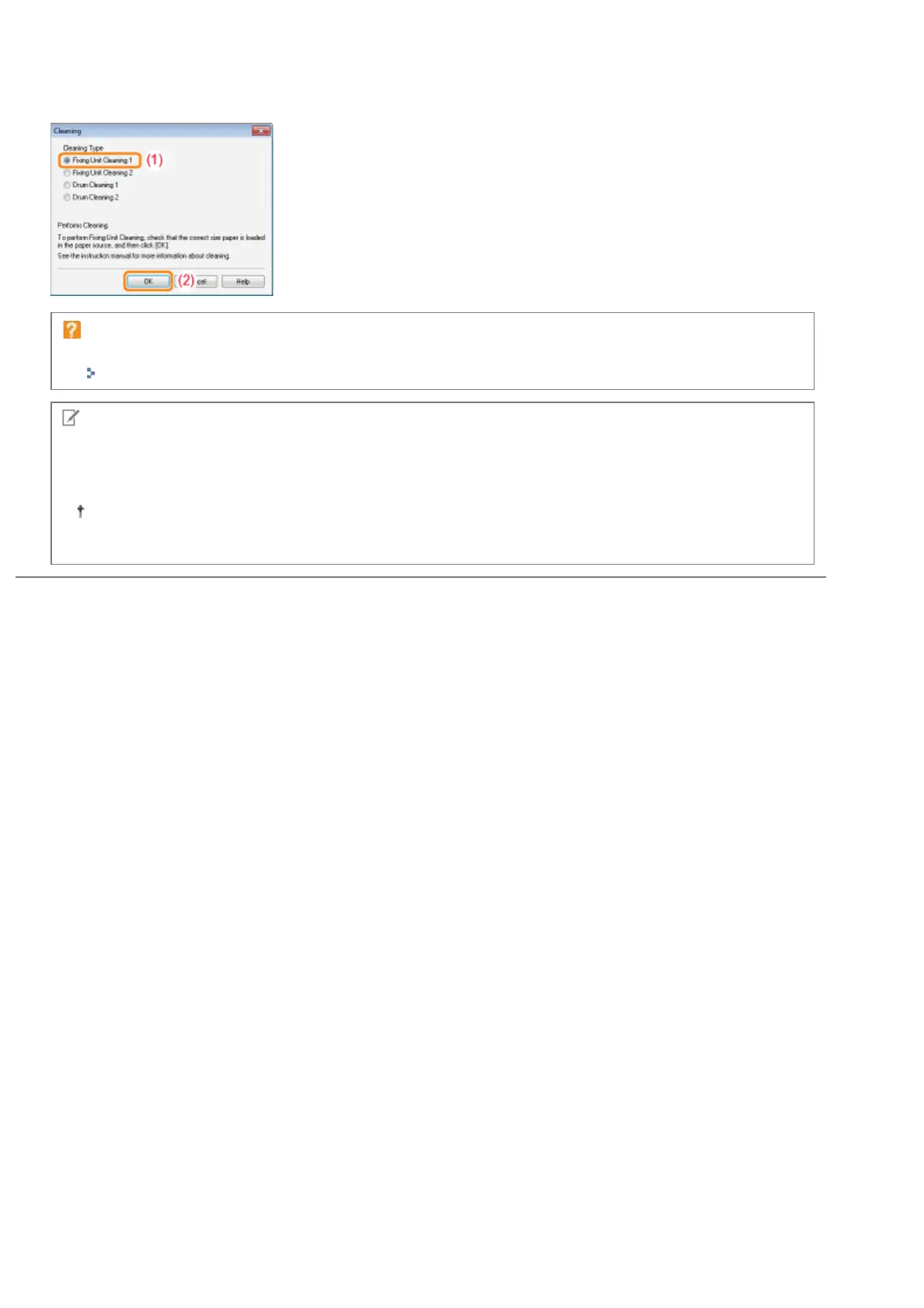
(2) Click [OK].
ĺ The paper is fed, and the printer starts cleaning the fixing roller.
When the printed paper has smudge marks even if [Fixing Unit Cleaning 1] is performed
Perform [Fixing Unit Cleaning 2].
"Performing [Fixing Unit Cleaning 2]"
NOTE
Cleaning time
It takes approximately 130 seconds.
Cleaning the fixing roller cannot be canceled. Please wait until it is completed.
(The cleaning is finished when the paper is output completely.)
㻤㻥㻌㻛㻌㻟㻠㻟













 To Next Page