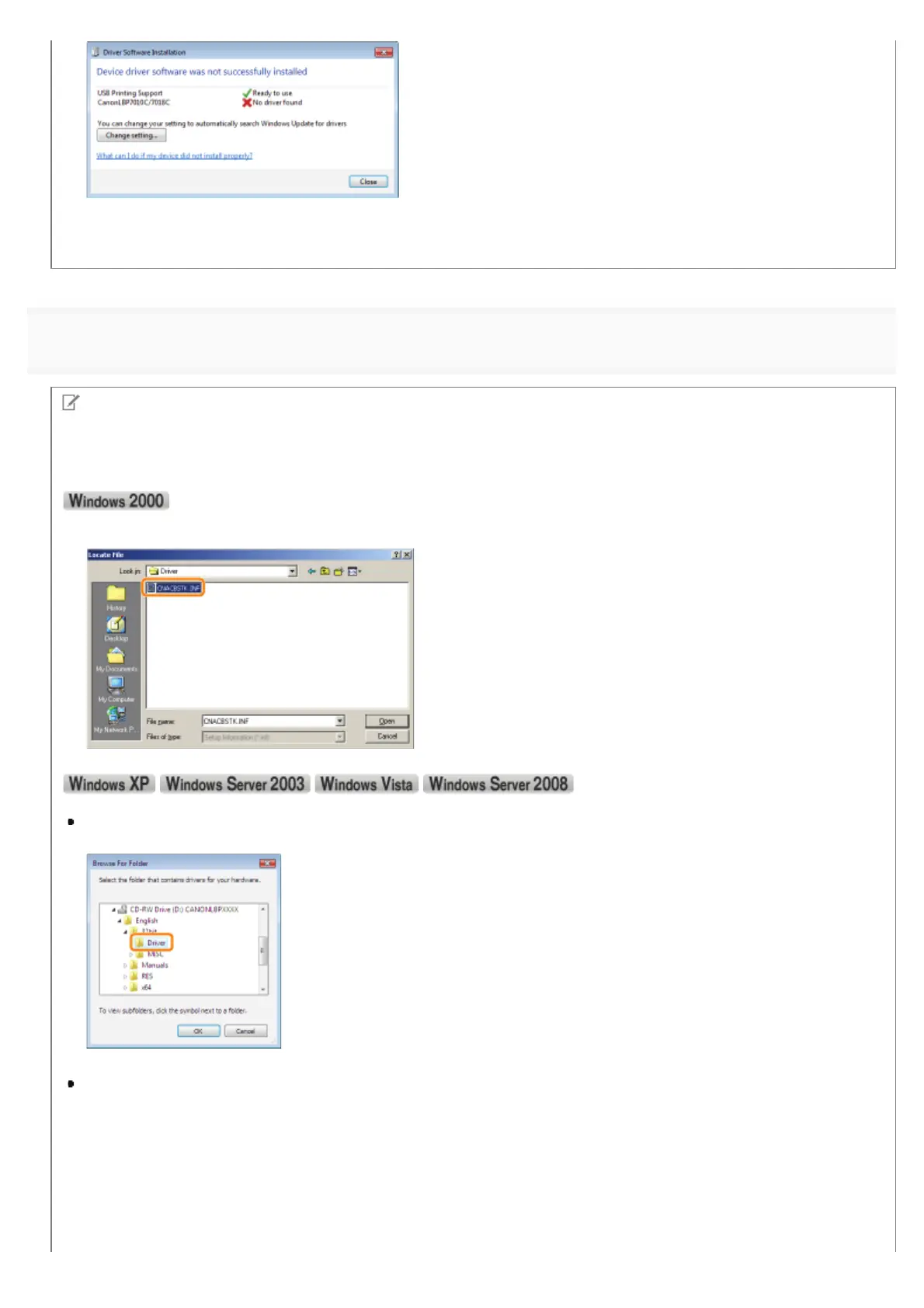
You may not be able to install the printer driver properly due to the Windows restriction even after detecting the
printer with Plug and Play.
Click [Close], and then reinstall the printer driver in "Easy Installation."
4
Follow the on-screen instructions to install the printer driver.
NOTE
When selecting the file or folder in which the printer driver is included.
Select one of the following file and folders.
Select [CNACBSTK.INF] in the [English] - [32bit] - [Driver] folders in the supplied CD-ROM.
For a 32-bit operating system
Select the folders in the supplied CD-ROM: [English] - [32bit] - [Driver].
For a 64-bit operating system
Select the folders in the supplied CD-ROM: [English] - [x64] - [Driver].
㻝㻞㻤㻌㻛㻌㻟㻠㻟













 To Next Page