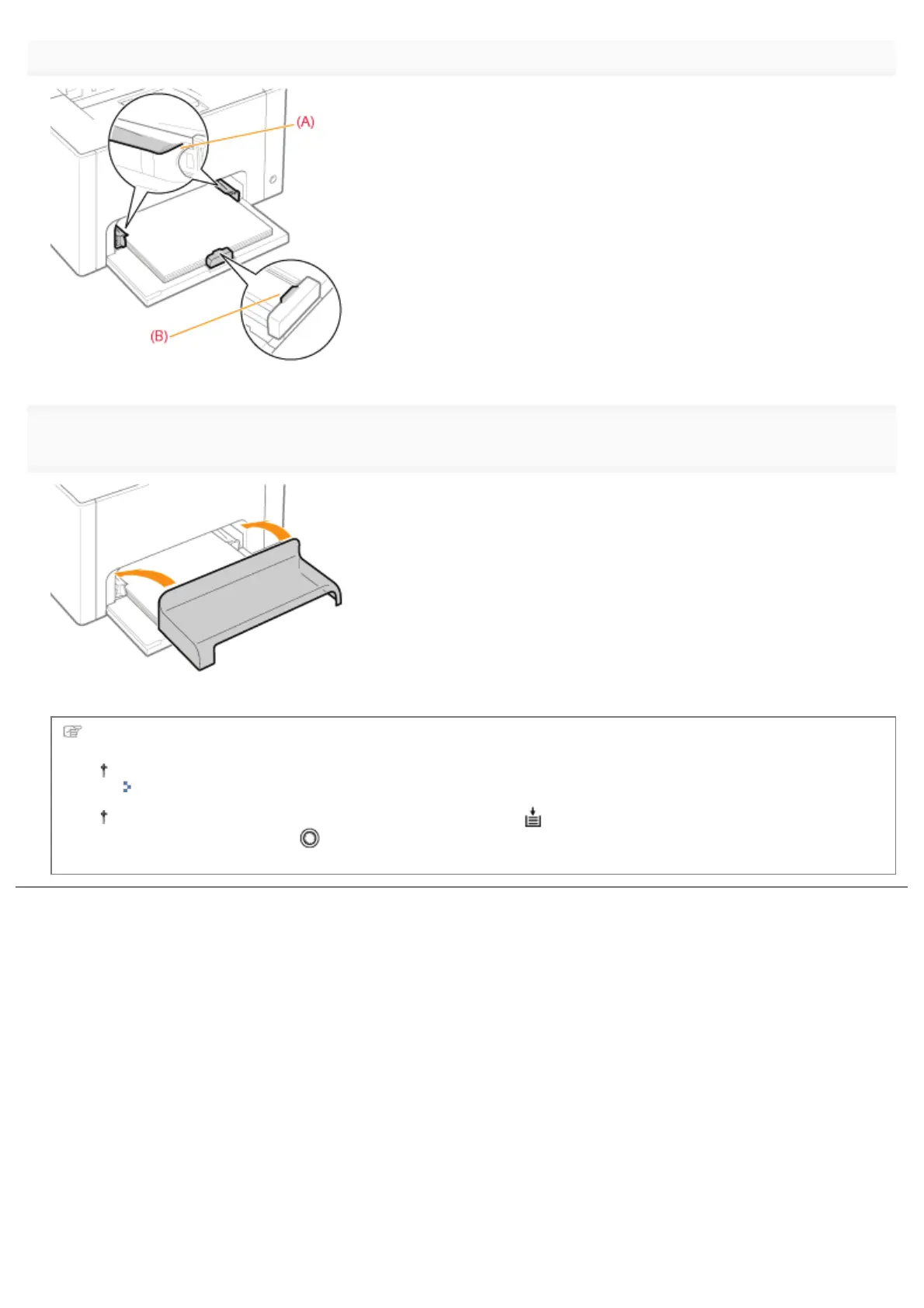
paper guides.
6
Install the tray cover.
For details on the basic printing procedure, see "Basic Printing Procedure."
If printing custom size paper, you need to register the custom paper size in the printer driver previously.
"Registering a Custom Paper Size"
In cases such as where paper runs out during printing, the (Paper) indicator (orange) blinks. Printing
resumes by pressing the [
] (Paper) key.
㻝㻠㻤㻌㻛㻌㻟㻠㻟













 To Next Page