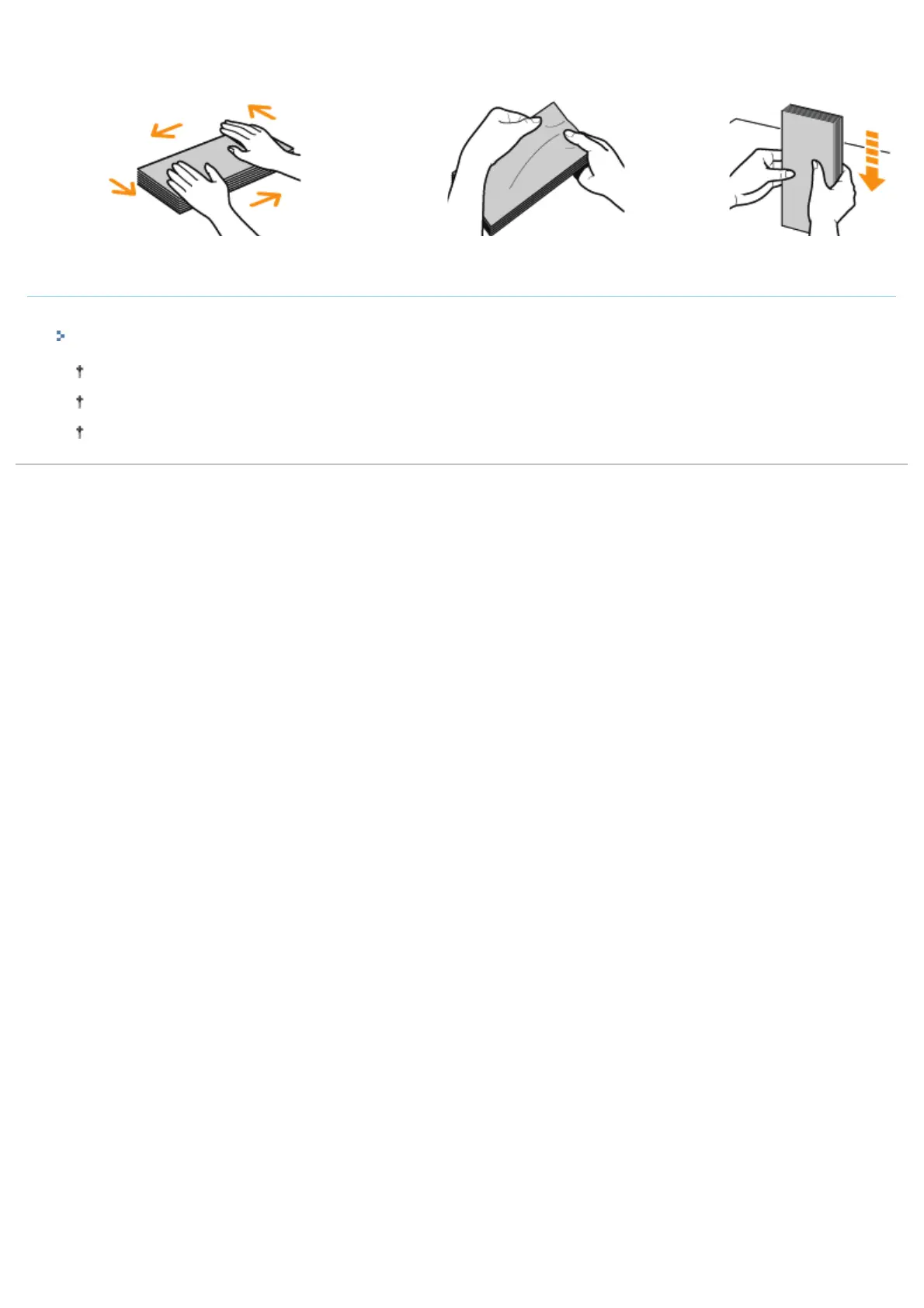
surface, and then flatten them to release
any remaining air.
Then, press the edges tightly.
envelopes and flatten curls as
shown in the figure.
envelopes on a flat
surface.
Printing from an application
After loading envelopes, perform printing.
"Basic Printing Procedure"
Do not print on the reverse side (glued side) of envelopes.
The print speed drops when printing on envelopes.
When envelopes are printed, they may be creased.
㻝㻢㻣㻌㻛㻌㻟㻠㻟













 To Next Page