"The Printer Driver Settings Cannot Be Changed"
NOTE
Using Preview to specify the setting
You can also specify a page layout by clicking within the document image on Preview when [
] is selected.
(Using Preview to be able to specify is [2 on 1] and [4 on 1] only.)
3
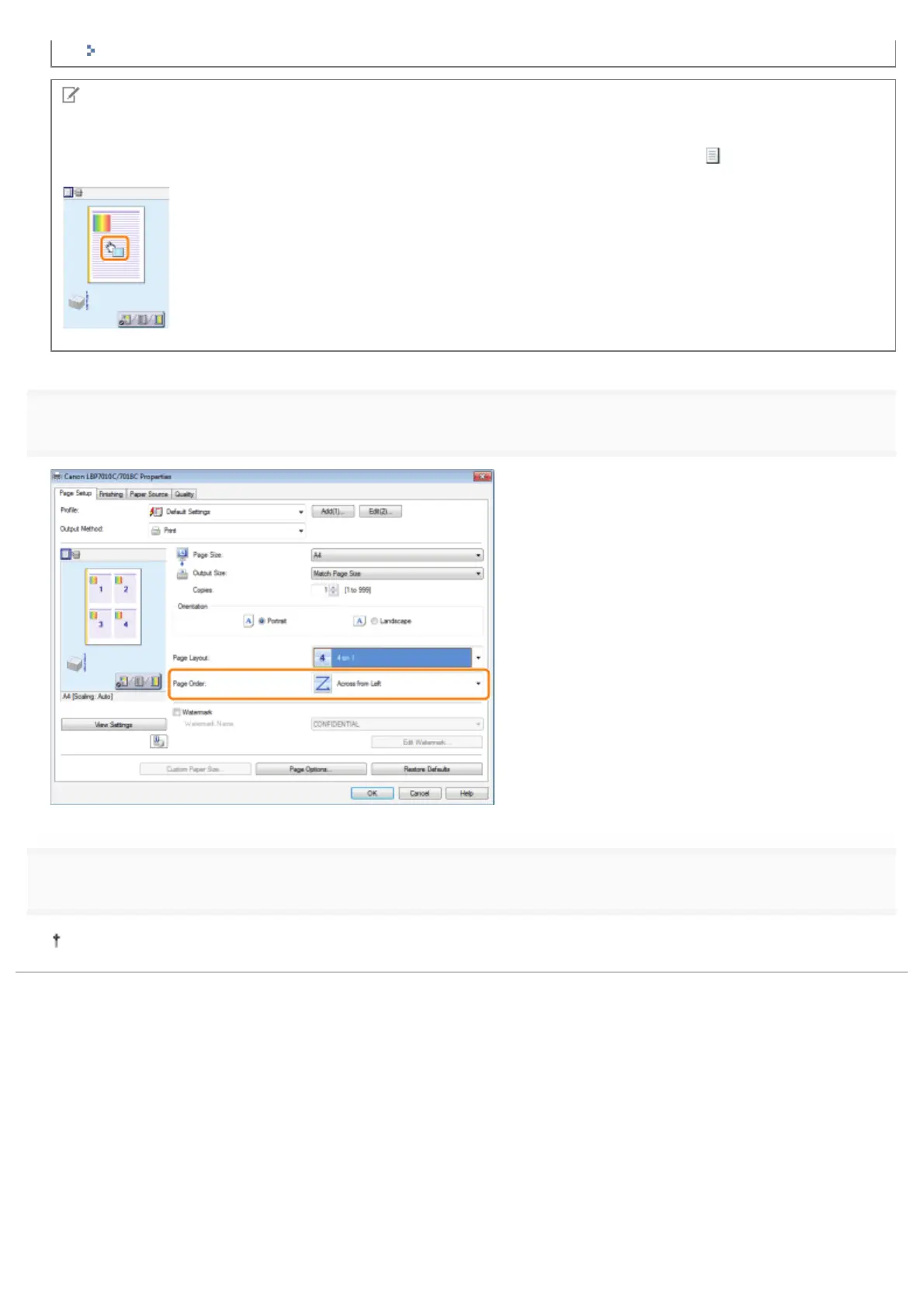
Specify the page order layout on paper.
4
Click [OK].
For details on the basic printing procedure, see "Basic Printing Procedure."
㻝㻣㻥㻌㻛㻌㻟㻠㻟













 To Next Page