4
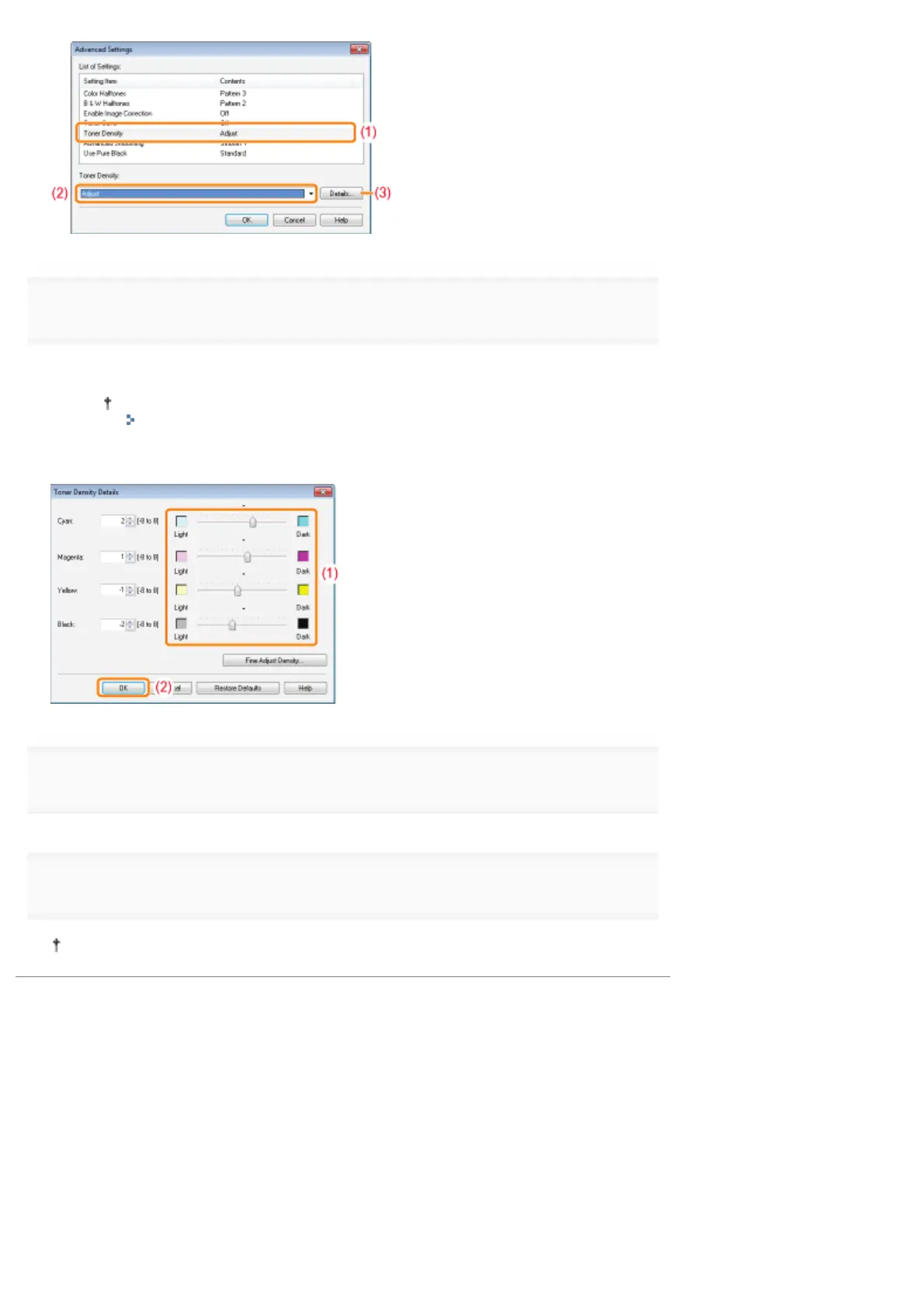
Adjust the toner density.
(1) Adjust the density by dragging the slider of each color horizontally.
You can also adjust the toner density of each color for each density range.
"Adjusting the Toner Density of Each Color for Each Density Range"
(2) Click [OK]. Then, the [Advanced Settings] dialog box reappears.
5
Click [OK]. Then, the [Quality] sheet reappears.
6
Click [OK].
For details on the basic printing procedure, see "Basic Printing Procedure."
㻞㻜㻥㻌㻛㻌㻟㻠㻟













 To Next Page