10
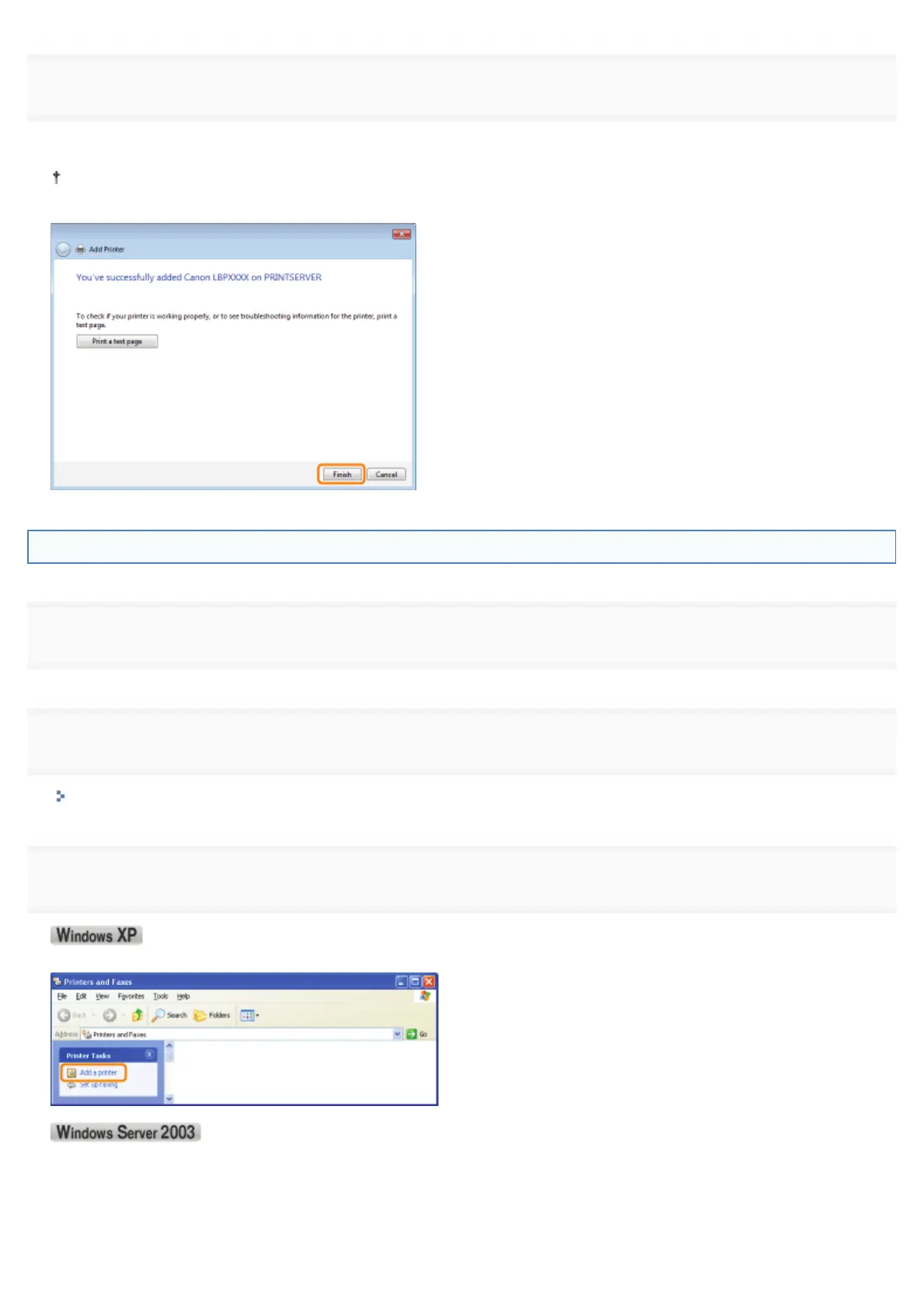
Click [Finish].
If you want to print a test page, click [Print a test page].
When [Set as the default printer] is displayed, select whether or not to use the printer as the default printer. (Windows
7 and Server 2008 R2)
Windows XP and Server 2003
1
Turn the computer on, and then log on to Windows.
2
Open the printer folder.
"Basic Operations/Various Information for Windows"
3
Display [Add Printer Wizard].
Click [Add a printer].
Double-click [Add Printer].
㻞㻠㻝㻌㻛㻌㻟㻠㻟













 To Next Page