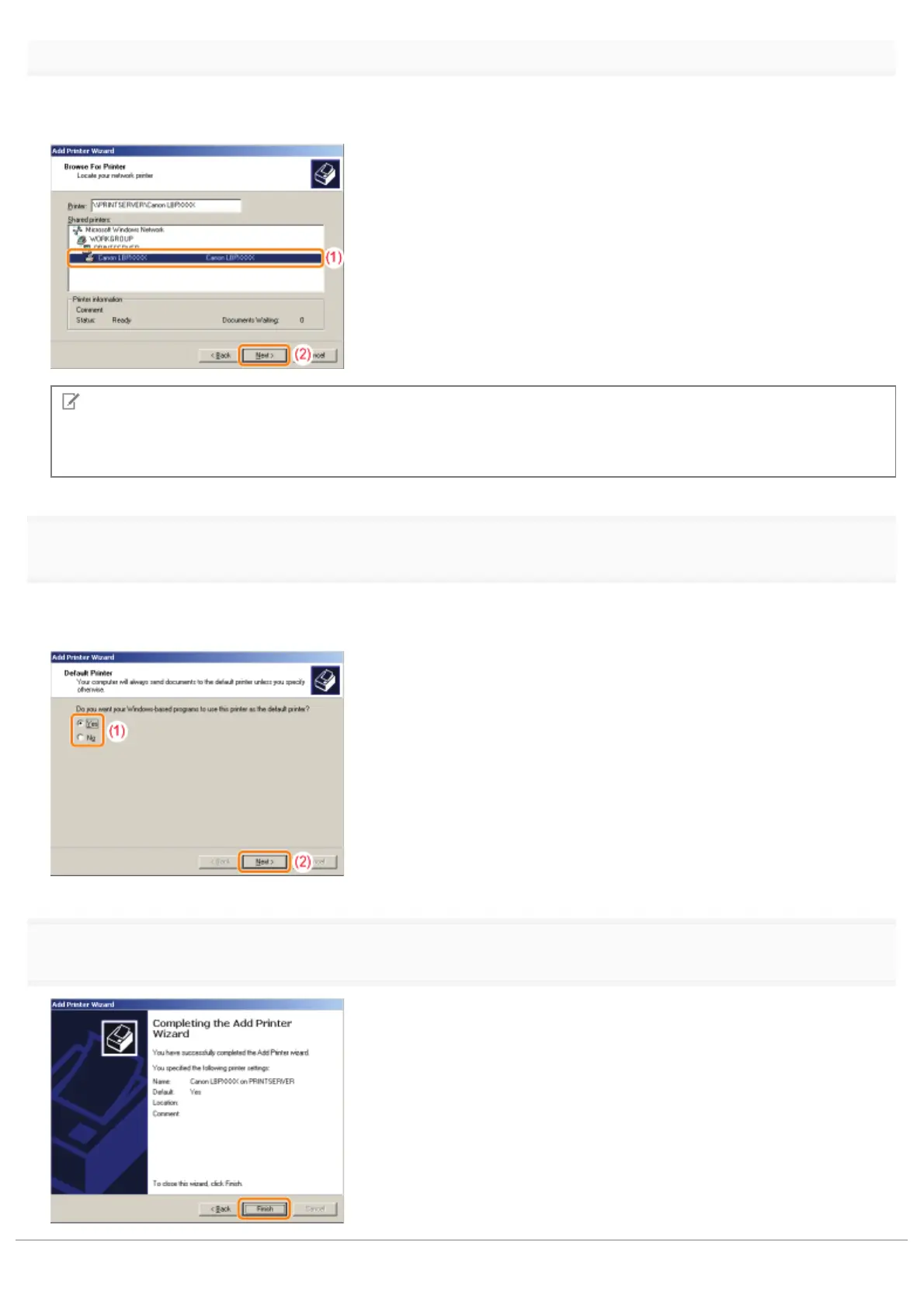
Select a shared printer.
(1) Select a shared printer on the print server.
(2) Click [Next].
NOTE
Specifying the network path directly
Specify the network path as "\\the print server name (the computer name of the print server)\the printer name."
8
Select whether or not to use the printer as the default printer.
(1) If you want to use the printer as the default printer, select [Yes].
(2) Click [Next].
9
Click [Finish].
㻞㻠㻢㻌㻛㻌㻟㻠㻟













 To Next Page