3
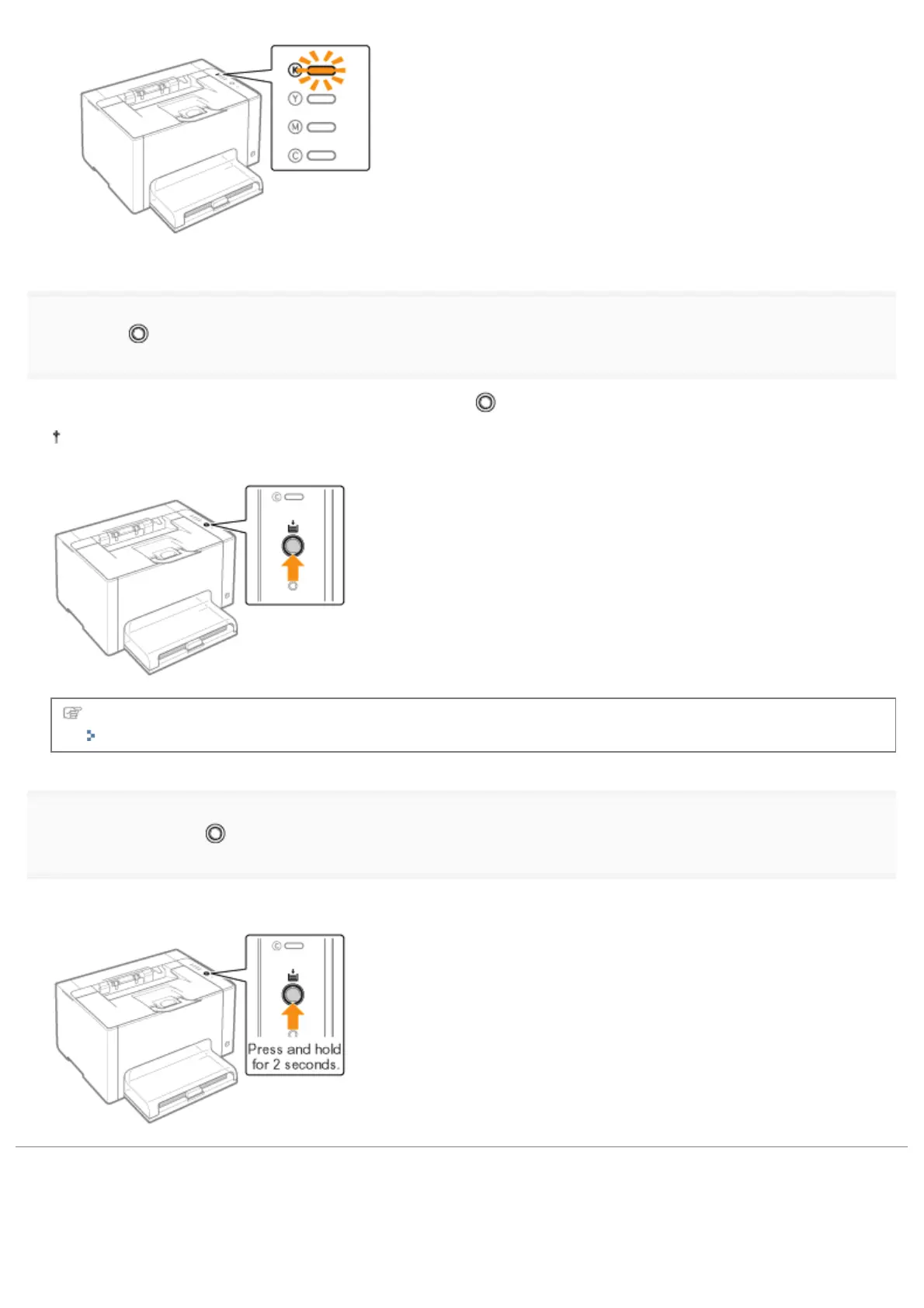
Press the [ ] (Paper) key. Then, the toner cartridges which are in the replacement position are
moved.
The toner cartridges move one color by one by pressing the [
] (Paper) key each time.
Do not open the top cover when the toner cartridges are moving (while the Toner indicator of the all colors are
blinking).
Replace the toner cartridges after moving is complete.
"Replacing the Toner Cartridge"
4
Press and hold the [ ] (Paper) key (for 2 seconds) after the toner cartridge replacement is
complete.
ĺ The toner cartridge replacement mode is released.
㻣㻜㻌㻛㻌㻟㻠㻟













 To Next Page