214
Contents
Preparation/
Setup
Print Using a
Computer
Appendix
IndexPrint/SaveInput/Edit
Names of
Components
Maintenance/
Printer Settings
Trouble-
shooting
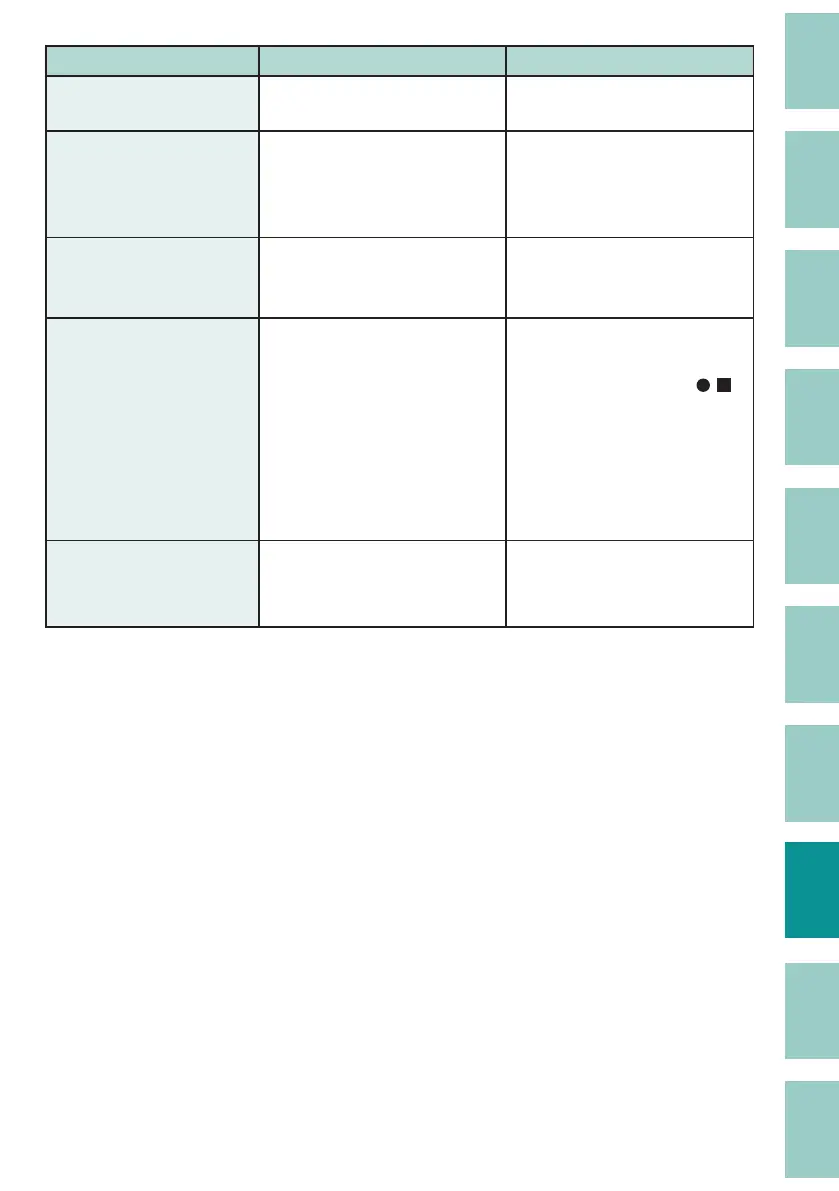
Problem Cause/Things to Check Solution
Characters are squashed
or blurred.
Are you printing small or
complicated characters?
Adjust the print density.
(P.90)
The surface of the print
media is dirty after
printing.
Ink may stick to the ribbon due
to the top of the print media
touching the ribbon during
printing.
Use a dry cloth to wipe o any
dirt on the print media.
Out of ribbon There is a sticky stain on the
tube that looks like the glue
from plastic tape.
Use a clean tube.
White vertical lines
appear when printing on
the plate.
The print density may not be
appropriate.
Adjust the print density to
match the print result.
(P.90)
• If black lled symbols ( ,
, etc.) cause streaks (lines),
reduce the density.
• If lines appear on characters
or symbols other than the
above, increase the density.
I cannot select a print
media other than "Plate"
in the print settings.
Some pages are set to
"Expansion" in the Plate Print
Area.
Set the Plate Print Area to
"Normal" or set the Cut Length
to "Automatic."
(P.55)


 To Next Page
 Loading...